
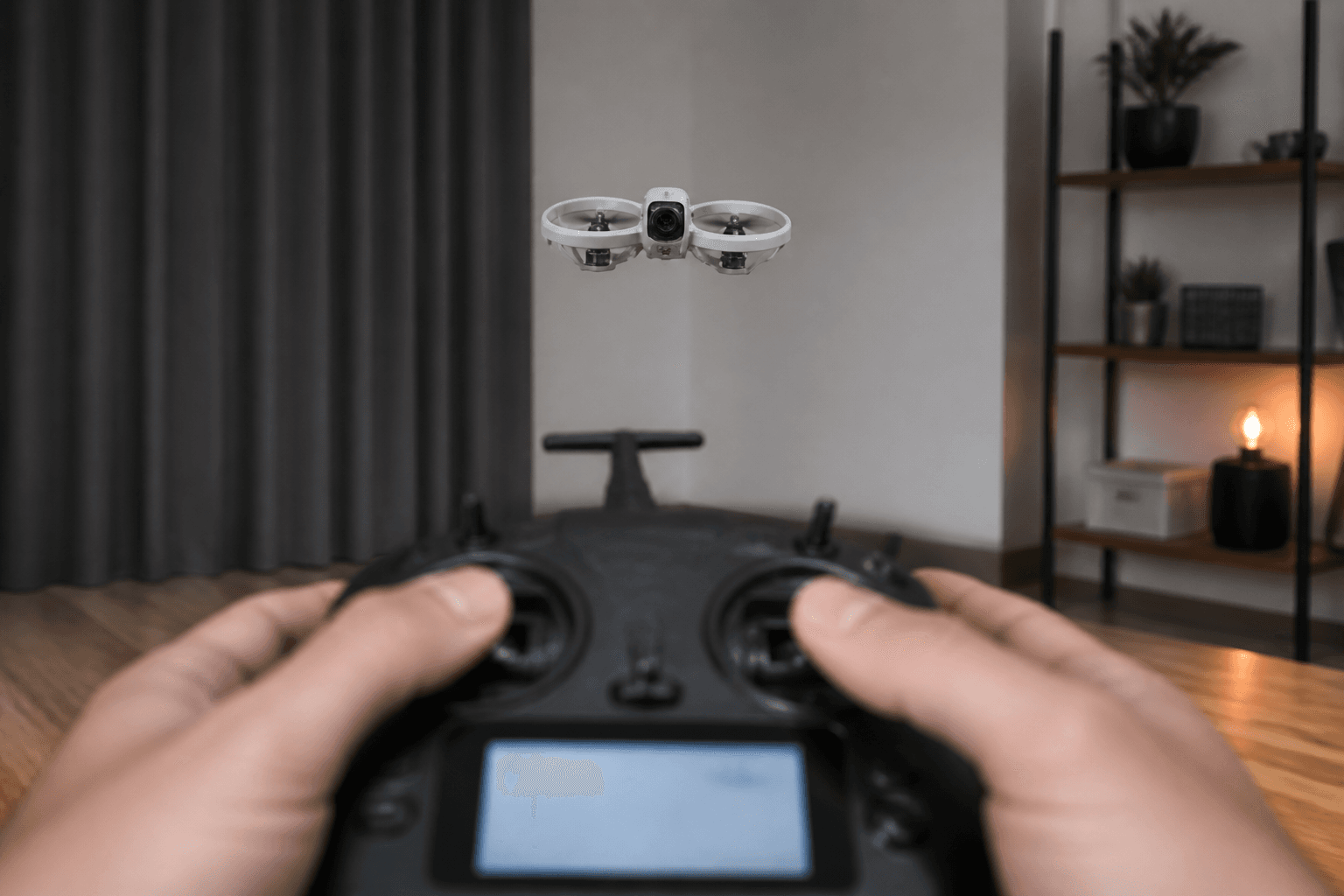
How to set FPV rates for beginners

Rates control how fast the craft rotates for a given stick deflection. They are not PIDs, and they are not “skill.” Beginners want calmer rates so hover and landings are learnable. Pros want snappy rates so freestyle lines feel sharp. Copying a freestyle dump on pack one is how whoops become floor magnets.
This guide is for whoops and first outdoor micros in India - apartment carpets, terrace hops, calm park sessions. Raise rates when your hands ask for it, not when a reel does.
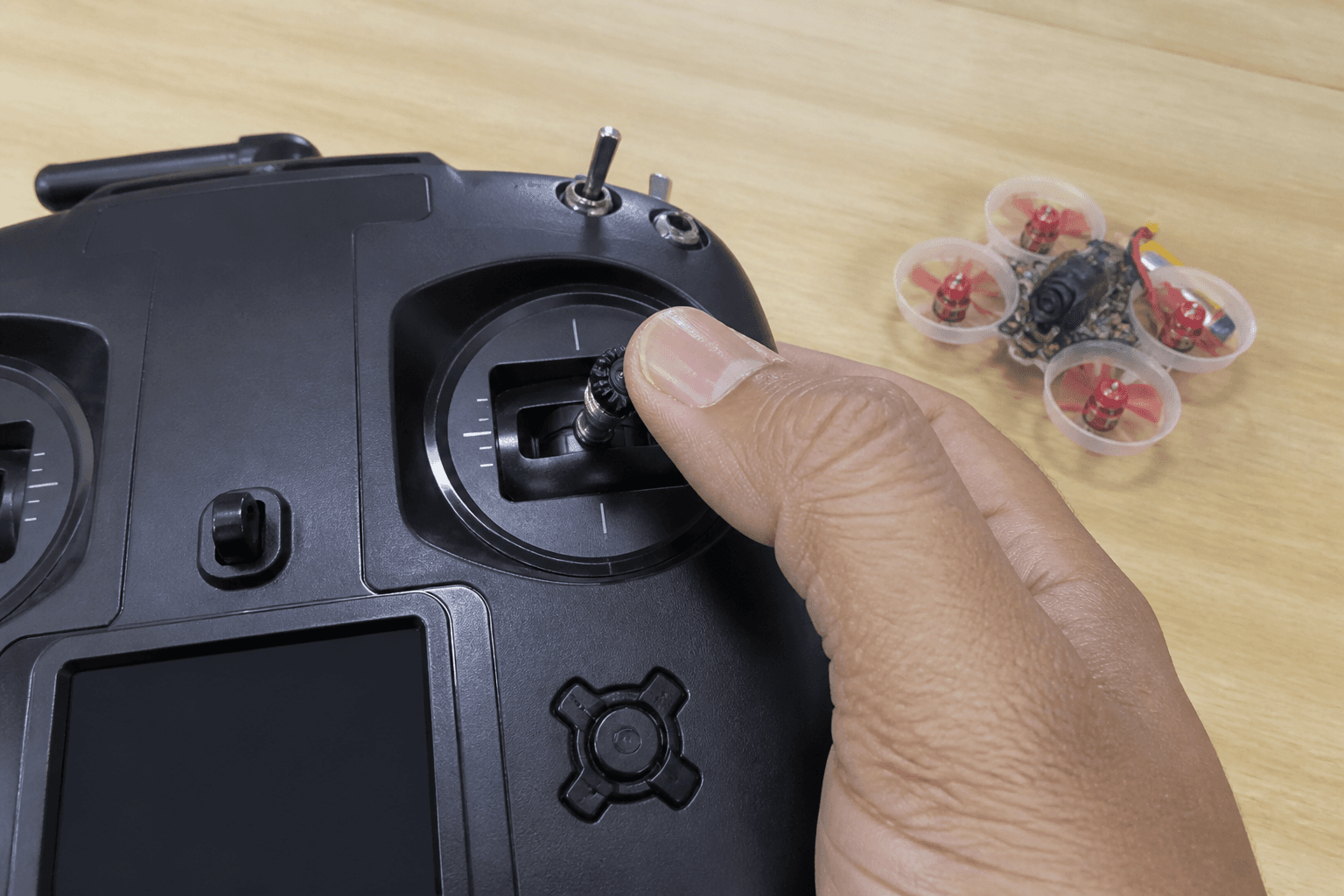
What rates actually change
| Term (Betaflight-ish) | Feel |
|---|---|
| RC rate / rate | How fast the craft rotates near mid-stick |
| Super rate / max rate | How violent full stick becomes |
| Expo | Softens the center so tiny corrections are calmer |
Exact field names vary by BF version and Rateprofile. The principle does not: lower rates = slower rotation = more time to think.
Related reading when you outgrow beginner settings: rates and expo freestyle vs racing · Betaflight tuning basics.
Beginner workflow (change one thing)
1. Fly stock rates for several packs (sim + real)
2. If twitchy at hover, lower rate slightly OR add a little expo
3. Change only one axis family at a time (or one global preset step)
4. Re-test: hover, soft landing, gentle figure-eight
5. Save a Rateprofile named "beginner" before you experiment
Skills first: how to hover · how to land · Acro transition: how to fly in Acro. Stick practice: /sim.
Starting targets (whoop-friendly mindset)
There is no universal number, but there is a universal feel:
| Goal | Rate feel | Expo |
|---|---|---|
| First Angle hover | Mild | Small if needed |
| First Acro packs | Mild–medium | Enough to calm center |
| Indoor gaps | Medium | Keep center soft |
| Outdoor freestyle later | Higher | Personal taste |
If full stick flip takes forever, rates may be too low for the drill you want. If a sneeze on the stick flips the craft, rates are too high for your stage.
Do not do these
| Mistake | Why it hurts |
|---|---|
| Paste a pro freestyle dump on pack one | Instant over-control |
| Raise rates to “feel faster” before hover | Speed is throttle and line choice, not panic rotation |
| Tune rates to hide bent props / bad motors | Fix hardware - replace whoop motor |
| Change rates and PIDs in the same pack | You will not know what helped |
| Different rates every flight | No muscle memory |
| Racing rates on a living-room whoop | Furniture tax |
Setup context: Betaflight for beginners · tiny whoop first flight setup.
Sim is the cheapest rate lab
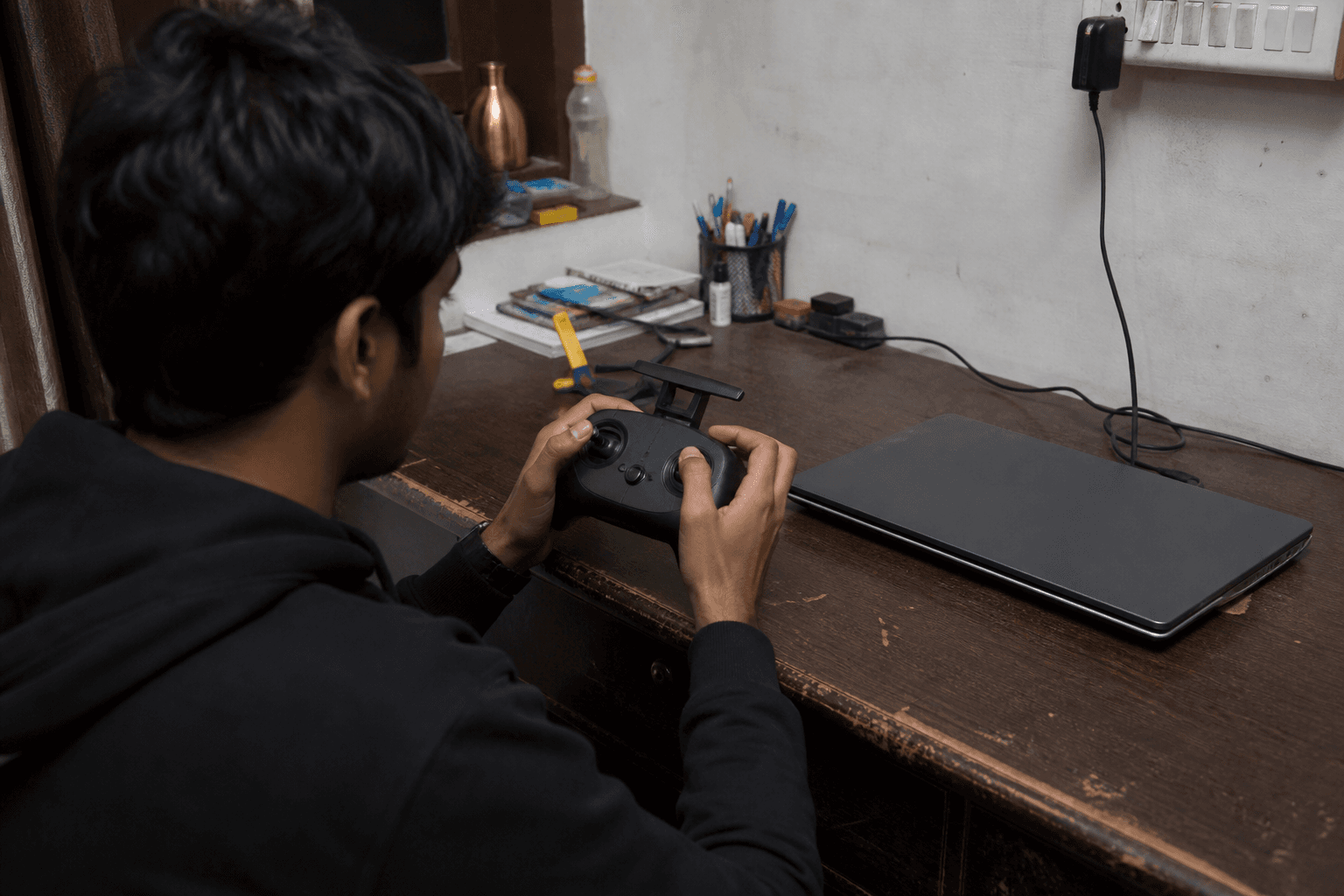
The browser simulator lets you feel rate changes without buying props. Workflow:
Sim rate drill
□ Hover 30 seconds without wall hits
□ Roll left/right and recover
□ Soft landing on a spot
□ Only then bump rates up one notch
□ If you crash more, bump back down - pride is not a Rateprofile
Also: best FPV simulator for beginners · best FPV simulators in 2026 · practice without a drone.
Failure modes that look like “bad rates”
| Symptom | Often actually is |
|---|---|
| Twitchy hover | High rates or Angle fighting you or vibration |
| Slow to flip | Low rates or weak battery / wrong props |
| Oscillation | Filters / PIDs / damaged props - not expo |
| Craft flips on arm | Stick not centered, high rates, motor direction |
| Feels different every pack | Soft packs, bent prop, or you changed two things |
Vibration triage: how to fix FPV drone vibration. After crashes: tuning after a crash.
India notes
Hot packs and soft 1S cells change how aggressive rates feel mid-session. Do not “fix” a sagging pack with higher rates. Charge and rotate batteries - how many LiPos for FPV. Apartment pilots should keep rates calm enough that a mistake is a carpet bounce, not a punch into a glass cabinet.
Mode 2 consistency matters more than fancy curves - what is Mode 2.
Suggested progression (eight weeks)
| Week | Rates goal |
|---|---|
| 1–2 | Stock / mild; hover and land |
| 3–4 | Tiny expo or tiny rate cut if twitchy |
| 5–6 | Mild Acro with same calm rates |
| 7–8 | Optional small increase after clean figure-eights |
When freestyle lines ask for snappier full-stick, raise max rate carefully and keep a “beginner” profile you can switch back to.
Bench
Whoops to learn on: the Bench. Compatible radio + craft lists: Grind Lab. Confirm stick feel on /sim before you chase blackbox.
See also
- OSD essentials
- How to reduce FPV drone crashes
- Propwash tuning - later, after rates make sense
Discussion
Comments aren't open on this post yet. Share it with your build group, or start a thread on X.