

Free · web sim in your browser · no install
Free online FPV simulator
Fly a tiny whoop through a house, out the window and round the garden, or a 5-inch through a construction site. Pick a level, a drone and a skill from the sim’s own menu, check your controller, and crash as much as you want before you fly a real one.
Pick your level, drone and skill inside. No download, no account needed to fly.
- 7 maps
- 8 courses
- Beginner to pro
- Keyboard, touch or controller
Maps you can fly in the browser
Every map is free and loads straight into the web sim. Indoor maps are whoop-only, so fly them like a real tiny whoop: low, slow and through the gaps.
Grind CentralOutdoor
A metro hub under a glass vault: trains pulling in, two floors of lit shops, a spiral chandelier to thread, a bridge and escalators.
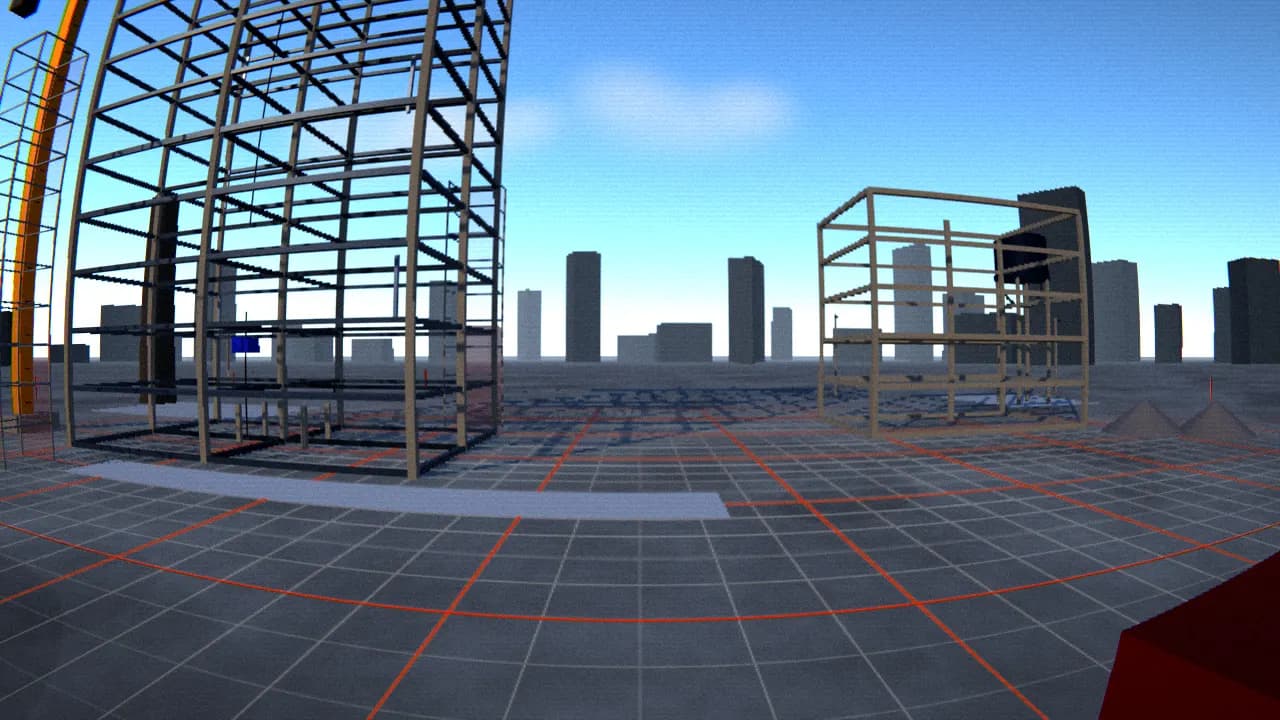
Fly Grind CentralConstruction siteOutdoor
Open-frame towers, a crane, containers and pipes. Room to go fast.
Fly Construction siteFarmlandOutdoor
Wheat and corn as far as you can see, a farm village with a barn to fly through, and pine rows with gaps.
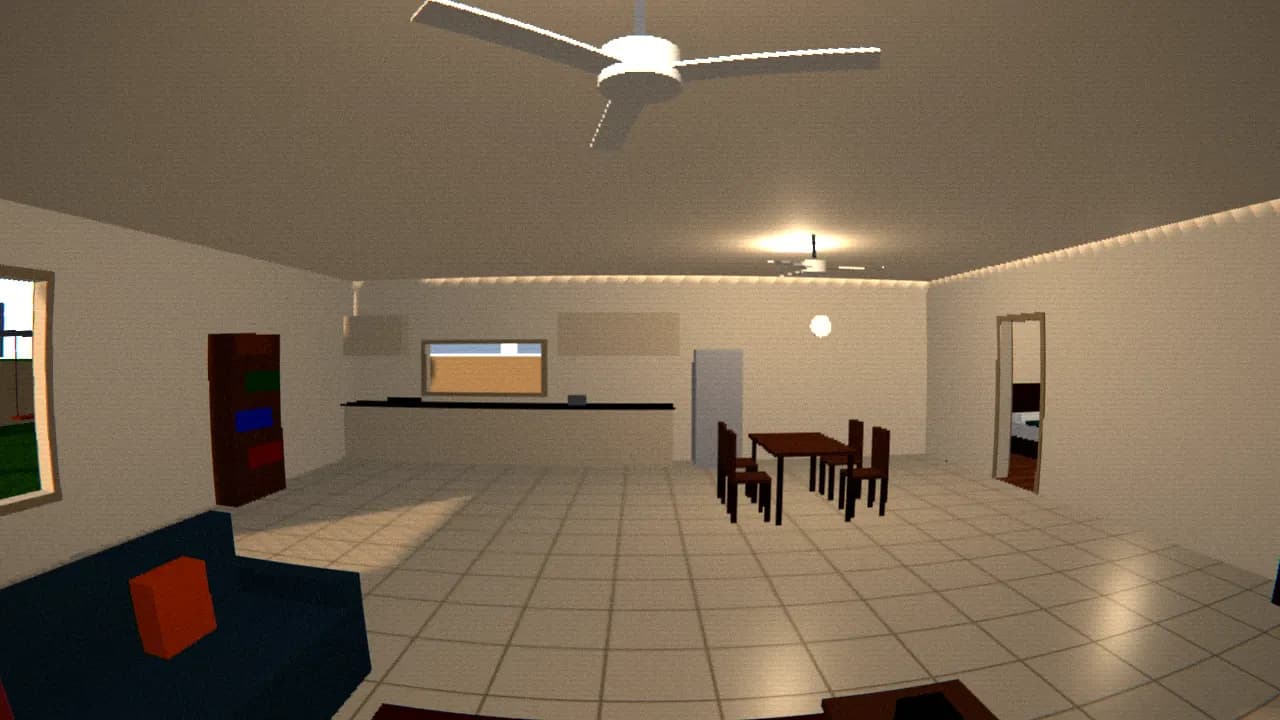
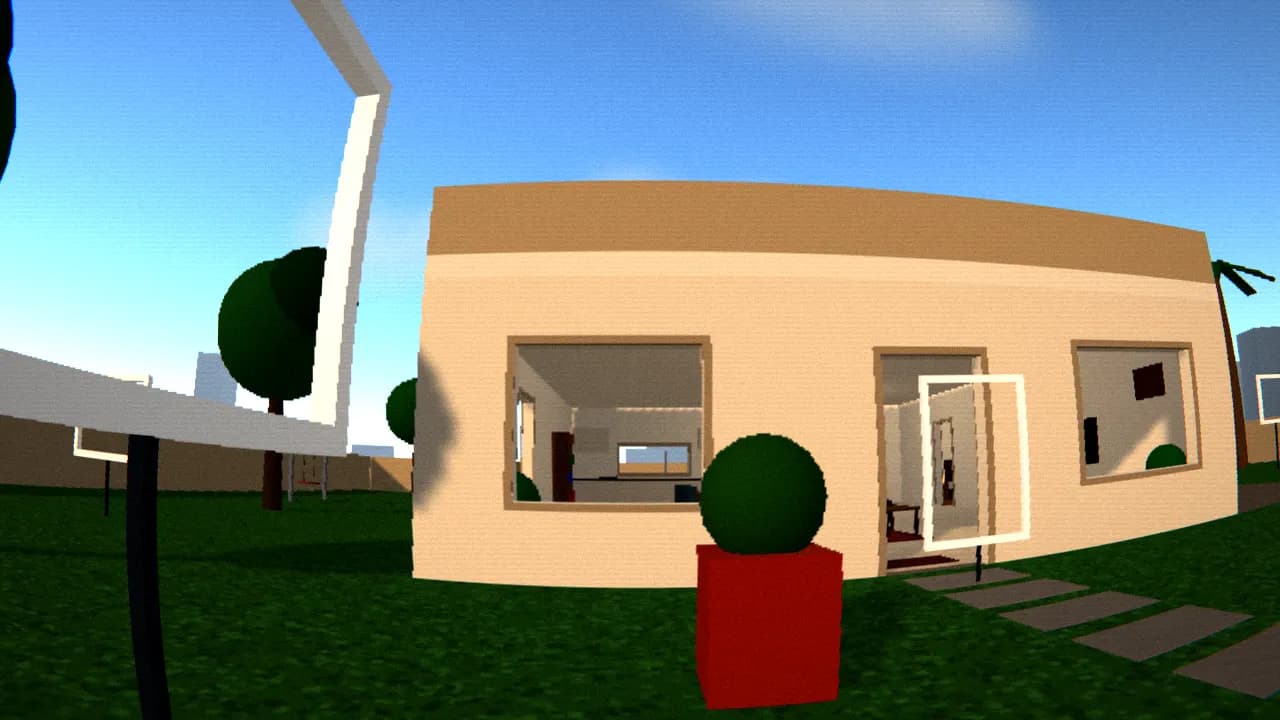
Fly FarmlandHouse & gardenIndoor · whoop
Fans, sofa and a bedroom inside; out the open windows to a garden, the roof terrace and back in.
Fly House & gardenFactoryIndoor · whoop
A working factory hall: a production line, pallet racks to thread, a mezzanine to dive under and an overhead crane.
Fly FactoryTimber CoveOutdoor
A lumber village on a lake at golden afternoon: a sawmill to fly through, docks to skim under, pines and a lighthouse. A style experiment.
Fly Timber CoveOrbit StationIndoor · whoop
A toy space station over a ringed planet: a two-storey hub with a gallery, doorways and corridors to the hangar, lab and bunks. A style experiment.
Fly Orbit Station
Two drones, two ways to fly
- Tiny whoop simulator
- 65–75 mm ducted, light and forgiving. Bounces off things. Indoors and out.
- 5-inch simulator
- Freestyle quad: nearly three times the speed, hover at a third of the stick, and it doesn't bounce. Outdoors only.
Controls
Keyboard
- W / S
- Throttle up and down
- A / D
- Yaw left and right
- Arrows
- Pitch and roll
- M
- Switch angle / acro
- R
- Back to the start
- N / P
- Sound on or off / show frame rate
Phone or tablet
- Left stick
- Throttle and yaw
- Right stick
- Pitch and roll
- Hold sideways
- Landscape gives you the most room
Controller or radio
- Plug in
- Any gamepad, or a radio over USB
- Press a button
- The sim wakes it up
- Settings
- Invert axes, your Betaflight rates, camera tilt
Mode 2 throughout: throttle on the left stick, the layout most radios ship with.
Free online FPV simulator: questions
- Is this FPV simulator really free?
- Yes. The sim, all 7 maps, all 8 practice courses, the weekly Sim Cup and multiplayer rooms are free, with no download and no trial timer. You can fly without an account; a free pilot account keeps your logbook (air time, moves landed, bests) on every device.
- Do I need an account?
- Not to fly. Every map, drone and course works straight away. A free pilot account, made from the Pilot menu inside the sim, keeps your logbook (air time, distance, every move you land, your bests per map) and your rates on every device, puts your Sim Cup laps on the leaderboard, and lets you post flights from the replay so anyone can watch them in 3D. Other pilots only ever see your pilot name.
- Do I need to download anything?
- No. It runs in the browser with WebGL, so Chrome, Firefox or Safari on a laptop, desktop, phone or tablet is enough. Open the page and press Enter the sim.
- Can I use my FPV radio or a gamepad?
- Yes. Plug in any gamepad, or a radio that connects over USB as a joystick, and press a button so the browser sees it. You can invert axes and set rates in Settings. Keyboard and on-screen touch sticks work too.
- Does it work on a phone?
- Yes. Hold the phone sideways and fly with two on-screen sticks: throttle and yaw on the left, pitch and roll on the right. A radio or gamepad still gives the most realistic practice.
- Angle mode or acro mode: which should a beginner use?
- Start in angle mode, where the quad levels itself, until hovering and soft landings feel easy. Then press M to switch to acro, which is how real freestyle quads fly. The sim starts on acro rates by default.
- Can I fly on my own Betaflight rates?
- Yes. Open Settings, then Rates, and enter your center sensitivity, max rate and expo. The sim uses Betaflight's Actual rates formula, so the sticks turn the quad at the same speed as your real one. Camera tilt and field of view are in Settings too.
- What is the difference between the whoop and the 5-inch?
- They fly as different aircraft. The whoop is light and draggy, tops out around 60 km/h, hovers at half stick and bounces off walls on its ducts. The 5-inch reaches about 170 km/h, hovers near a third of the stick and ends the flight on most hits. Each has its own motor sound.
- Does the sim recognise freestyle moves?
- Yes, as you fly them. 26 moves, from rolls, flips and power loops to Matty flips, Rubik's cubes, juicy flicks, trippy spins, knife edges, wall rides, gaps and perches, are called out on screen the moment you complete them, and moves linked without a pause are called as a combo. A move counts once you have flown out of it; crash straight after and it doesn't. Your counts are kept in your browser.
- How does it compare with Liftoff or VelociDrone?
- Use this sim for your first hours of stick time, at no cost. Liftoff and VelociDrone are paid desktop sims with deeper physics, more maps and race lobbies, and they are worth buying once you practise several times a week.
From the sim to a real whoop
Sticks feeling easy?
Tiny whoops are the safest first quad: ducted, light and happy indoors. Find pilots near you in the community, or browse whoop parts (the shop ships within India).