
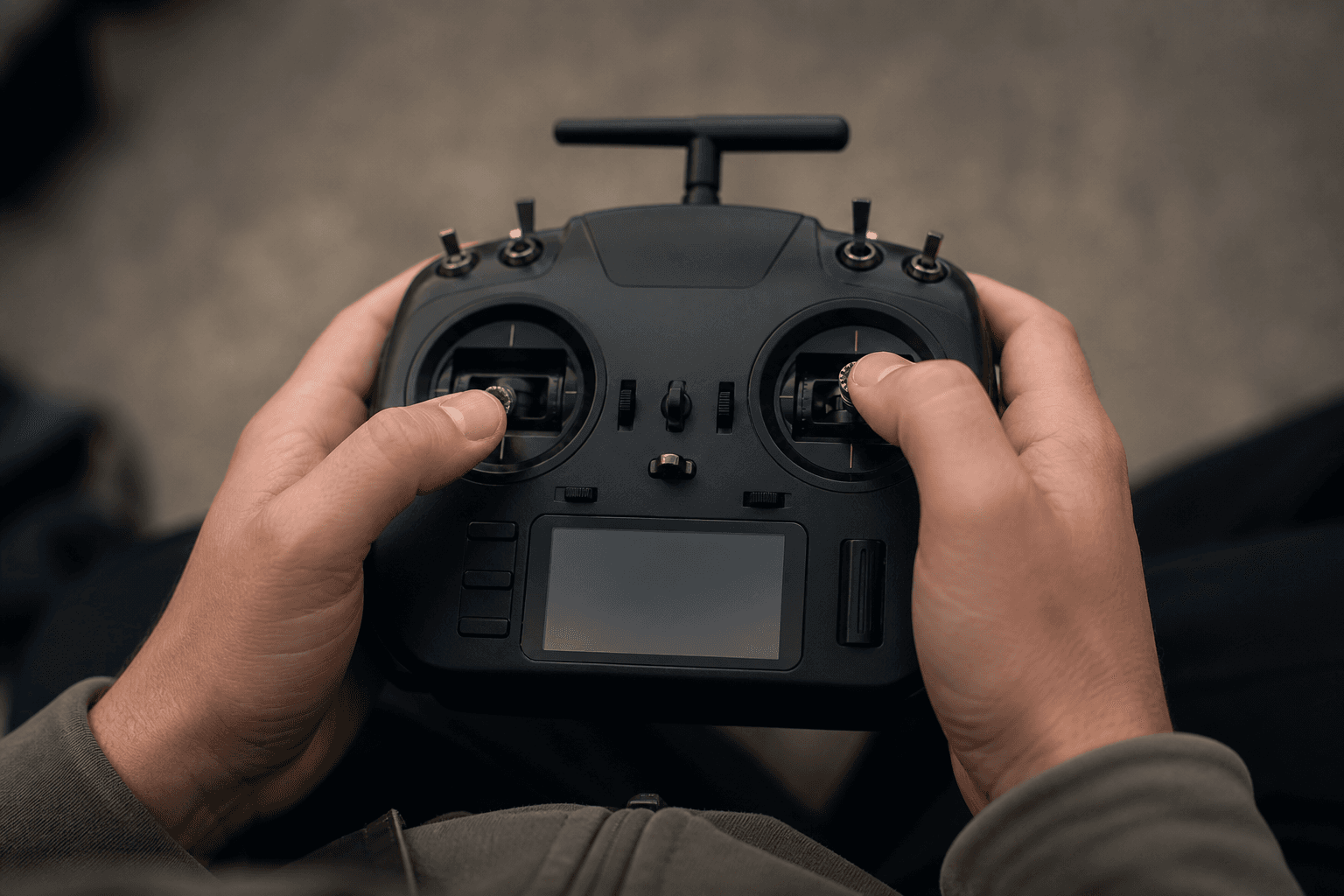

Mode 2 is the stick layout almost every beginner guide, simulator, and India kit radio assumes. Left stick is throttle and yaw; right stick is pitch and roll. If your radio is Mode 1 (or something custom) while tutorials are Mode 2, every tip will fight your hands.
This is not a personality test. Pick Mode 2 unless you already have deep muscle memory in another mode from airplanes - and even then, most FPV mentors in India will help you faster if you fly Mode 2.
Mode 2 map
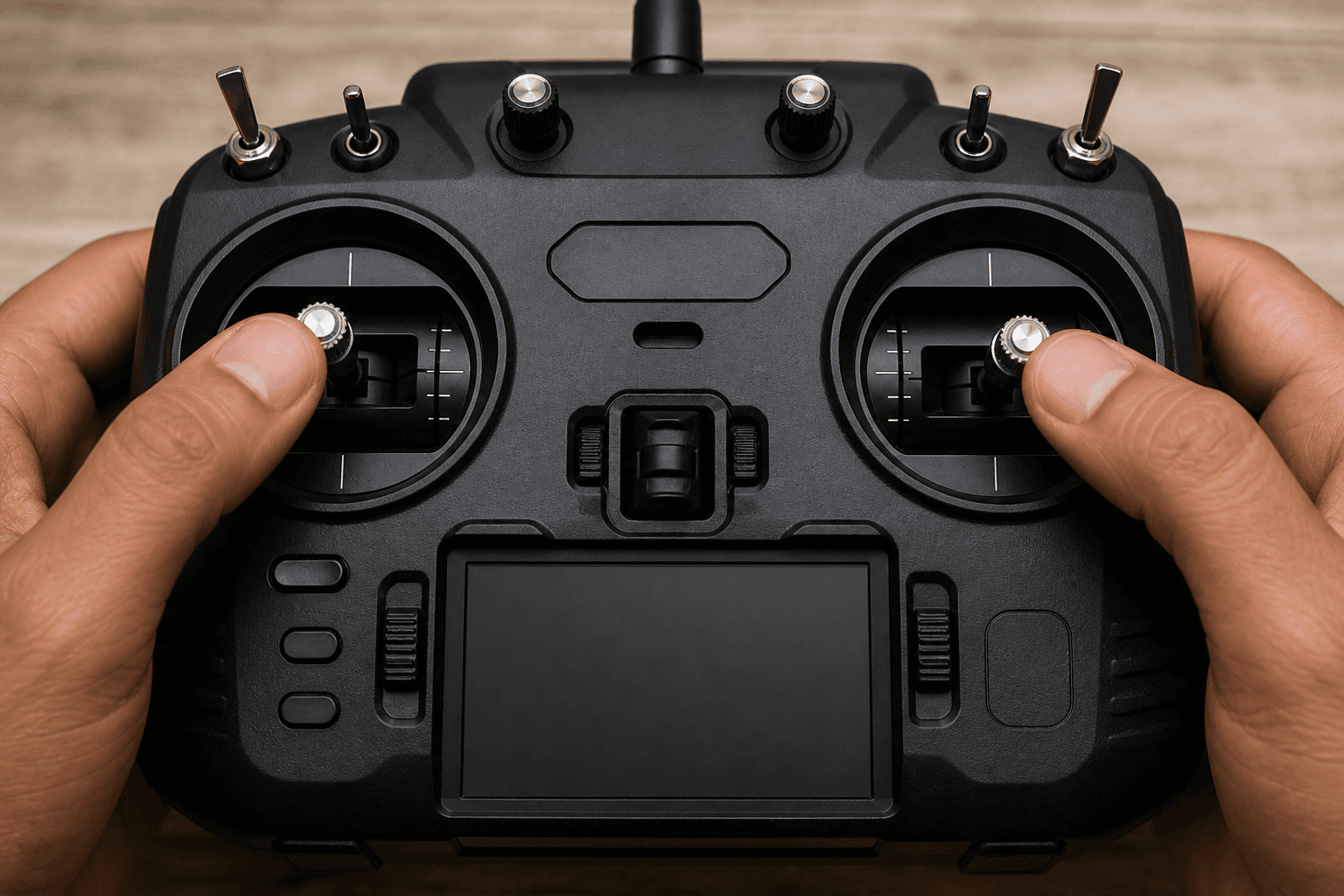
| Stick | Up / down | Left / right |
|---|---|---|
| Left | Throttle | Yaw |
| Right | Pitch | Roll |
Throttle is a held axis (altitude / power). Pitch, roll, and yaw are self-centering on most FPV radios - release and they spring to middle.
Mode 1 vs Mode 2 (why mixing tutorials hurts)
| Mode | Throttle lives on | Common in |
|---|---|---|
| Mode 2 | Left stick | Most FPV sims, US/India hobby default |
| Mode 1 | Right stick | Some airplane communities / regions |
If a video says “add a little right stick forward” they mean pitch in Mode 2. On Mode 1 that same sentence can mean throttle. Do not cross-wire your brain for the first hundred packs.
Why beginners should stay Mode 2
□ Matches the [browser simulator](/sim) on FPV Grind
□ Matches most India kit radios out of the box
□ Matches most mentor hands at city meetups
□ Matches nearly all written beginner drills (hover, Acro, freestyle)
□ Easier to borrow a friend’s radio without relearning axes
Communities: FPV shops and communities by city. Getting started sequence: how to get started with FPV.
How to confirm your radio
- Open the manual or EdgeTX / OpenTX model setup and find stick mode.
- Watch the channel monitor while you move sticks - throttle should move on the left stick vertically in Mode 2.
- In the sim, confirm the same hands map the same way before you blame the whoop.
Gimbal and firmware notes: radio gimbals and EdgeTX basics · set up EdgeTX for FPV. Radio shopping: FPV radio for beginners India · how to choose an FPV radio.
Mode 2 drill set (sim or whoop)
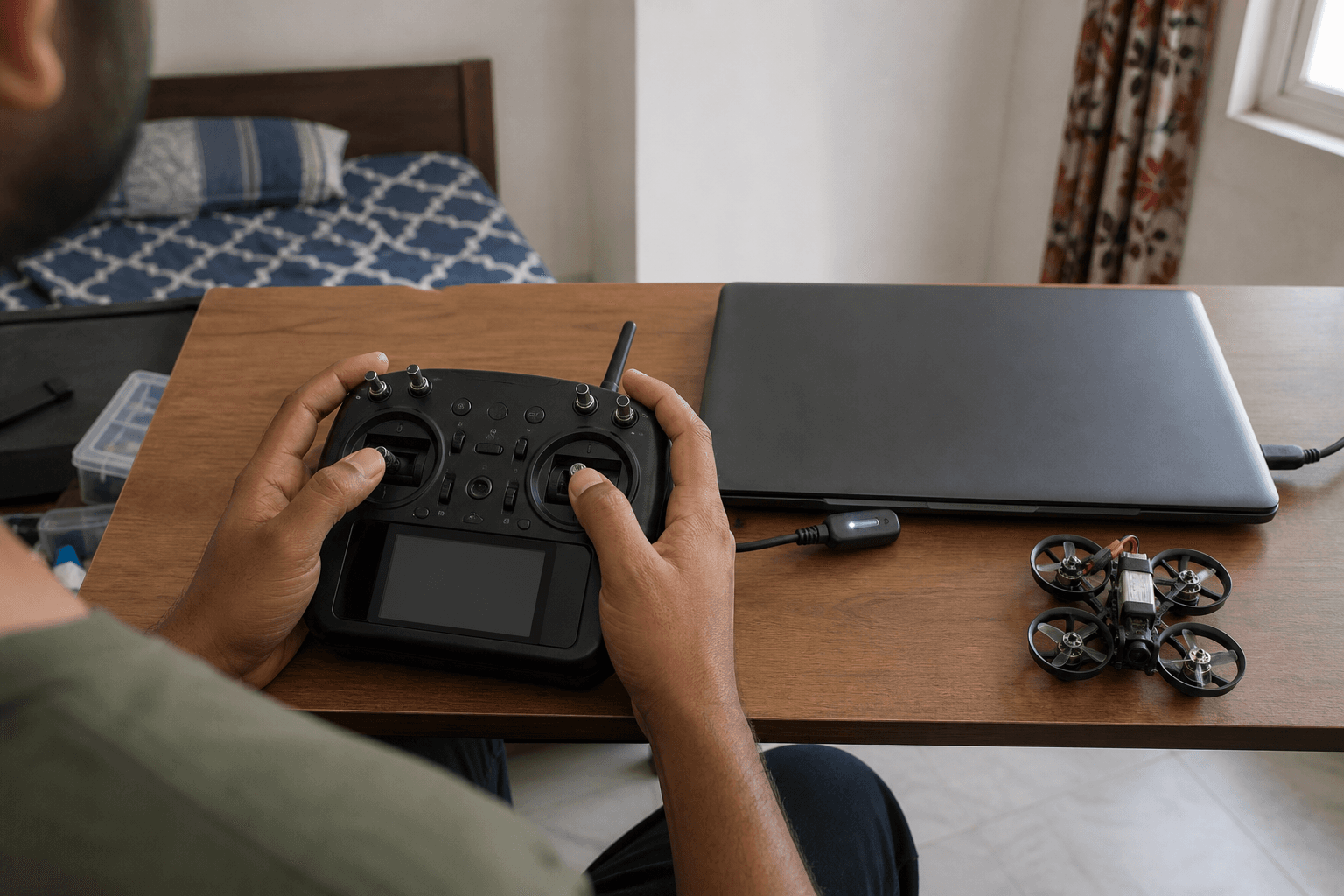
| Drill | Left stick | Right stick |
|---|---|---|
| Hover | Tiny throttle hold | Tiny pitch/roll corrections |
| Yaw pirouette | Throttle steady + yaw | Stay level with pitch/roll |
| Forward slow | Throttle as needed | Gentle forward pitch |
| Figure-eight | Smooth throttle | Coordinated pitch + roll |
| Landing | Slow throttle down | Level with pitch/roll |
Hover and land guides: how to hover · how to land. Acro still uses Mode 2 sticks - fly Acro.
Failure modes that are actually mode confusion
| Symptom | Often means |
|---|---|
| “Throttle does nothing” on right stick | You expect Mode 1; radio is Mode 2 |
| Craft yaws when you wanted roll | Axis mix-up / wrong mode muscle memory |
| Sim feels fine, radio feels alien | Sim Mode 2 vs radio Mode 1 (or reverse) |
| Mentor’s tips feel backwards | Different stick modes between you |
Fix the mode, then practice. Do not retune PIDs to compensate for crossed wires in your brain.
Rates and Mode 2
Mode is layout; rates are sensitivity. After Mode 2 is confirmed, calm rates help beginners - how to set FPV rates for beginners. ELRS is the control link under those sticks - what is ExpressLRS.
India kit reality
Cetus-class kits and Pocket-class ELRS radios almost always arrive Mode 2. Change modes only if you know why. If you share a radio in a family or club, label the model clearly so nobody flips stick mode between sessions.
Apartment practice still needs spectator rules - kids, pets, and spectators · apartments and terraces.
Switching modes later (advanced)
You can change stick mode in EdgeTX, but you must rebuild muscle memory and re-check every mix, switch, and tutorial assumption. For a brand-new pilot, the cost is weeks of confusion. Stay Mode 2 through hover, Acro, and first freestyle lines.
Bench
ELRS Mode 2 radios: the Bench. Pair radio + whoop in Grind Lab. Train Mode 2 tonight on /sim.
Discussion
Comments aren't open on this post yet. Share it with your build group, or start a thread on X.