
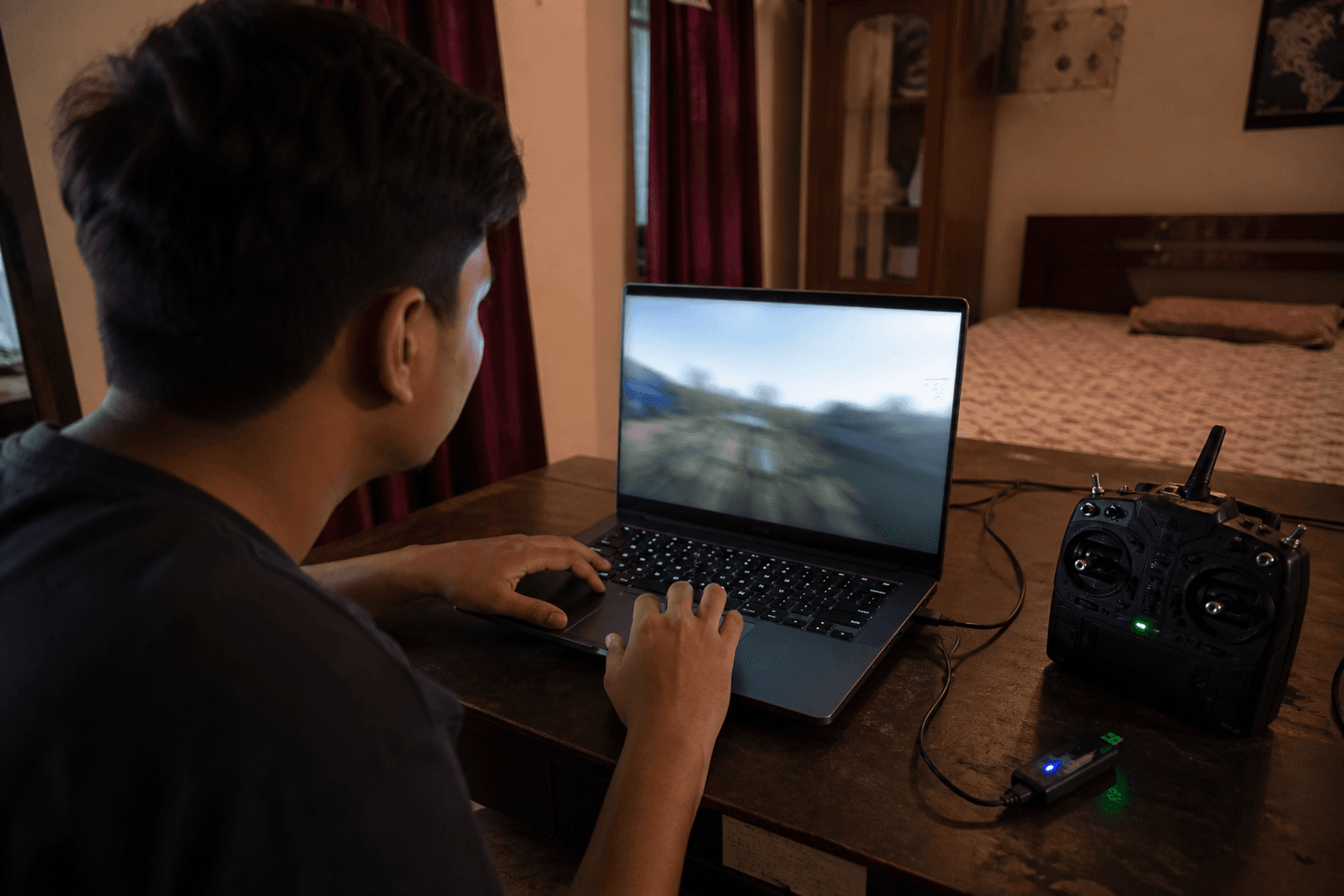
Best FPV simulator for beginners

The best FPV simulator for beginners is the one you actually open today. Spec sheets and Steam wishlists do not build Mode 2 muscle memory. FPV Grind’s answer for most new pilots in India: start free in the browser on /sim, then graduate to a desktop sim only if you already know you like FPV.
Why sim-before-whoop wins: FPV simulator before first whoop. Practice without buying a craft: how to practice FPV without a drone.
Start here: free browser sim
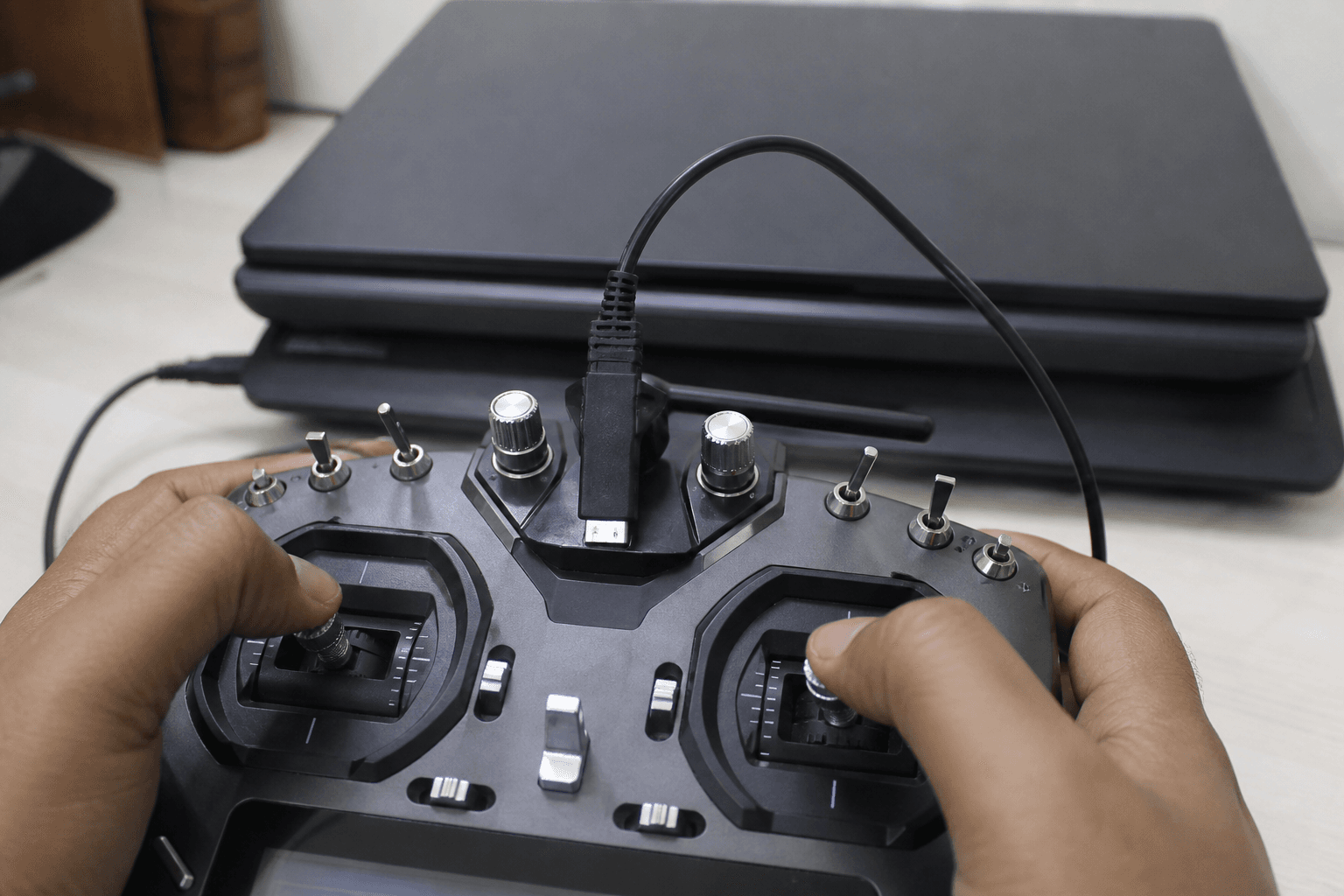
FPV Grind’s online FPV simulator runs in Chrome, Firefox, or Safari - no app to install, gamepad or touch sticks, multiplayer rooms available. Use it to learn Mode 2 hover before you buy props.
| Need | Browser /sim | Desktop sim later |
|---|---|---|
| Start in five minutes | ● | ○ |
| No GPU / Steam friction | ● | ○ |
| Try FPV before spending | ● | ◐ |
| Race tracks / many maps | ◐ | ● |
| Real radio as primary trainer | ◐ (later USB) | ● |
| Highest fidelity graphics | ○ | ● |
● = strong · ◐ = workable · ○ = poor default for week one
Mode 2 orientation: what is Mode 2 FPV.
When to move to a desktop sim
Move up when you want more maps and race tracks, your real radio via USB/dongle as the primary trainer, or higher graphics fidelity. Liftoff, VelociDrone, Uncrashed, and similar tools are excellent after you already know you like FPV - not as a prerequisite purchase that delays first stick time. Full landscape: best FPV simulators in 2026.
Stay on browser sim while:
□ You are still learning hover and soft landings
□ Gear is shipping / budget is for a whoop first
□ You open the sim 4+ times a week already

Consider desktop when:
□ Hover is boring and you want tracks / freestyle maps
□ You own a radio and want USB practice every night
□ You have a PC that already runs games fine
Beginner practice plan
Week 1: hover + soft landings (same spot, 10 reps)
Week 2: figure-eights at constant height
Week 3: gentle punch and recover + yaw without climbing
Then: buy whoop / kit - landings still drilled every session
Landing and hover guides: how to land · how to hover. Broader learning path: how to learn FPV.
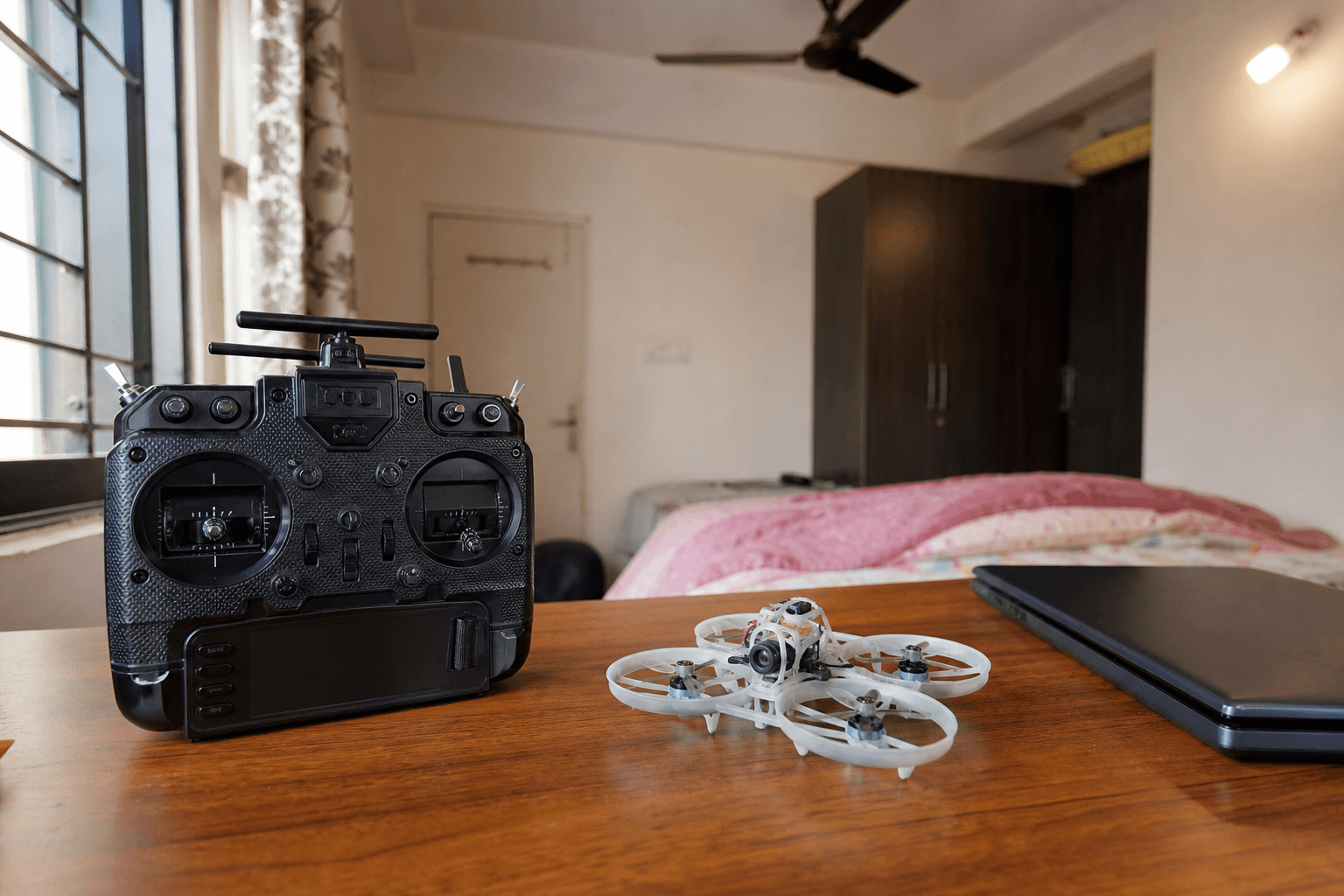
Pair sim with the craft you will buy
| First physical craft | Sim emphasis |
|---|---|
| Tiny whoop | Low-rate hover, throttle discipline, soft landings |
| Cinewhoop | Slow lines, altitude discipline, no panic punch |
| 5" freestyle | Rates closer to field craft; recovery drills |
Class choice: what FPV drone should I buy first · what size FPV drone · cinewhoop vs micro vs 5".
India notes
- Apartments: weekday sim sessions keep skills sharp when terrace noise is political - apartments and terraces.
- Shipping lag: LiPos and kits take time; sim fills the gap - LiPo shipping.
- Budget: cheapest start is free sim hours, then a kit - cheapest way to start FPV in India.
Optional early radio: FPV radio for beginners India.
Failure modes
| Mistake | What happens |
|---|---|
| Waiting for the “perfect” desktop sim | You never start |
| Only punching around for fun | No hover muscle; day-one crashes |
| Buying a whoop with zero sim time | Prop donations week one |
| One long binge, then silence | No retention |
| Skipping landings in sim | Tip-overs forever |
Ready-for-whoop checklist
□ 8/10 soft landings on the same spot
□ 30-second hover without panic yaw
□ You open /sim several times a week without forcing it
□ You know where the whoop will fly this month
Bottom line
Best beginner sim = the free browser one you open tonight. Add a desktop sim when maps, radio USB practice, or graphics are the bottleneck - not when hesitation is. Train hover and landings until they are boring, then buy a craft.
Bench
Train on /sim, then pick a first craft with what FPV drone should I buy first and the Bench. Compatible builds: Grind Lab.
See also
- Free online FPV simulator
- Best FPV simulators in 2026
- FPV simulator before first whoop
- How to practice FPV without a drone
- How to get started with FPV
FAQ
- What is the best FPV simulator for beginners?
- The best beginner sim is the one you will actually use daily. A free browser sim is enough to learn Mode 2 hover and orientation before a whoop arrives; paid desktop sims add realism later if you stay in the hobby.
- Do I need a real radio for simulator practice?
- A USB or supported radio feels best, but many beginners start with on-screen or basic controls just to learn orientation. Move to a real Mode 2 ELRS radio when you commit to buying a craft.
- Will a simulator replace real whoop flying?
- No. Sims teach sticks and orientation; real thrust, crash noise, and pack management still need a ducted whoop. Use both: sim first, short real sessions second.
Discussion
Comments aren't open on this post yet. Share it with your build group, or start a thread on X.