
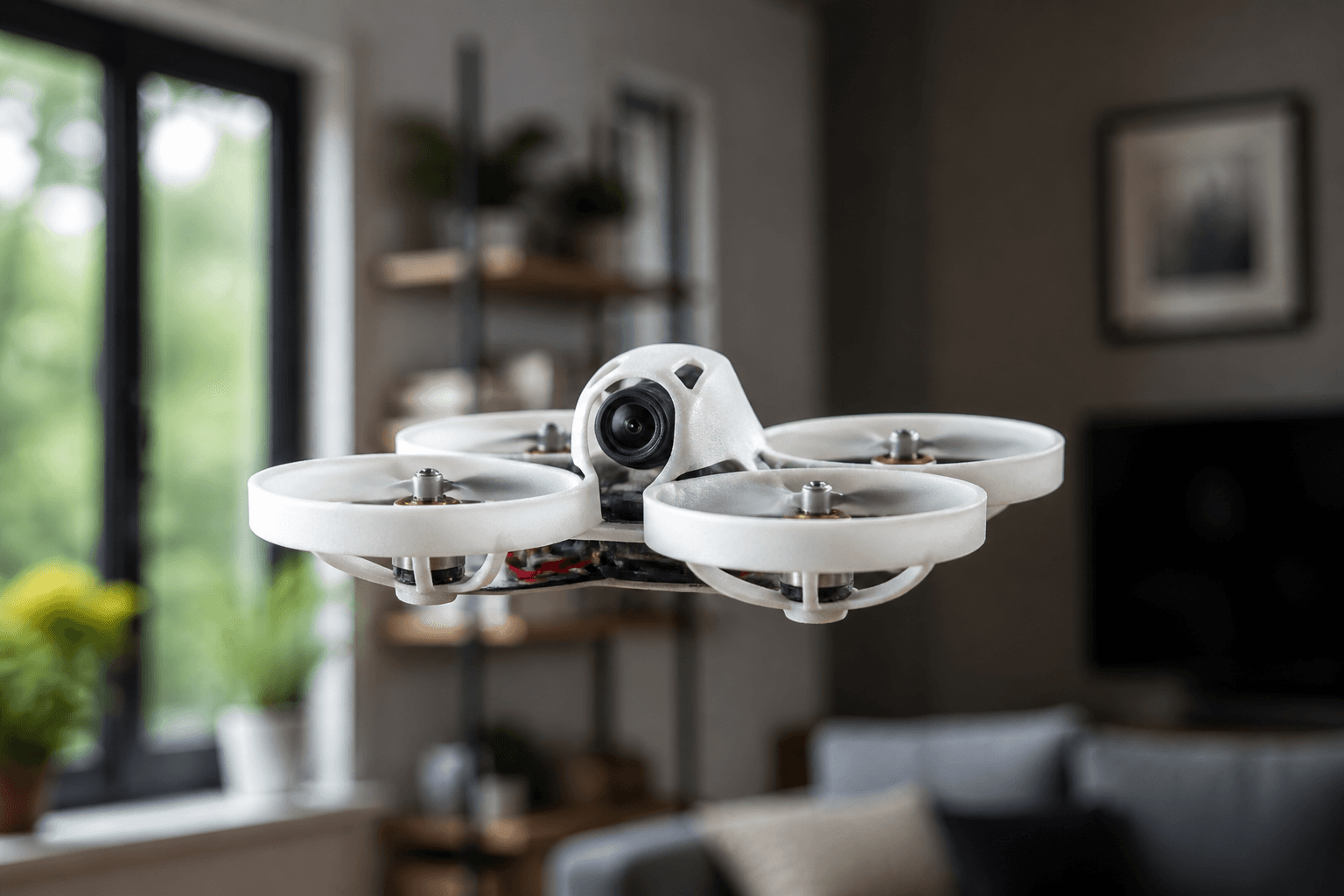

Hover is the first real skill. If you cannot hover, flips are just expensive noise. Freestyle reels hide hundreds of calm packs spent learning to hold a point in space without chasing the craft with panic sticks.
FPV Grind treats hover as the gate between “I own gear” and “I can fly.” Drill it in the browser sim until boring, then on a ducted whoop in a clear room. Session context: how to fly an FPV drone for beginners.
Why hover first
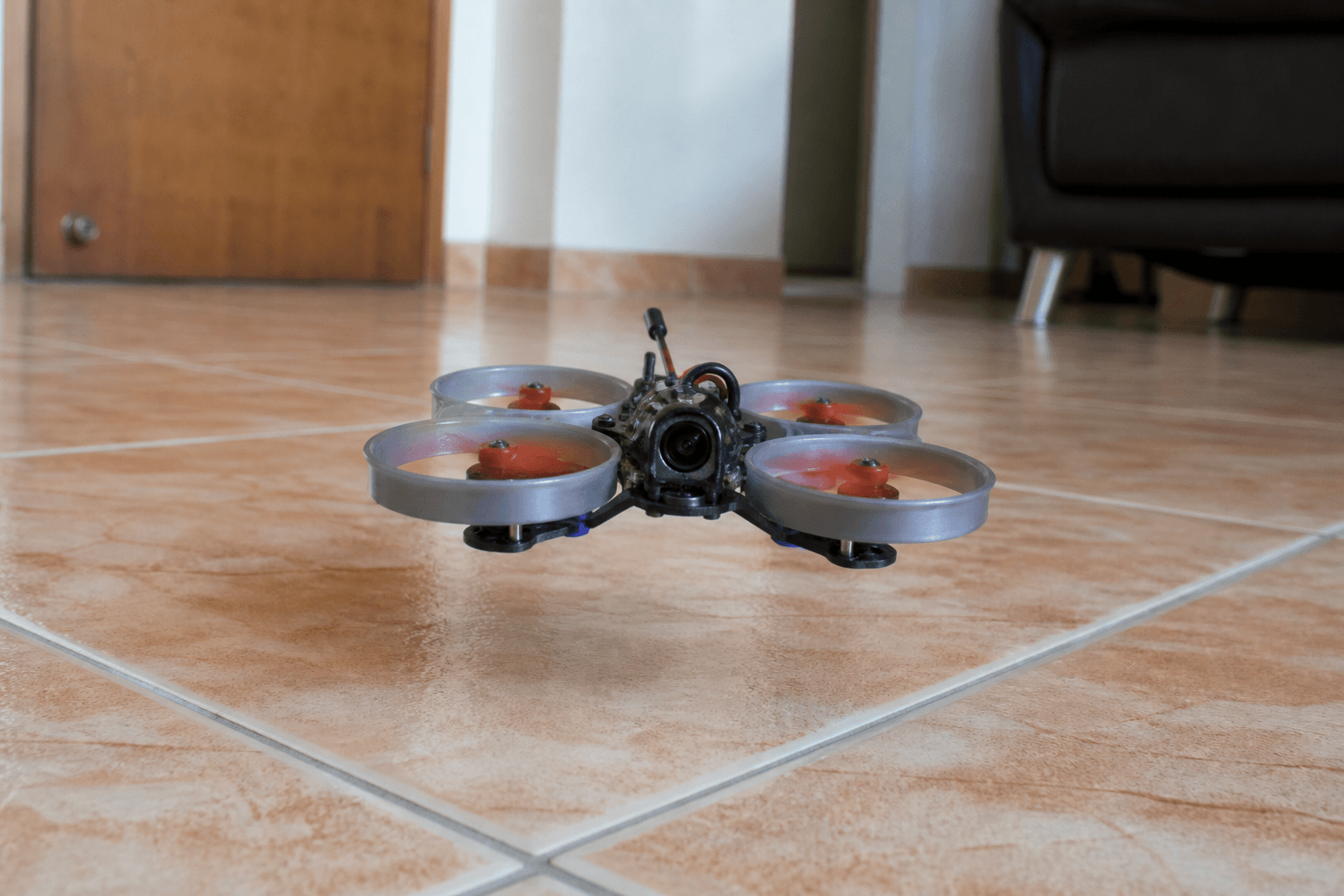
| Skill | Depends on hover? |
|---|---|
| Soft landing | Yes |
| Figure-eights | Yes |
| Acro / freestyle | Yes - or you learn panic |
| Punch-outs | No - and that is the trap |
Learning path: how to learn FPV drone flying. Crash reduction: how to reduce FPV crashes.
Drill it in the sim first
In the free online FPV simulator:
- Climb to a fixed height.
- Hold position for 30 seconds.
- Yaw 90° without climbing or dropping.
- Slide left/right with tiny roll, return to center.
- Land soft.
Do this until it is boring. Then do it on a whoop. Mode 2 reminder: what is Mode 2. More practice ideas: practice without a drone.
| Drill | Pass |
|---|---|
| 30s hover | Height stays roughly constant |
| Yaw box | Four 90° turns, same spot |
| Throttle sag awareness | You correct as “power” fades in long hovers |
| Soft land | No bounce, no tip-over |
Real-world hover tips
- Look for a throttle band, not a single perfect stick position - packs sag as they drain.
- Corrections should be tiny. Big stick = crash practice.
- If you spin, reduce yaw input and center sticks; do not add more panic.
- Angle mode helps absolute beginners; exit it once hover is stable - what is Angle mode.
- Watch OSD voltage; soft packs make hover feel “broken.”
- Eyes on the horizon line in goggles, not on the ground blur.
Whoop hover room setup:
□ Clear floor, pets and kids out
□ Ducted whoop preferred indoors
□ Soft obstacles only if any
□ Arm switch known - [how to arm](/blog/how-to-arm-fpv-drone)
□ Land and disarm every pack on purpose - [how to land](/blog/how-to-land-fpv-drone)
Terrace reality in India: noise and bystanders matter - apartments and terraces · kids, pets, spectators.
Progressive hover plan (10 packs)
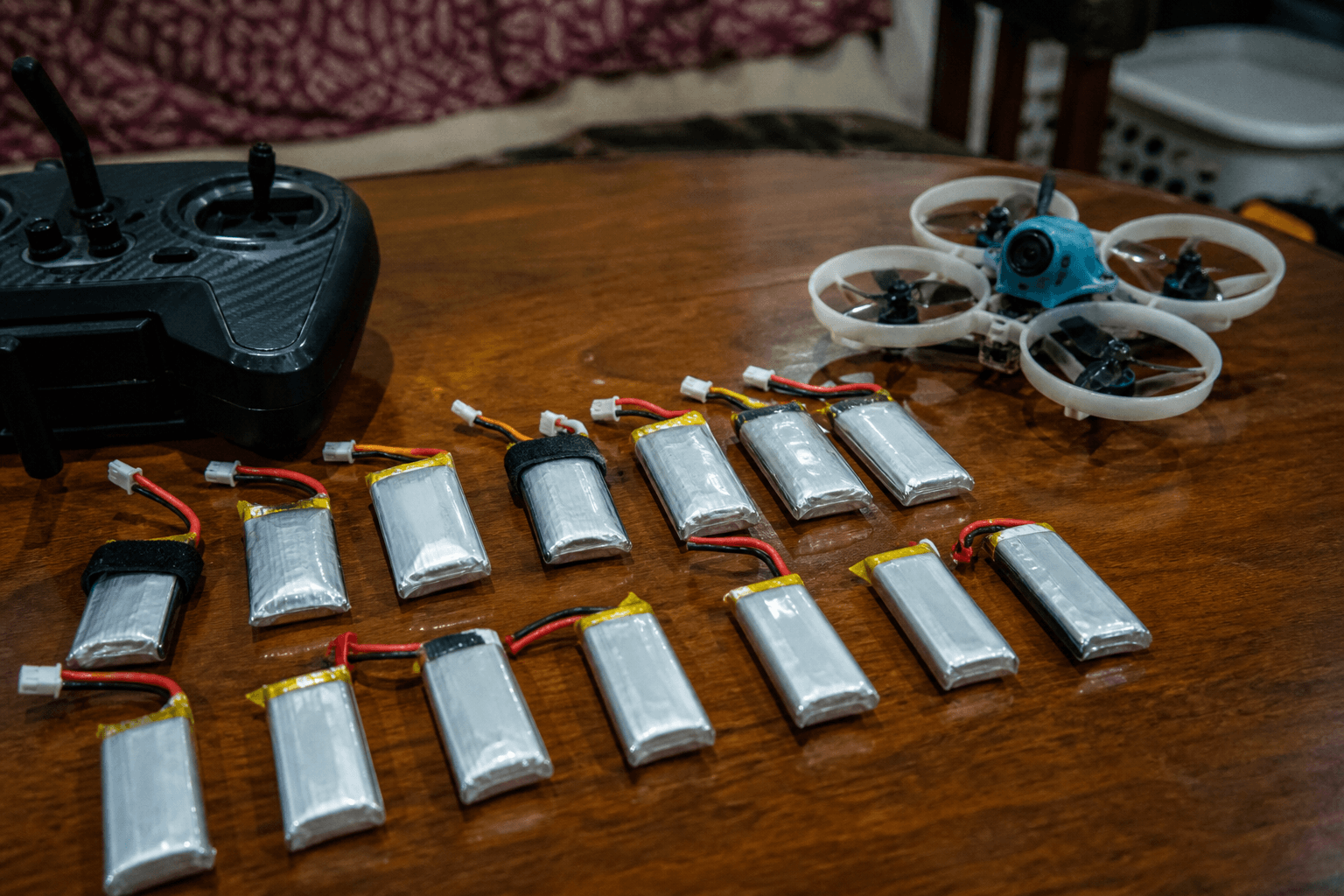
| Pack | Goal |
|---|---|
| 1–2 | Takeoff → eye-height hover → land |
| 3–4 | Add slow yaw while holding height |
| 5–6 | Small roll/pitch slides, return to spot |
| 7–8 | Figure-eight at walking pace |
| 9–10 | Longer hover as pack sags; land early |
After ten calm packs: first 10 flights after a new build. Then rates carefully: beginner rates · Acro.
Common beginner mistakes
| Mistake | Fix |
|---|---|
| Chasing the craft with huge stick moves | Smaller inputs, eyes on horizon line in goggles |
| Full battery panic | More sim time |
| Hovering near furniture day one | Empty room, carpet, ducts on |
| Holding full packs until the craft falls | Land early on purpose |
| Blaming PIDs for stick panic | Hover first; tune later |
| Skipping Angle with zero hover skill | Use Angle briefly, then graduate |
If the craft keeps dropping: why does my FPV drone keep falling. Props after scrapes: how to pick whoop props.
Failure modes mid-hover
| What you feel | Likely cause | Action |
|---|---|---|
| Sudden spin | Yaw over-input / prop rub | Center sticks, land |
| Rising while correcting | Throttle creep | Find the band again |
| Soft, sinking | Pack voltage | Land, swap pack |
| Vibration | Chipped prop / loose screw | Disarm, inspect |
| Drift toward a wall | Looking at the wall | Look through, tiny opposite stick |
India notes
- Indoor whoop hover is how most apartment pilots actually learn.
- Outdoor hover in wind is a different skill - do not judge yourself on a breezy terrace day one.
- Keep training on /sim between real packs so rain and society rules do not erase progress.
Bench
Whoops and radios: the Bench. Compatible builds: Grind Lab. Keep training on /sim.
Discussion
Comments aren't open on this post yet. Share it with your build group, or start a thread on X.