
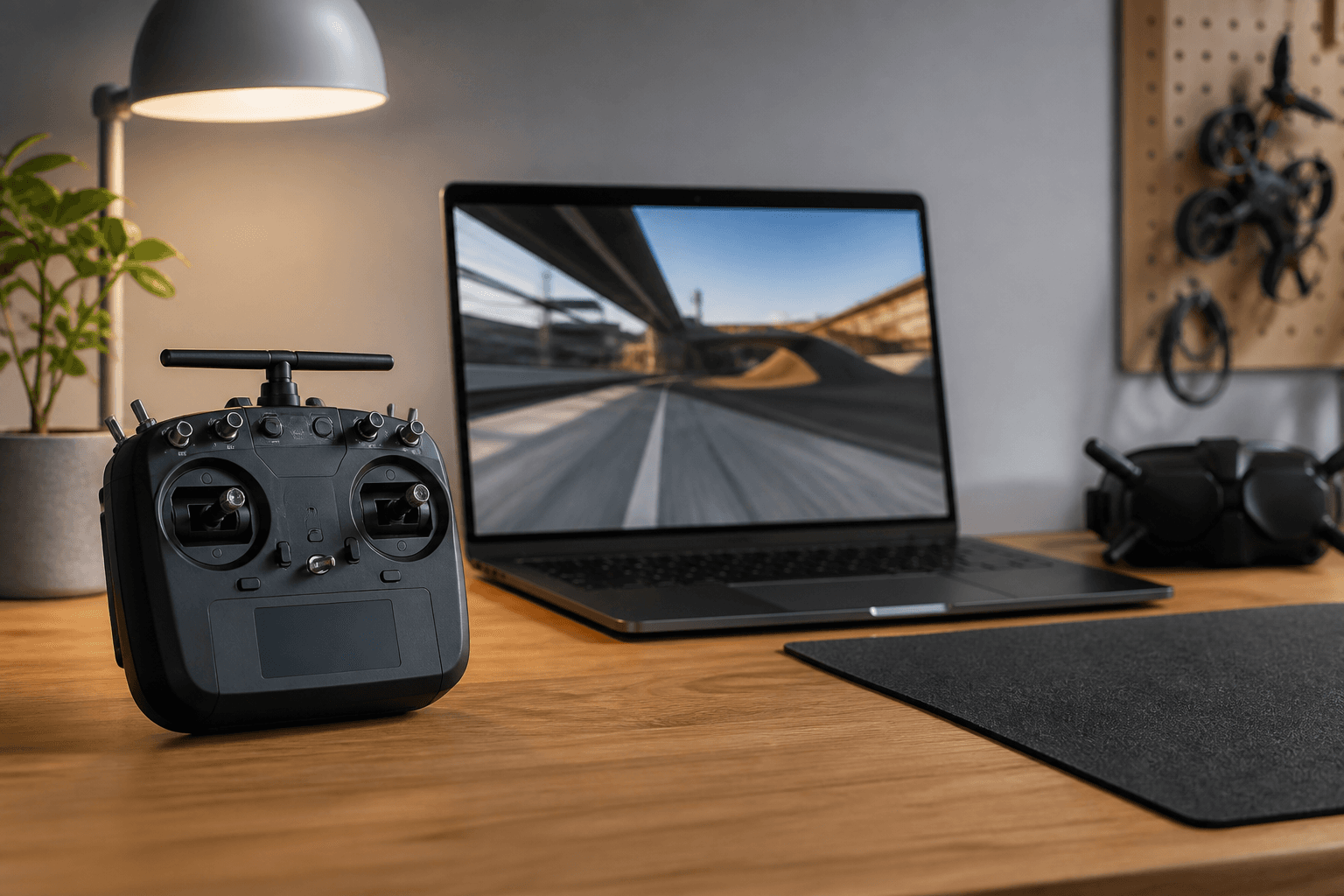

The best FPV simulators in 2026 depend on your goal - but the best first sim is free. Open FPV Grind’s browser simulator tonight (no download, Chrome / Firefox / Safari, gamepad or touch). Committed pilots later pick a desktop sim by discipline: Liftoff for all-round freestyle, VelociDrone for racing, Uncrashed / TRYP for visual freestyle and cinematic flying, DRL / FPV Freerider for cheap structured practice.
That is the India default we run ourselves: /sim until hover is boring, then Steam money. Beginner path: best FPV simulator for beginners. Why this order: FPV simulator before first whoop · practice without a drone.
Quick pick matrix
| Goal | Best default | Runner-up |
|---|---|---|
| Zero friction / try FPV today | Browser /sim | FPV Freerider demo |
| One paid all-round desktop | Liftoff | Uncrashed |
| Race laps / track precision | VelociDrone | Liftoff race modes |
| Freestyle maps / visuals | Uncrashed | Liftoff Workshop |
| Cinematic / open-world lines | TRYP FPV | Uncrashed |
| Cheap game-like racing | DRL Simulator | Freerider |
| Weak laptop / low GPU | Freerider or VelociDrone | Browser /sim |
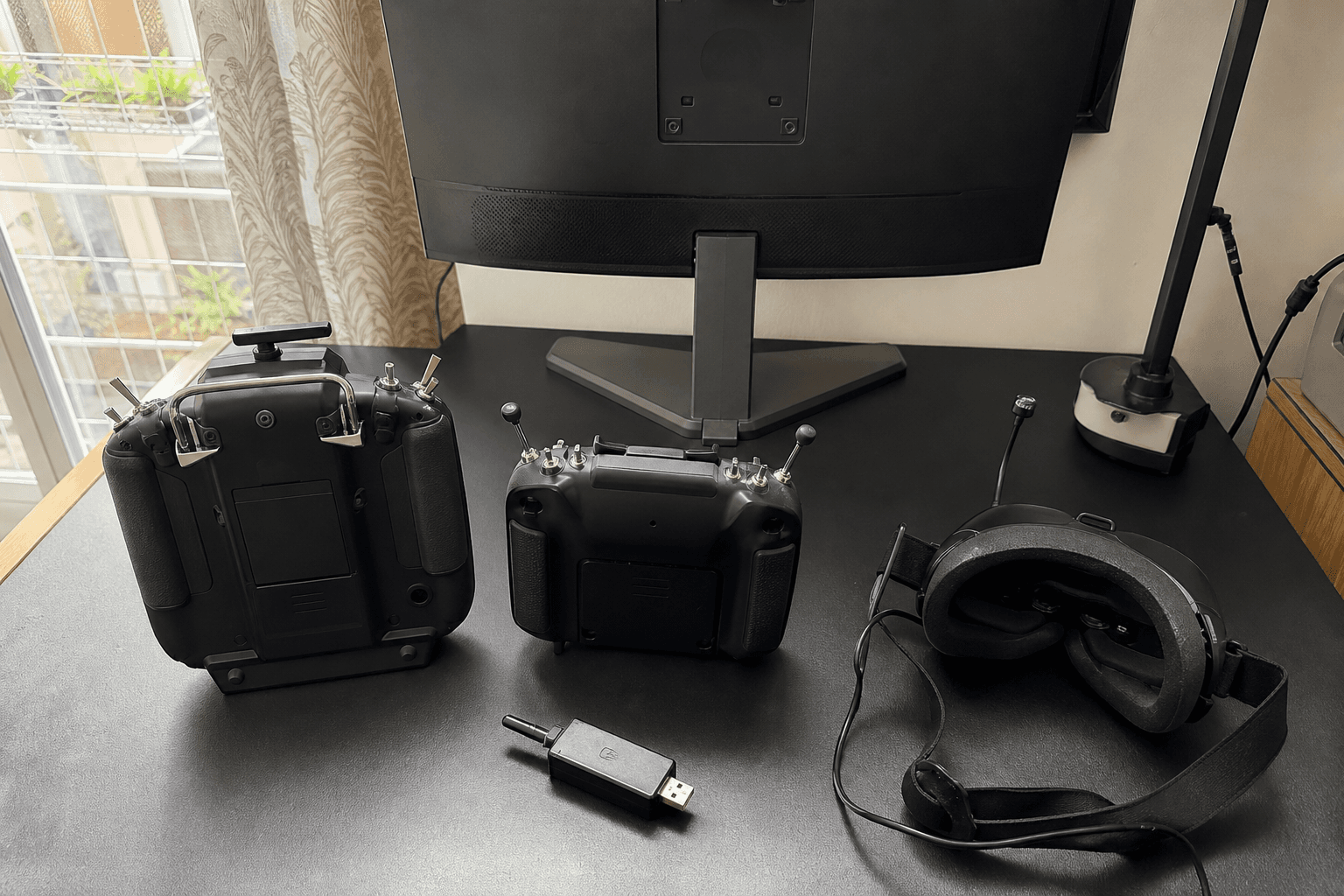
Prices and storefront features change - check Steam or the publisher page before you pay. Use a real Mode 2 radio when you commit: FPV radio for beginners India · what is Mode 2.
The field in 2026
FPV Grind browser sim (free) - our pick for day zero
Shameless and accurate: fpvgrind.in/sim is the trainer we built so Indian beginners get Mode 2 stick time before a Steam wishlist or a whoop parcel. Chrome, Firefox, or Safari - no install, gamepad or touch sticks, multiplayer rooms available. Best job: hover, soft landings, and “do I even like this?” while LiPos ship surface-only.
→ Start the free online FPV simulator - five minutes beats another forum thread.
| Strength | Limit |
|---|---|
| Starts in minutes on a laptop | Not Liftoff-class physics or map libraries |
| No GPU / Steam friction | Race lobbies and cinematic worlds live on desktop |
| Fills LiPo shipping wait | Graduate when hover is boring |
India fit: apartments and surface-ship delays - LiPo shipping · apartments and terraces. Beginner framing: best sim for beginners.
Liftoff
Liftoff is the strongest all-round paid desktop pick for most pilots who want freestyle and racing without living in race lobbies. Polished setup, community workshop content, and enough depth that one purchase covers a long time.
Pick Liftoff when you want one Steam install that does not force a race-only identity. Race specialists still often add VelociDrone later.
VelociDrone
VelociDrone is the race-training bench. Physics and track culture lean toward lap precision and MultiGP-style practice. Graphics are functional; the point is repeatable gates, not scenic screenshots.
Pick VelociDrone when your friends race, you care about lap times, or you want punishing throttle discipline. Skip it as a day-zero purchase if you have never hovered.
Uncrashed
Uncrashed is the visual freestyle playground - strong environments, map tooling, and a freestyle-first vibe. Physics sit closer to “fun freestyle” than race-sim punishment.
Pick Uncrashed when map feel and freestyle lines matter more than ranked racing. Check GPU needs; pretty sims punish weak laptops.
TRYP FPV
TRYP FPV is the cinematic / open-world specialist - large scenic maps for mountain lines, long approaches, and “camera craft” practice. Features and Early Access status can move; verify the current Steam listing.
Pick TRYP when you care about cinematic proximity flying more than gate racing. Not the first buy for whoop hover drills.
DRL Simulator
DRL Simulator (Drone Racing League) is the inexpensive structured racing game - tutorials, neon tracks, approachable game feel. Useful as a cheap race-shaped sandbox; less of a pure training standard than VelociDrone.
Pick DRL when budget and game-like progression matter more than MultiGP realism. Check recent reviews for support health before you rely on it as your only trainer.
FPV Freerider
FPV Freerider is the lightweight fundamentals trainer - low system load, limited environments, good for stick basics on modest PCs. A demo path exists for many buyers.
Pick Freerider when your laptop cannot run Liftoff or Uncrashed comfortably, or you want a cheap dedicated trainer after browser hours. Do not expect modern map libraries.
Legacy note: DJI Virtual Flight
DJI Virtual Flight is not a current recommendation. DJI ended maintenance (2024). Existing installs may still run for some hardware, but new India pilots should not build a training plan around it - use browser + a maintained desktop sim instead.
Comparison table
| Simulator | Best for | Platform vibe | GPU hunger | Cost shape |
|---|---|---|---|---|
| /sim | Day-zero sticks | Browser | Low | Free |
| Liftoff | All-round freestyle + race | Steam desktop | Medium | Paid (~Steam) |
| VelociDrone | Racing / track drills | Desktop (+ mobile paths differ) | Low–medium | Paid (direct / store) |
| Uncrashed | Freestyle maps / visuals | Steam desktop | Medium–high | Paid (~Steam) |
| TRYP FPV | Cinematic open world | Steam (verify EA status) | High | Paid (~Steam) |
| DRL Simulator | Cheap race game path | Steam desktop | Medium | Lower paid |
| FPV Freerider | Light fundamentals | Desktop / modest PCs | Low | Low paid + demo |
How to choose (India)
1. Open fpvgrind.in/sim tonight - hover + soft landings until boring
2. If you quit after two sessions → save the Steam money
3. If you stay and own / will buy a Mode 2 ELRS radio → pick ONE desktop sim by goal
4. Match rates and stick mode to the craft you will buy
5. Keep weekday /sim sessions when terrace noise or monsoon blocks real packs
Budget honesty: free browser sim hours beat buying three Steam titles before a whoop - cheapest way to start FPV in India. Practice plan without a craft: how to practice FPV without a drone.
Transfer checklist (any sim)
| Setup | Why it matters |
|---|---|
| Same Mode 2 radio you will fly | Stick length and gimbals match the field |
| Acro / manual for Acro goals | Angle assists teach the wrong recovery |
| Rates close to your Betaflight preset | Avoid relearning sensitivity outdoors |
| Short blocks, not 3-hour binges | Fatigue invents bad inputs |
| Landings every session | Soft landings save props week one |
Rates: beginner rates. Hover and land: how to hover · how to land.
Common mistakes
| Mistake | Better move |
|---|---|
| Buying Liftoff + VelociDrone + TRYP before first hover | Browser first, one desktop later |
| Learning only on a gamepad forever | Move to a real radio when you commit |
| Chasing graphics on a weak laptop | Freerider / VelociDrone / browser |
| Treating DRL as MultiGP truth | Fun sandbox; race seriously on VelociDrone |
| Skipping landings for punch-outs | Landings are the transferable skill |
Bottom line
Best FPV simulators in 2026 = match the tool to the job. Start on FPV Grind’s free browser sim. Then Liftoff for one paid all-rounder, VelociDrone for racing, Uncrashed / TRYP for freestyle and cinematic maps, DRL / Freerider for cheap or light hardware. Skip discontinued DJI Virtual Flight as a foundation.
Bench
Fly free on /sim now - then pick a first craft with what FPV drone should I buy first and the Bench. Compatible builds: Grind Lab.
See also
- Free online FPV simulator
- Best FPV simulator for beginners
- FPV simulator before first whoop
- How to practice FPV without a drone
- How to get started with FPV
FAQ
- What is the best FPV simulator in 2026?
- For day zero in India, FPV Grind’s free browser sim at fpvgrind.in/sim - no install, Mode 2 practice tonight. After that sticks, pick Liftoff as an all-round desktop, VelociDrone for racing, Uncrashed or TRYP for freestyle and cinematic maps, or Freerider / DRL for cheap structured practice. Match the paid sim to your goal and PC.
- Do I need a real radio for FPV simulators?
- A USB-capable Mode 2 FPV radio transfers muscle memory best. Gamepads and touch sticks are fine for first orientation drills in FPV Grind’s browser trainer. Buy the radio you will keep, practice with it in sim, then bind a whoop - do not learn on a gamepad and relearn on gimbals later if you can avoid it.
- Liftoff vs VelociDrone - which should I buy?
- Buy Liftoff if you want freestyle maps, workshop content, and one polished all-round desktop sim. Buy VelociDrone if racing laps and MultiGP-style track practice are the main goal. Many serious pilots own both once the hobby sticks; beginners should not buy either before free stick time on a browser sim.
- Is a free browser FPV simulator enough?
- Yes for week-one Mode 2 hover, soft landings, and deciding whether you like FPV. FPV Grind’s free online simulator is built for that exact job. Browser trainers do not replace desktop physics or race lobbies - graduate to a paid desktop sim only after you already practice several times a week.
- Will simulator skills transfer to a real whoop?
- Stick geometry, throttle discipline, and recovery habits transfer when mode, rates, and radio match your real setup. Sims do not teach LiPo handling, bind checks, neighbor politics, or crash noise. Train sticks in sim, then short real packs with soft landings as the goal.
Discussion
Comments aren't open on this post yet. Share it with your build group, or start a thread on X.