
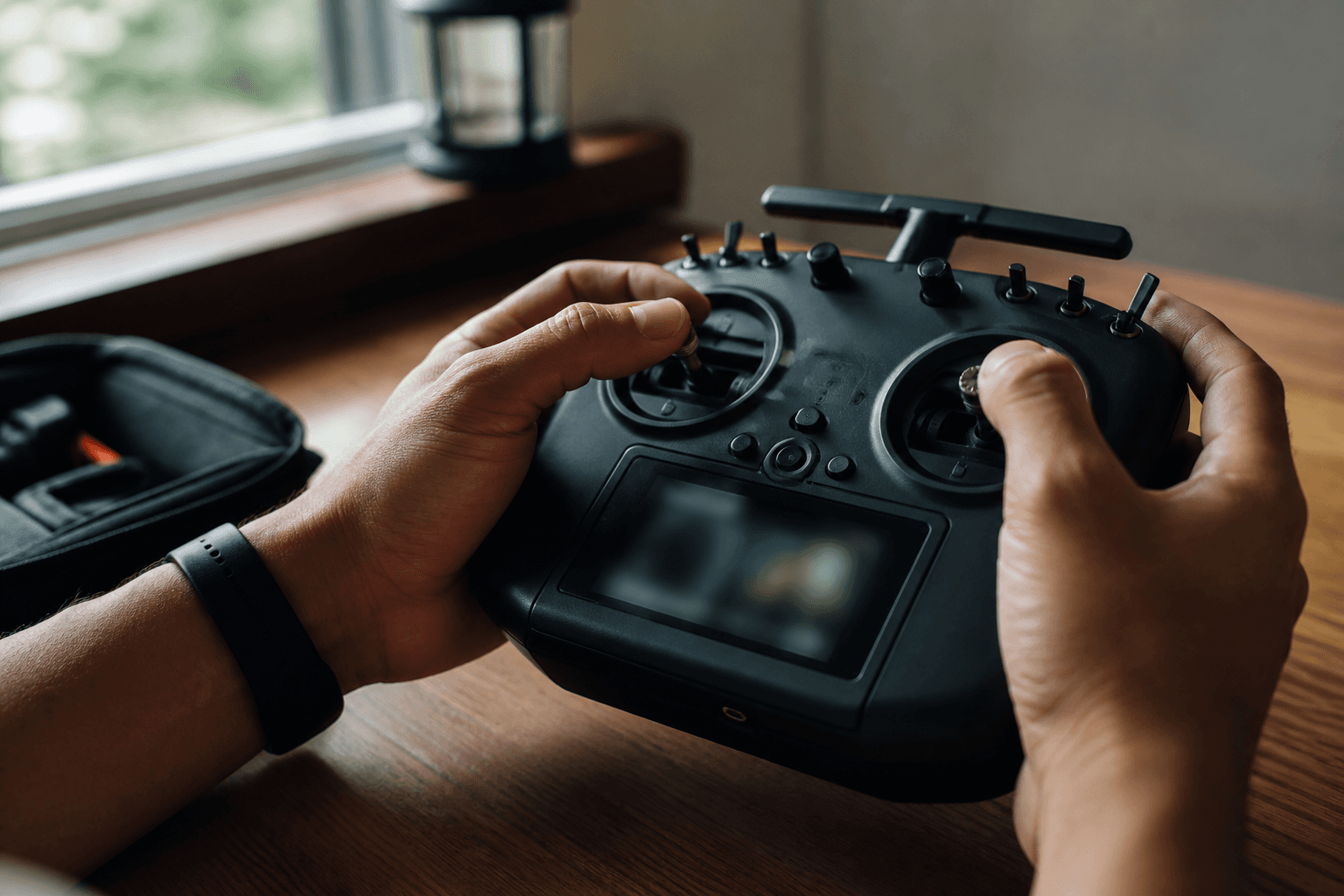
How to practice FPV without a drone

How to practice FPV without a drone is simple: you need a simulator and a plan, not a cart full of motors. Stick muscle memory is the expensive part of FPV. Crashing plastic in a browser is free; crashing a fresh Mobula into a ceiling fan is not.
FPV Grind’s path: open the online FPV simulator, train Mode 2 hover and soft landings until they are boring, then buy a whoop. Sim does not replace real air - it defers expensive mistakes. Why this order wins: FPV simulator before first whoop.
Free practice (no install)
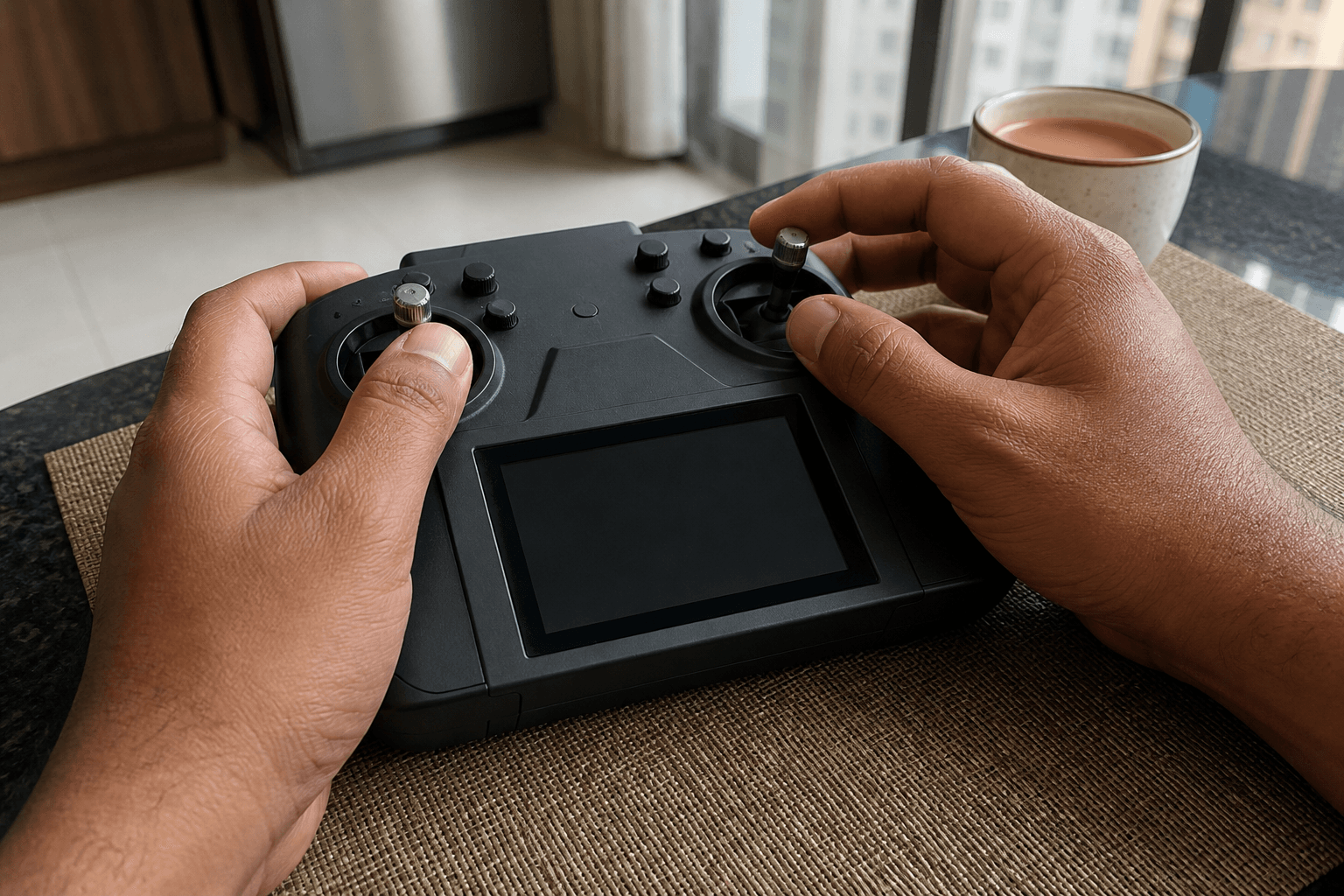
Open /sim in Chrome, Firefox, or Safari. Use a USB gamepad or touch sticks. No Steam account, no GPU shopping list, no “which desktop sim is best” debate before you have flown five minutes.
| Setup | Good for | Limit |
|---|---|---|
| Touch sticks on phone/tablet | Try the idea today | Harder precision |
| USB gamepad | Real stick practice | Not your future radio feel |
| Real ELRS radio + USB later | Muscle memory transfer | Buy only when committed |
Best beginner sim framing: best FPV simulator for beginners. Full desktop comparison (Liftoff, VelociDrone, Uncrashed, …): best FPV simulators in 2026. Mode 2 orientation: what is Mode 2 FPV.
What to practice (two-week plan)
Week 1
□ Hover 30 seconds without drifting into walls
□ Soft landings on the same spot (10 reps)
□ Yaw left/right without climbing or diving
□ Throttle discipline - no panic punch

Week 2
□ Gentle figure-eights at constant height
□ Stop, hover, land from a slow line
□ Recover from a small tip / odd attitude in sim
□ 20-minute sessions, not one exhausted hour
When that list is boring, you are ready to spend money - not before. Learning path after sim: how to learn FPV drone flying · how to fly for beginners.
Optional: buy the radio early
A real ELRS radio can wait until the whoop ships. If you buy one early, it carries to every future craft and makes sim practice feel closer to the field. Choosing: how to choose an FPV radio · FPV radio for beginners India · what is ExpressLRS.
Do not buy goggles, HD air units, and a 5-inch frame “for later” while you still tip over in the sim.
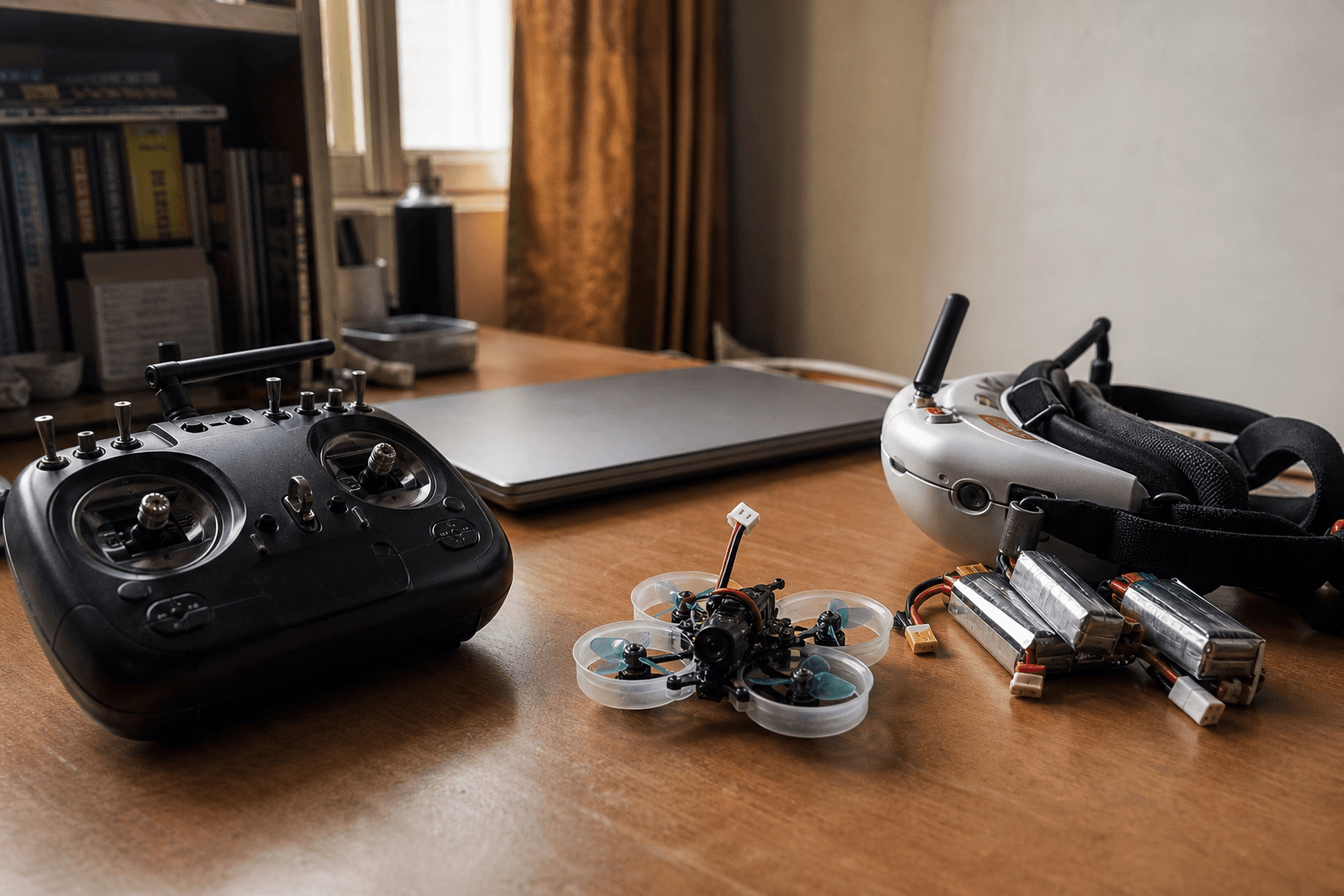
What you cannot practice without a craft
| Skill | Sim covers? | Real craft needed for… |
|---|---|---|
| Stick orientation | Yes | - |
| Throttle feel | Mostly | Pack sag, prop wash near floor |
| Video breakups / OSD habits | Partially | Real VTX / goggles |
| Prop discipline around people | No | Real rooms and bystanders |
| LiPo charging habits | No | Real packs and charger |
Safety and power habits still matter day one with a whoop: how to power on safely · how to land.
India notes
- Apartments: sim weekday nights, whoop on weekends or late indoor slots - flying in apartments and terraces.
- Shipping lag: radios and LiPos take time; sim fills the wait while surface packs crawl across the country - LiPo shipping.
- Budget: cheapest start is sim-first, then a kit - cheapest way to start FPV in India.
Failure modes (practice without a plan)
| Mistake | What happens |
|---|---|
| Punching around for “fun” only | No hover muscle; day-one crashes |
| Buying gear during week-one excitement | Shelf queen + unused SKUs |
| Skipping landings in sim | Bent props every session |
| One 3-hour binge, then nothing | No retention |
| Waiting for a perfect desktop PC | You never start |
Ready-to-buy checklist
□ 8/10 soft landings in sim on the same spot
□ 30-second hover without panic yaw
□ You know where you will fly a whoop this month
□ Cart is whoop/kit + packs + props - not a 5" freestyle wishlist
First craft decision: what FPV drone should I buy first · what size FPV drone should I get.
Bottom line
Practice FPV without a drone by opening /sim and training hover, yaw, and landings on a schedule. Buy sticks and a whoop when the drills are boring - not when a reel makes you impatient.
Bench
Radios when you are ready: the Bench. Keep crashing free on /sim. Compatible first builds: Grind Lab.
Discussion
Comments aren't open on this post yet. Share it with your build group, or start a thread on X.