

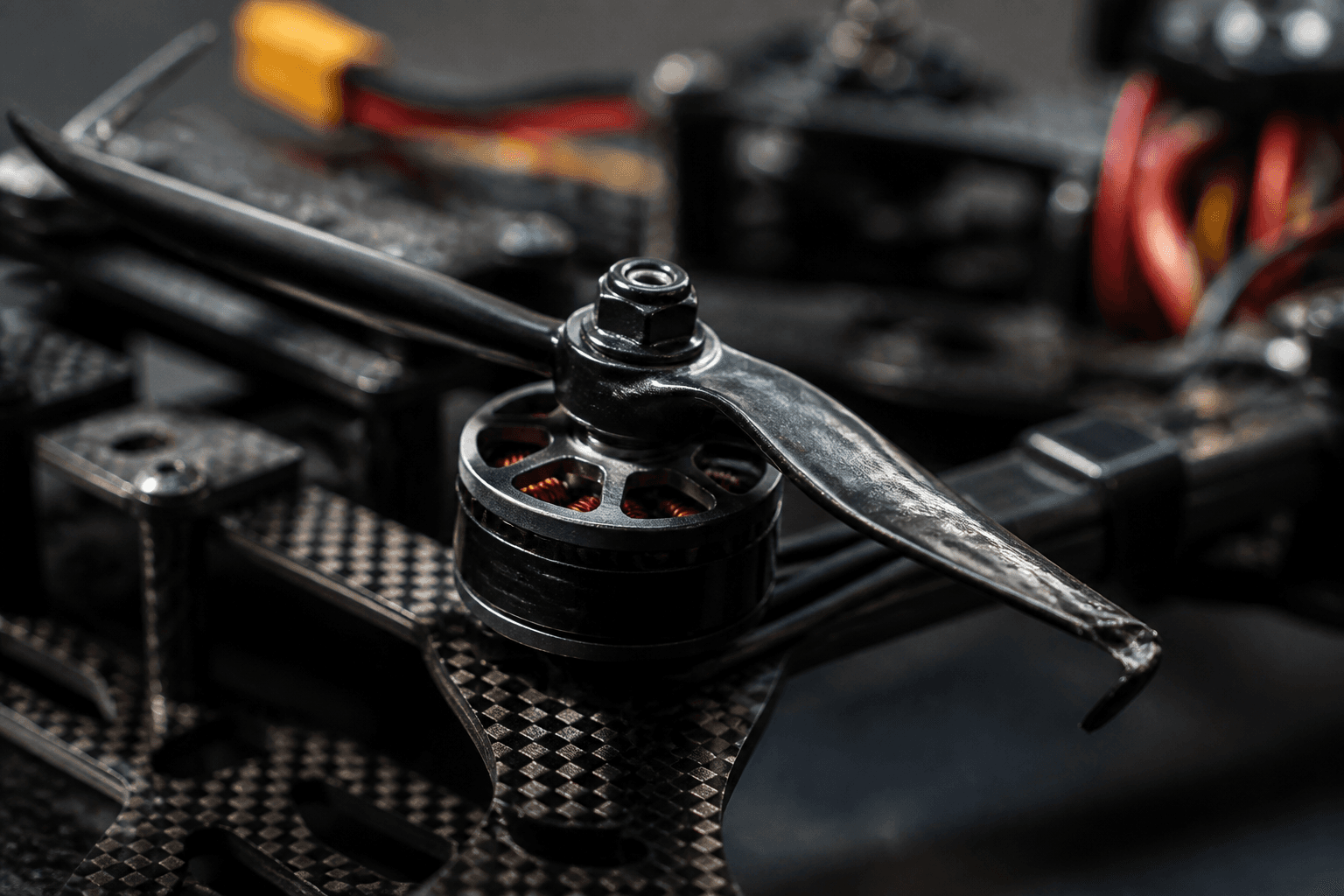
How to fix FPV drone vibration

Vibration on a whoop is usually hardware, not a missing PID slider. Chipped props, loose motor screws, bent shafts and duct rub cause jello and hot motors long before filters matter. Fix the mechanical causes in order, then open the Betaflight tuning tabs.
Tuning context later: Betaflight tuning basics.
Fix in this order
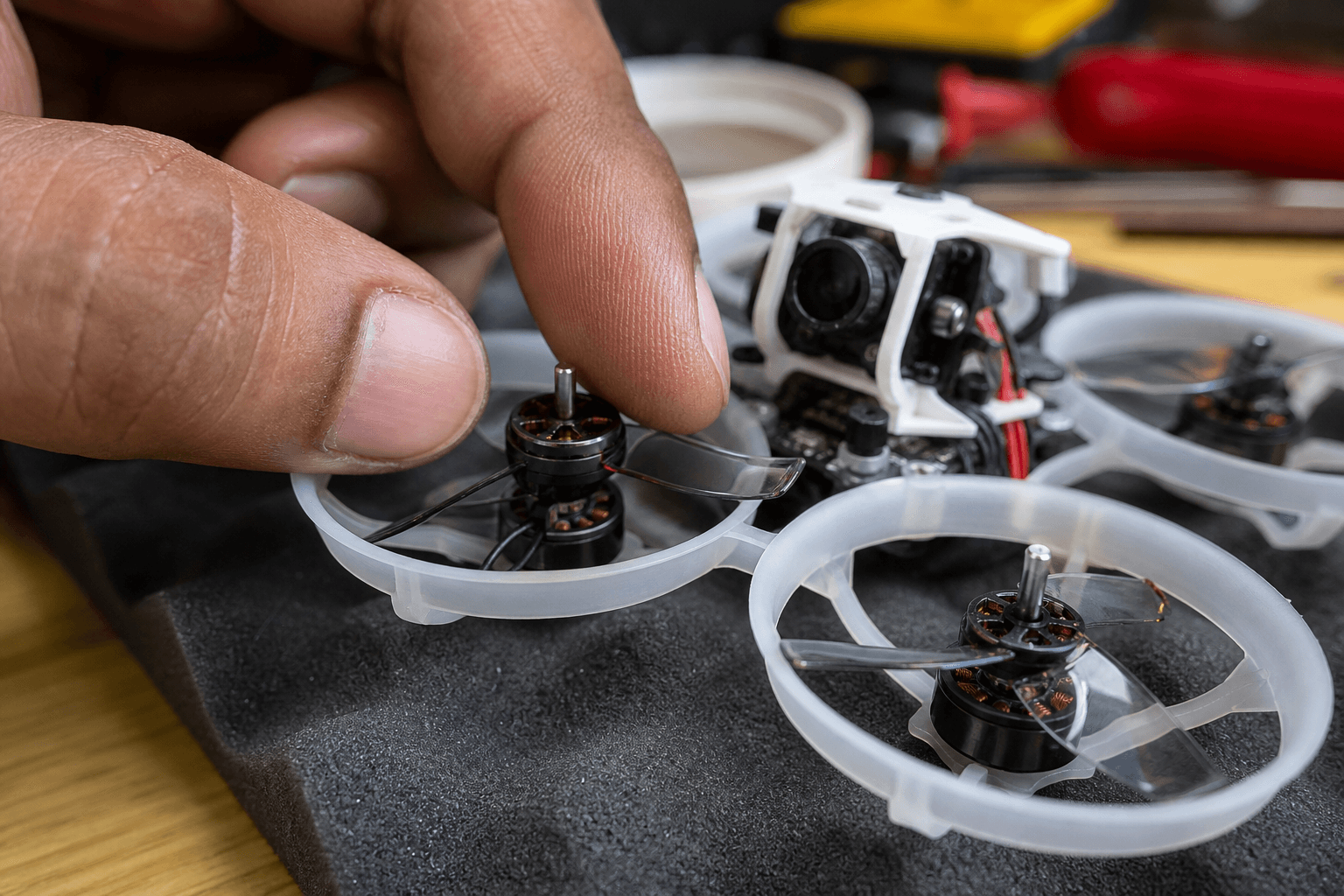
1. Replace chipped or unbalanced props
2. Tighten motor screws (correct length)
3. Spin each motor by hand - grit / bend = service or replace
4. Check canopy / duct rub and cam mounts
5. Reseat antennas / loose stacks that slap
6. Only then consider filters / RPM filtering| Priority | Check | Guide |
|---|---|---|
| 1 | Props | change props |
| 2 | Motor mounts | mount whoop motors |
| 3 | Motor health | replace whoop motor |
| 4 | Debris | clean after crash |
| 5 | Cam flex | camera angle and mount flex |
Props first (always)
| Prop symptom | Flight feel | Action |
|---|---|---|
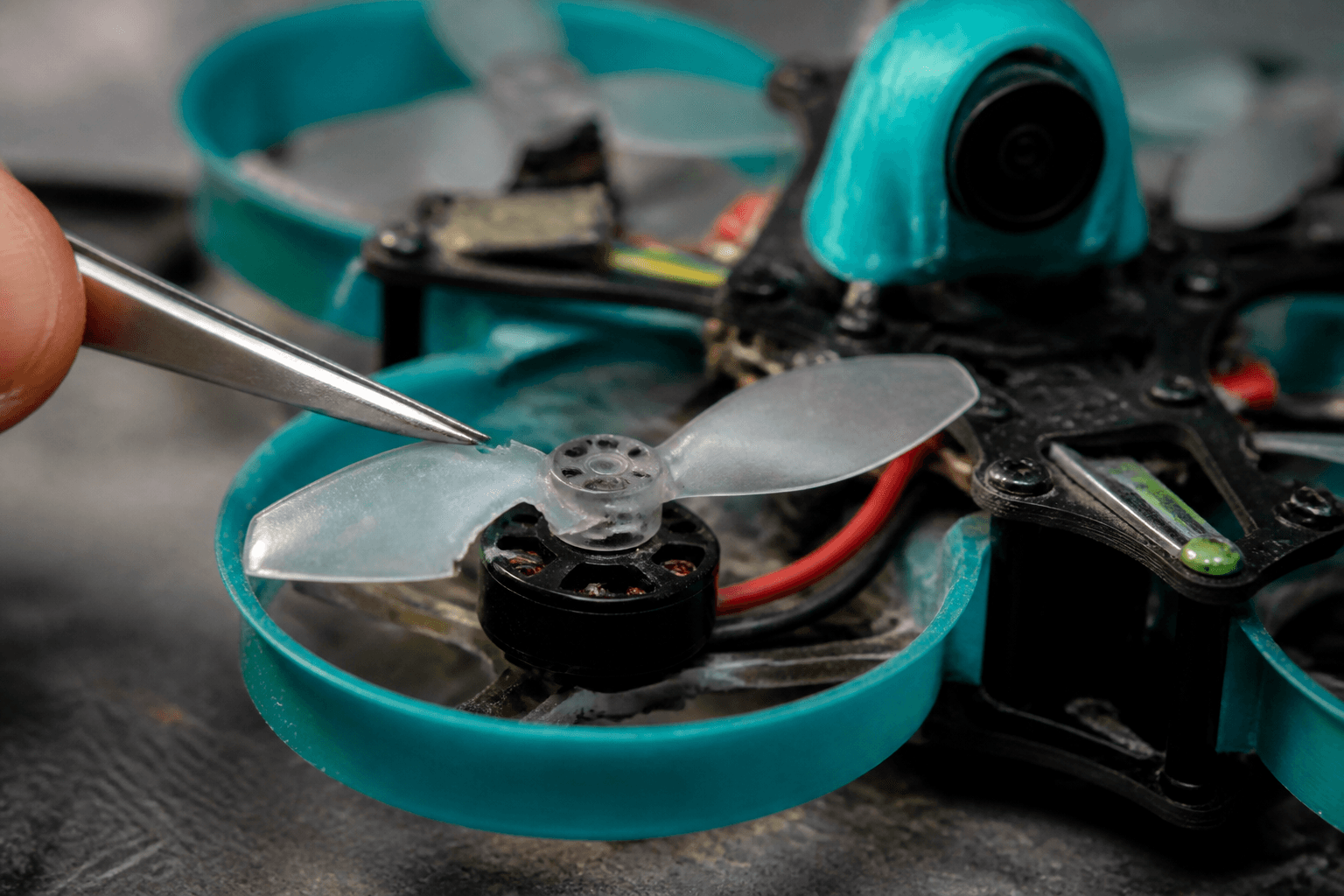
| Tip chip | Buzz, jello | Replace |
| Cracked hub | Sudden vibe after punch | Replace immediately |
| Melted tip | Hot motor / rub | Fix rub + replace prop |
| Mixed sizes | Uneven thrust | Match set |
Do not “trim” a chip with scissors and keep flying. Whoop props are consumables; keep spares from the Bench.
Motors and screws
Loose screws look like a bad tune: mid-throttle wobble, camera shake, even odd desyncs. After every hard crash, check the motor screws before the next pack.
Hand-spin test (props off):
- Smooth → continue.
- Gritty → clean hair/grass; if still gritty, replace.
- Notch / scrape → bent shaft → replace.
- Bell rubs duct → cocked mount or bent shaft.
Hair wrapped around the shaft after carpet crashes is a common cause indoors. Clean it before you touch filters.
Frame, duct, and camera
| Area | Vibe clue |
|---|---|
| Duct lip rub | Plastic dust, tip melt |
| Canopy loose | Rattle that changes with punch |
| Crushed camera mount | Jello that no filter can fix |
| Heavy HD camera on a small whoop | Flex from the extra weight; know the class limit |
Soft-mount vs rigid is more of a 5-inch conversation, but crushed whoop cam mounts and floppy canopies still matter. See camera angle and mount flex.
When filters are allowed
Only after props, screws, motors, and rub are clean:
Filter discipline:
□ Blackbox or at least a careful hover comparison before/after
□ Small changes - do not max every slider
□ If vibe vanishes with props replaced, leave filters alone
□ Re-check after every frame or motor swap
If you are still learning in Angle mode, focus on mechanical fixes and gentler rates, not filters. See rates for beginners · reduce crashes.
Failure modes
| Mistake | Result |
|---|---|
| Filters first | Masks bent shaft until motor dies |
| Flying chipped props “one more pack” | Secondary crash |
| Ignoring one loose motor | Chases PID for weeks |
| Heavy oil or grease in bearings | Collects dust; vibration gets worse |
| New motors, old bent props | Motors wrongly blamed |
Bench test workflow
Props off → hand spin → tighten → props on matching directions →
short hover → land → feel motors → only then longer packs
Power habit while testing: power on safely. Dry thumbs on /sim if you grounded the craft for parts.
India notes
Monsoon grit and terrace dust wear bearings faster. Clean the quad after muddy days, before it goes back in the bag. Keep spare props and a spare motor in your motor size so a crash does not ground you (buying checklist).
Bench
Props and motors: the Bench. Match motor class to frame in Grind Lab so replacements fit the holes you already have.
Discussion
Comments aren't open on this post yet. Share it with your build group, or start a thread on X.