
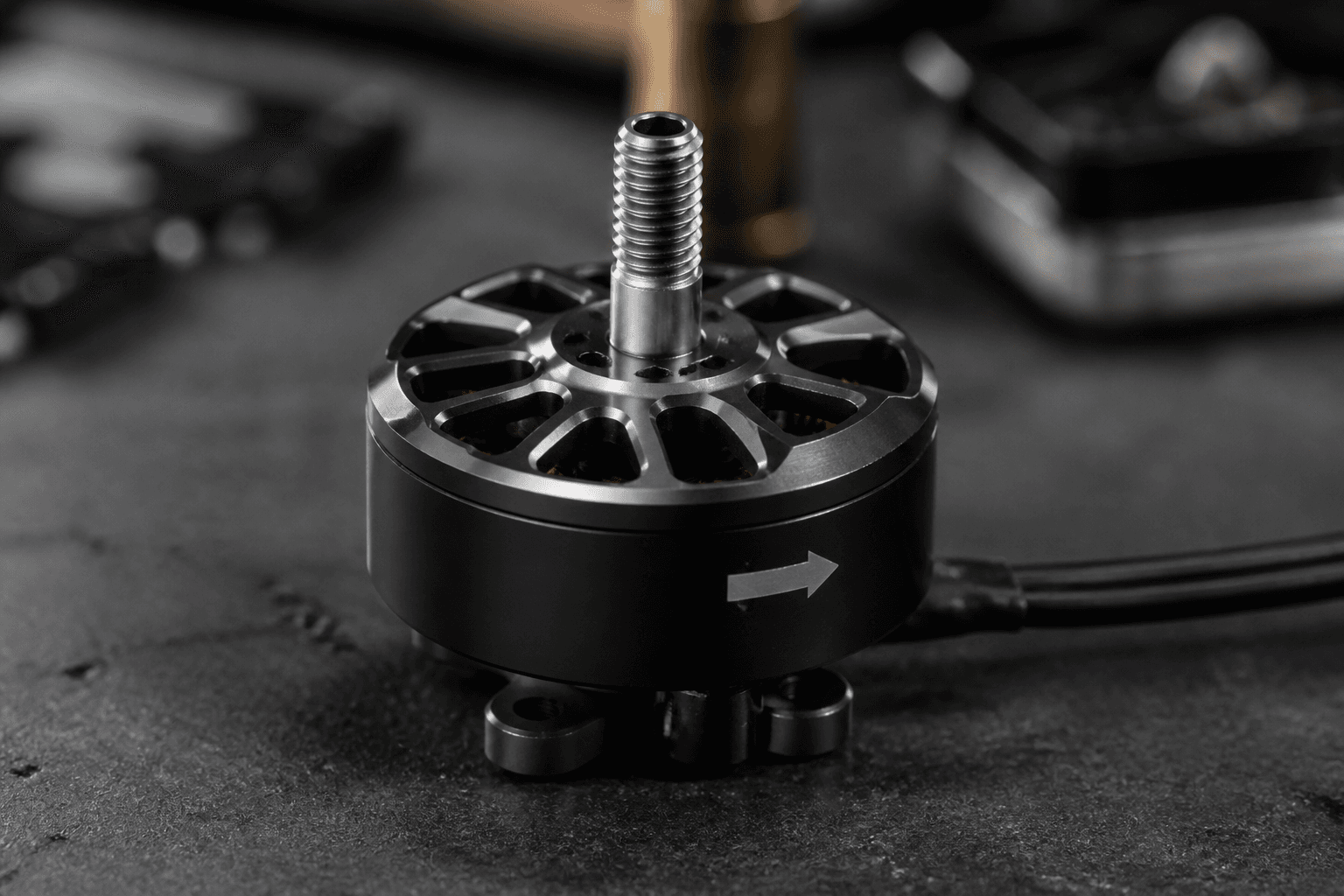
How to check FPV motor direction

How to check FPV motor direction before the first hover: props off, Betaflight Motors tab, one motor at a time, match the prop diagram. Wrong direction is a classic “arms, flips into the ground” failure on takeoff.
FPV Grind’s rule: never spin props on the bench to “see if it feels right.” Direction is a configuration check, not a vibes check.
Why direction matters
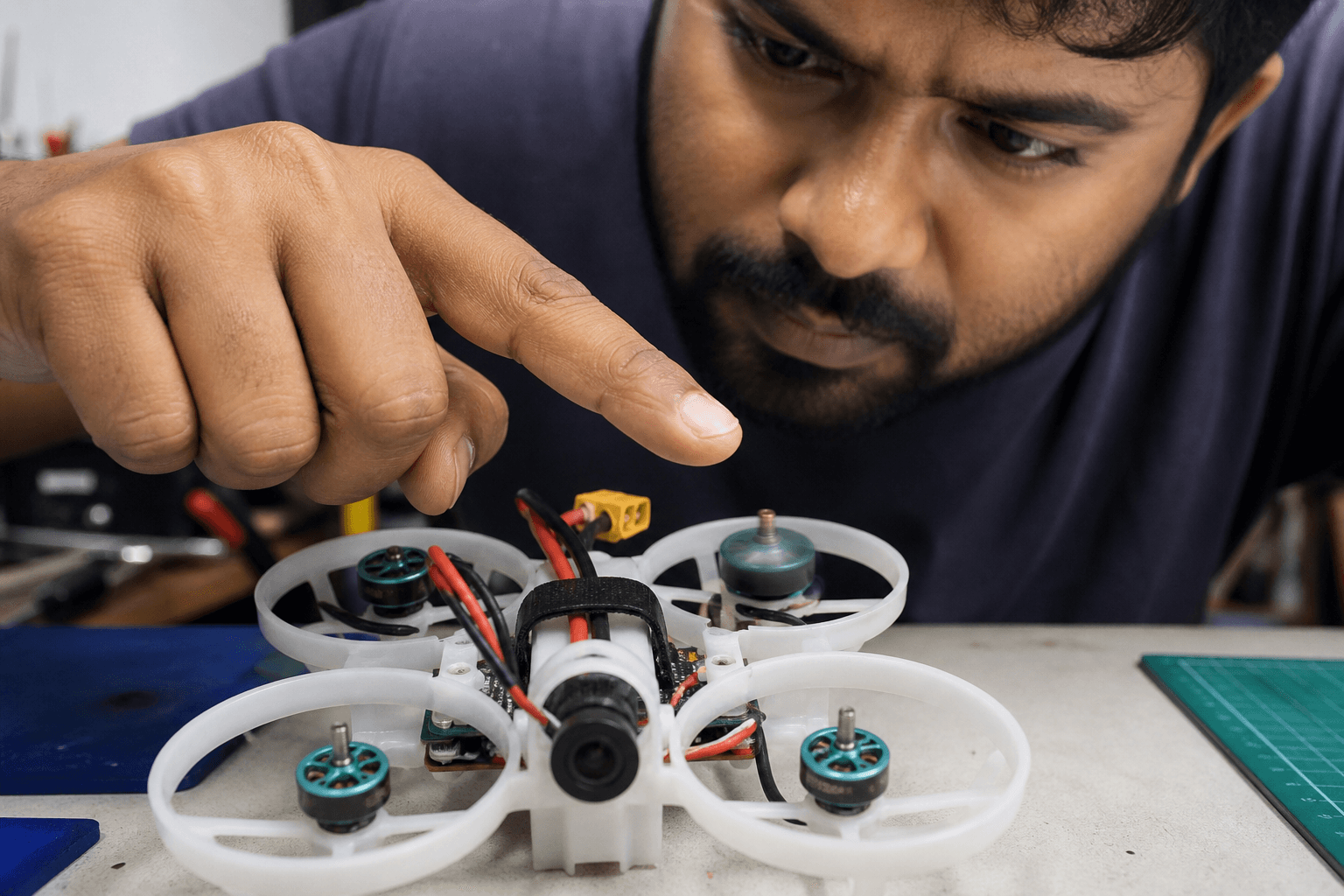
Each corner of a quad needs a specific spin direction so thrust pushes the craft up instead of fighting itself. One reversed motor can make the craft tip, yaw wildly, or flip the instant you add throttle.
| Symptom on takeoff | Often means |
|---|---|
| Immediate flip into floor | One or more motors reversed / props wrong |
| Strong unwanted yaw | Props on wrong corners or motor order mismatch |
| “Almost flies” but leans hard | Mixed direction / prop CW-CCW errors |
Also verify prop orientation (CW/CCW) after motors are correct - how to change props.
Safe check (Betaflight)
1. Props OFF - non-negotiable
2. Battery connected as your whoop/FC expects (or USB where supported - know your AIO)
3. Open Betaflight Configurator → Motors tab
4. Read the warning; enable motor test only when ready
5. Spin ONE motor at low test throttle
6. Compare spin direction to the on-screen diagram / your frame docs
7. Repeat for all four corners
8. Fix reverses, then re-test before props go on
Whoop-focused setup context: Betaflight setup tiny whoop first flight · Betaflight for beginners.
How to reverse a wrong motor
You typically have two tools:
| Method | When to use | Notes |
|---|---|---|
| Reverse in Betaflight / BLHeli / ESC configurator | Preferred when software reverse is available | Clean; no solder |
| Swap two of the three motor wires | When software reverse is not an option | Requires careful solder work |
Soldering help: how to solder FPV motors · soldering pads without lifting traces. Mounting after swaps: how to mount whoop motors.
Props-on checklist (only after directions are correct)
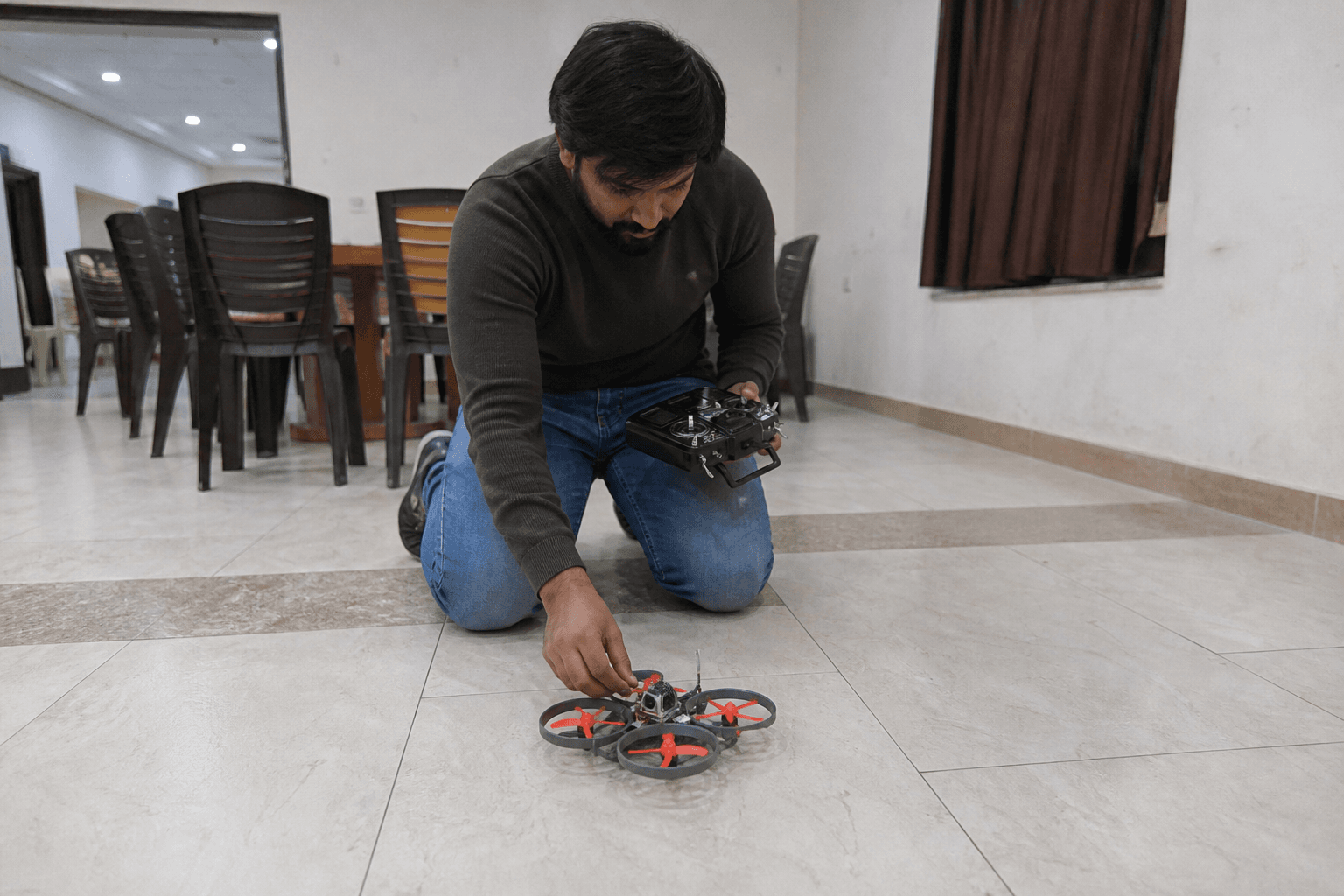
□ All four directions match the diagram
□ Correct CW/CCW props on the correct corners
□ Motor screws tight; bells do not rub ducts/frame
□ No tools / loose screws on the bench under props
□ First hover is gentle, open space, no spectators leaning in
Power-on habits: how to power on safely. First flights mindset: first 10 flights after a new build if you are on a larger craft.
Failure modes
| Mistake | Outcome |
|---|---|
| Props on during motor test | Injury risk and shredded everything nearby |
| Testing all motors at once | Hard to see which corner is wrong |
| Reversing the wrong motor number | Still flips; now you are confused |
| Ignoring motor order (M1–M4) | Diagram match fails even if “directions” seem ok |
| Skipping re-test after solder reverse | Assumed fixed, still wrong |
Vibration after a motor job is a separate issue: fix vibration. New motors: break-in guide.
India / whoop notes
Whoop AIOs are small and pads tear easily - prefer software reverse when the stack supports it. Keep spare motors because crash tax is normal - replace whoop motor · 0802 vs 1102.
Validate motor + frame combos in Grind Lab before you rebuild a corner with the wrong KV. Parts on the Bench. Practice recoveries on /sim so a bad takeoff day does not become a panic habit.
Bottom line
Props off → Motors tab → one at a time → match the diagram → reverse in software or swap wires → re-test → then props on. Direction checks take five minutes and save frames, fingers, and ego.
Discussion
Comments aren't open on this post yet. Share it with your build group, or start a thread on X.