
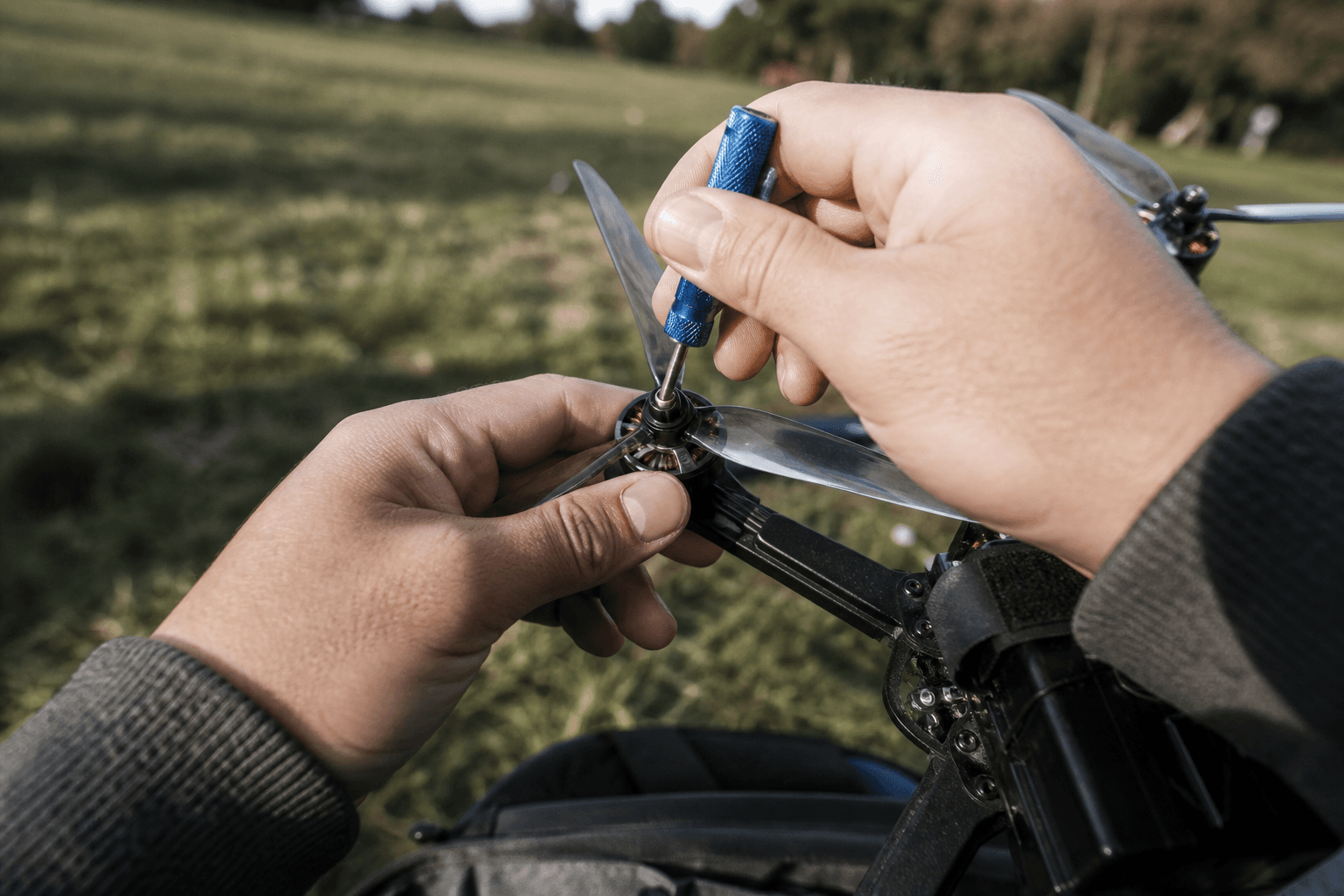
How to change FPV drone props

Props are the cheapest flight upgrade and the first crash casualty. A chipped whoop prop feels like a soft pack or a “falling” tune problem - it is usually just plastic. Learning to swap CW/CCW props cleanly is a core bench skill for every FPV Grind pilot.
Unplug the battery before you touch anything that spins. That sentence prevents more indoor disasters than any torque tip.
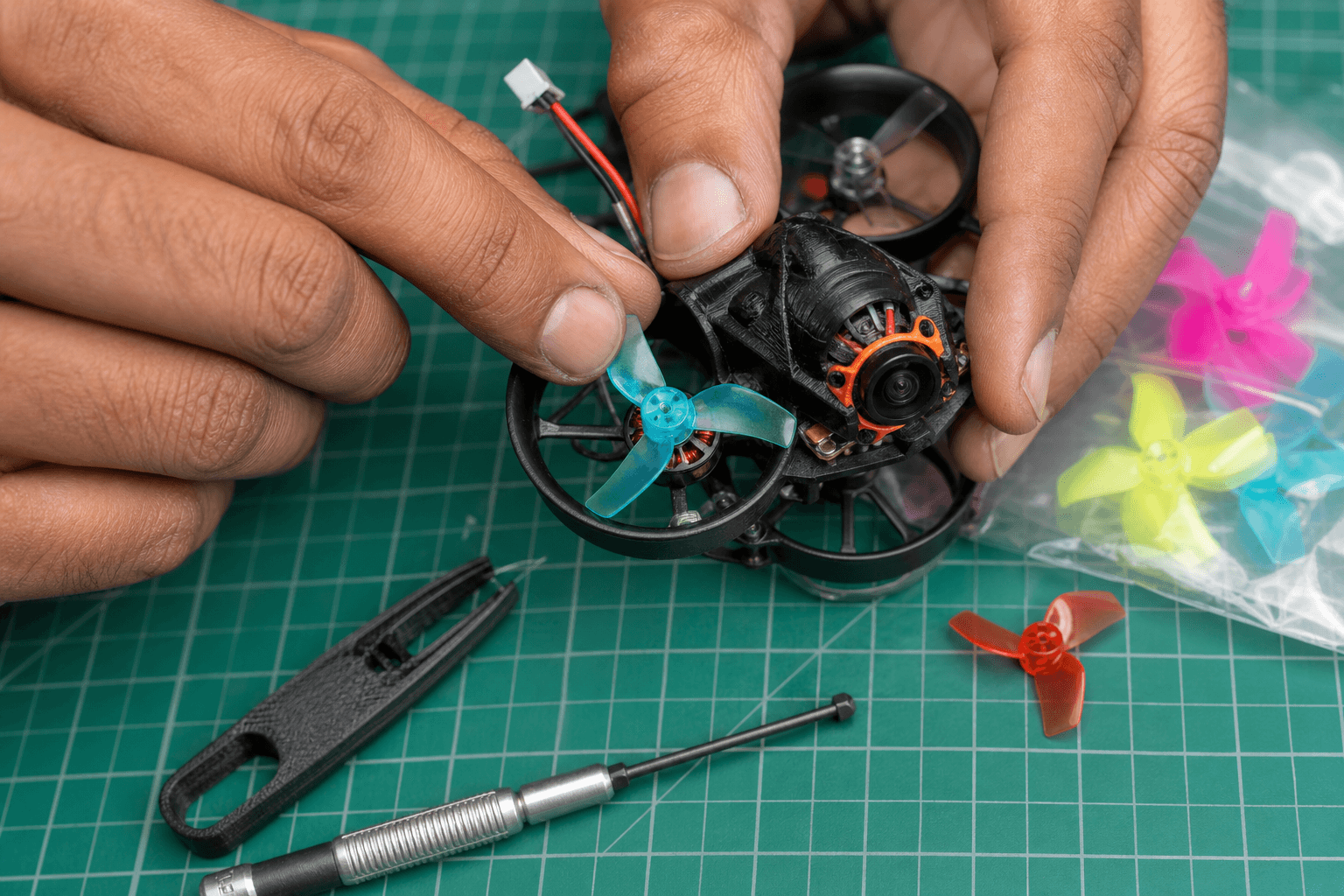
Tools and spares
| Item | Why |
|---|---|
| Correct driver / wrench for nuts or screws | Stripped hardware ends the session |
| Matched prop set (same size / blade count) | Mixed sets vibrate |
| Soft pad / towel | Holds the whoop without crushing ducts |
| Optional: spare motor screws | Tiny hardware escapes forever |
| Phone photo of stock layout | CW/CCW reference before you pull all four |
Size and style choice: how to pick whoop props. After ugly crashes: how to fix a crashed whoop.
CW vs CCW (do not guess)
Motors spin opposite corners. Props are labeled CW and CCW (or with rotation arrows). Wrong orientation = weak lift, weird yaw, or a whoop that “won’t take off.”
Before removal:
1. Photo the craft from above
2. Note which corner is which
3. Change one prop at a time if you are new
4. Match the arrow / label to the motor direction your build expects
If you inherited a used whoop with mystery props already mixed, pull all four and install a fresh matched set from a known pack.
Step-by-step swap
- Unplug the battery (and disarm culture even when unplugged)
- Place the whoop on a soft surface; ducts face you
- Note CW/CCW on the prop you are removing
- Remove nut or screw - support the motor bell; do not lever against thin ducts
- Seat the new prop fully on the shaft / hub
- Snug fasteners - firm, not gorilla-tight. Crushed bells and stripped threads are common beginner damage
- Spin by hand: no rub on ducts, no bent blade
- Repeat for remaining corners
- Plug in on a soft pad, props clear of fingers, brief spool check if you do bench tests safely
Never hand-test full throttle toward your face. Spectator mindset still applies on the desk: kids, pets, spectators.
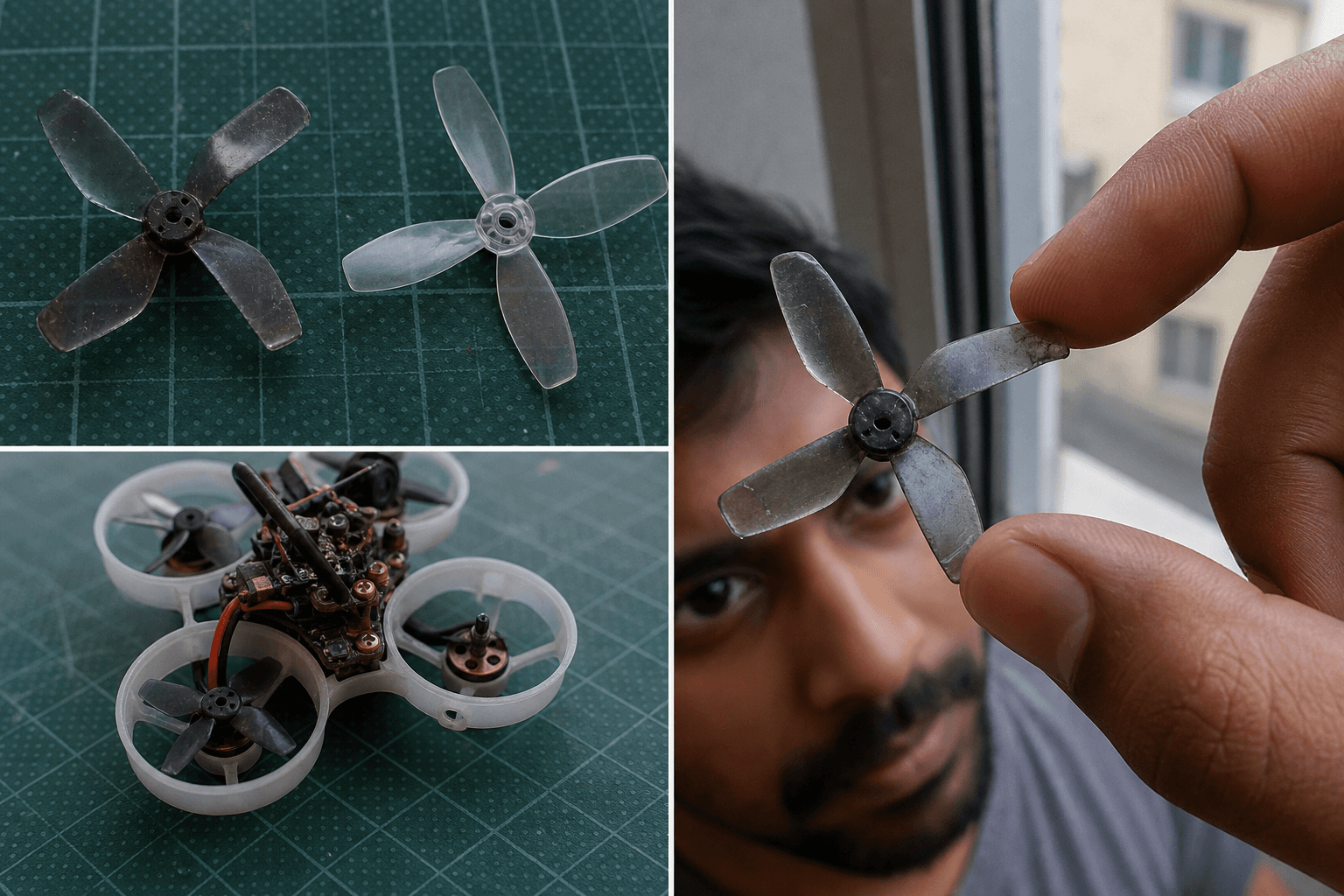
When to replace vs reuse
| Condition | Decision |
|---|---|
| Chip or missing blade tip | Replace |
| Hub cracked | Replace |
| Blade bent but “looks ok” | Replace - vibration lies |
| New vibration since yesterday | Inspect all four; replace set |
| Rub marks on ducts | Fix prop seating / bent shaft before flying |
| Crash into concrete | Replace props even if “mostly fine” |
Reusing shredded props to “finish the pack” is how soft-feeling flights and motor heat show up. Props are cheap; motors are not.
Failure modes after a bad swap
| Symptom | Likely cause |
|---|---|
| Won’t lift / yaws hard | CW/CCW swapped |
| Screech / rub | Prop hitting duct; shaft bent |
| Oscillation | Damaged blade or loose nut |
| Nut spins off in flight | Under-torqued or wrong thread |
| Motor hot after short hover | Prop scrape or bearing damage from overtighten |
If it still “keeps falling” after fresh props and a good pack, open the wider checklist: why drones keep falling.
India / stock tips
- Keep two full sets per whoop size at home; domestic restock for popular 31 mm / 40 mm props is usually fine, but weekend gaps happen - buying checklist.
- Buy the size your frame actually clears; forcing 40 mm into a tight 65 duct is a rub festival - choose a frame.
- Label bags by size so 31 mm and 40 mm never mix in the field pouch.
Practice note
Prop swaps do not teach hover. After the bench work, put time into /sim and short packs so the next crash is skill, not hardware mystery.
Bottom line
Battery out, match CW/CCW, snug without crushing bells, hand-spin for duct clearance, replace damaged blades in sets. Fresh props fix more “mystery tune” complaints than PID scrolling. Keep spares; treat props as consumables.
Bench
Spare whoop prop packs: the Bench. Build workflows: Grind Lab. Stick practice: /sim.
Discussion
Comments aren't open on this post yet. Share it with your build group, or start a thread on X.