

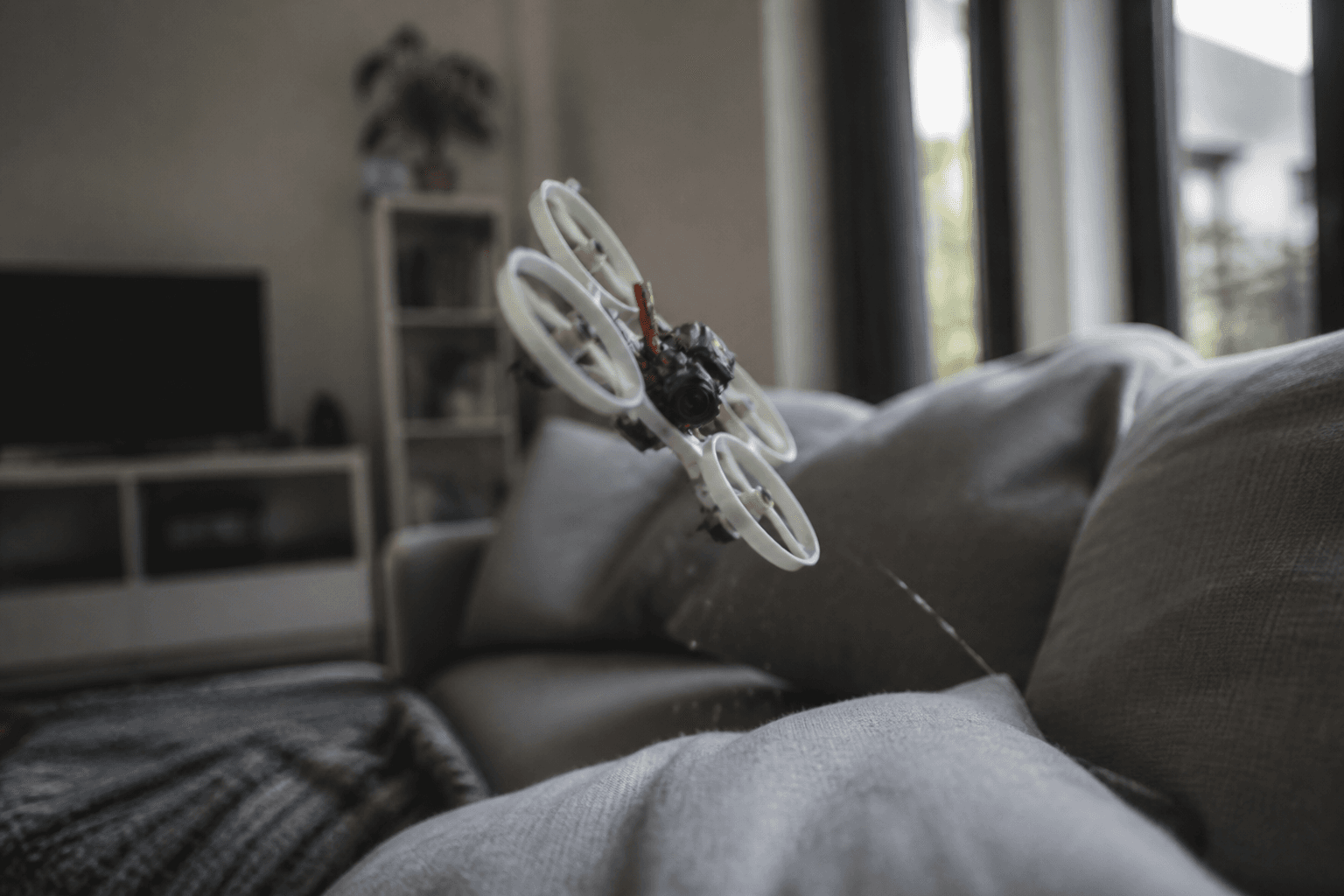
Why does my FPV drone keep falling

"It keeps falling" is almost never mysterious. Tiny whoops and small freestyle quads fall for boring reasons: throttle too low, tired packs, wrong props, a loose connector, or a pilot still learning to hover. Buying a "more powerful" whoop rarely fixes a throttle timing problem.
FPV Grind's approach: diagnose with a checklist, then drill on /sim and with short real packs. Record DVR if you can (how to record DVR) so you can see the throttle drop instead of arguing with memory.
Quick diagnosis table
| Cause | What you see | What to do |
|---|---|---|
| Throttle panic / too low | Sudden drop after a twitch | Hover drills: how to hover |
| Pack at the end of its charge | Sags, then sinks no matter what | Land earlier; more packs: how long LiPos last |
| Wrong cell count | Underpowered or angry motors | Match 1S/2S to the quad |
| Tired or too-small pack | Early sag every flight | Retire tired packs; use the capacity the quad was designed for |
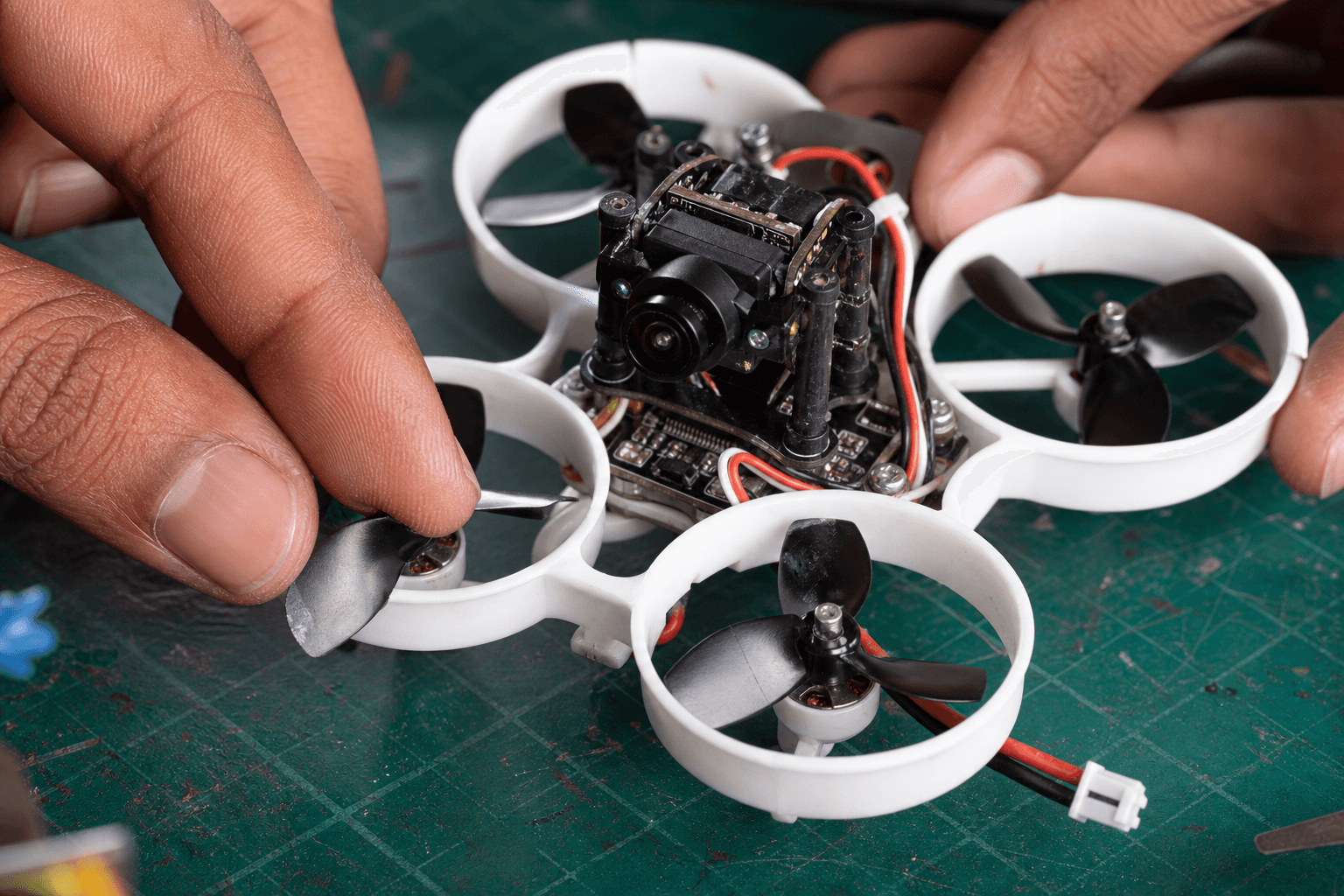
| Damaged / wrong props | Vibration, weak lift | Change props |
| Loose or worn battery connector | Video blinks, motors cut, quad drops (FC reboots) | Replace the pigtail or pack connector; BT2.0 holds better than worn PH2.0 |
| Accidental disarm | Motors stop dead mid-air | Arm on a dedicated switch you can't bump: how to arm |
| Failsafe / link loss | Instant drop after a few seconds | ELRS checklist |
| Motor desync | One corner dips on a punch, quad flips or tumbles | Check that motor and ESC; update ESC firmware |
| Acro without Airmode | Wobbly, unstable drop at zero throttle | Enable AIRMODE (often on by default) |
| Angle mode surprise | "It won't go where I point" | Know your mode; practise deliberately |
| Wind outdoors on a 65 | Pushed sideways, then tips in | Calm air or a bigger class |
Skill causes (most beginners)
Hover is throttle management plus tiny corrections. Common failure modes:
□ Punch up, then chop throttle to "settle" → freefall
□ Peek at the quad instead of the goggle feed → late corrections
□ Chase with yaw only → spiral into the floor
□ Fly past the low-voltage warning for "one more gap"
□ Skip the sim, burn three packs, blame the BNF
Fix order: sim hover → short indoor packs → then tricks. Mode 2 primer: what is Mode 2. Indoor space rules: fly indoors.
Battery and power causes
| Check | Pass |
|---|---|
| Cell count matches FC / motors | 1S whoop on 1S; don't force a different pack with adapters |
| Connector matches and is tight | BT2.0 vs PH2.0: connector guide |
| Pack charged and not puffed | Retire swollen packs: puffed LiPo guide · dispose of LiPos |
| Flight time expectation | Whoops fly for a few minutes; punchy flying is shorter |
| Storage / heat abuse | Packs cooked in a hot car sag early: store LiPos |
India summer: packs sag faster in the heat, so one that felt fine in an AC room can fade sooner in a hot hall. Land with margin.
Mechanical and setup causes
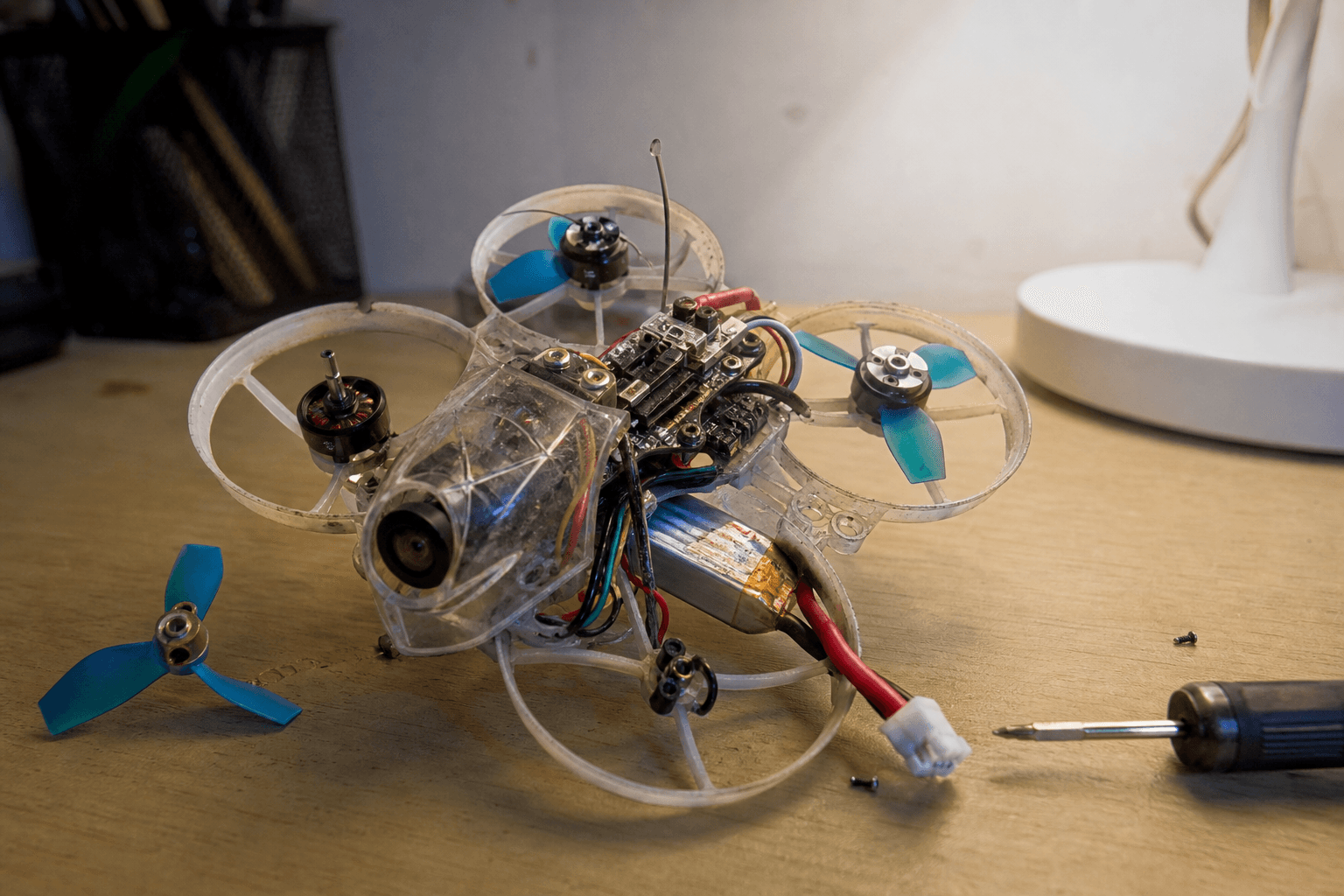
- Props: chipped blades, wrong-direction props on a motor, or props rubbing the ducts. Fit a fresh matched set before you touch the PIDs.
- Motors: a grinding bearing or bent shaft after a furniture hit: fix a crashed whoop.
- Weight: a camera the whoop can't carry. Strip extra weight while you learn.
- Rates / filters: leave them stock while you learn to hover; wild rates feel like "falling."
- Arm / failsafe: confirm the bind and the arm switch: bind a whoop.
Field workflow when it “just drops”
1. Disarm, unplug, inspect props, ducts and the battery connector
2. Try a known-good fresh pack
3. Bench stick check (Receiver tab or OSD); look for a
   failsafe or disarm reason in the OSD/Blackbox
4. Hover 30 cm over a soft surface; no gaps
5. If it still falls: DVR review + sim drills
6. Only then change hardware
Moving from a 65 mm to a 75 mm doesn't teach throttle. It just changes the crash radius.
When the craft is actually wrong for the space
| Space | Falling often means |
|---|---|
| Tiny bedroom | Quad too big or a punch habit: smaller whoop or more sim |
| Outdoor park in wind | 65 mm underpowered: calm air or a bigger class |
| Terrace | Noise + wind + nerves: apartment guide |
Class choice: which build first.
Bottom line
Most "keeps falling" reports are throttle timing, tired packs, bad props, loose connectors or link/arm mistakes, not haunted flight controllers. Diagnose with the table, fix props, packs and connectors, then put hours into /sim and deliberate hover packs. Hardware upgrades come after soft landings get boring.
Bench
Fresh 1S packs and whoops: the Bench. Practice without crash tax: /sim. Deeper troubleshooting: Grind Lab.
Discussion
Comments aren't open on this post yet. Share it with your build group, or start a thread on X.