
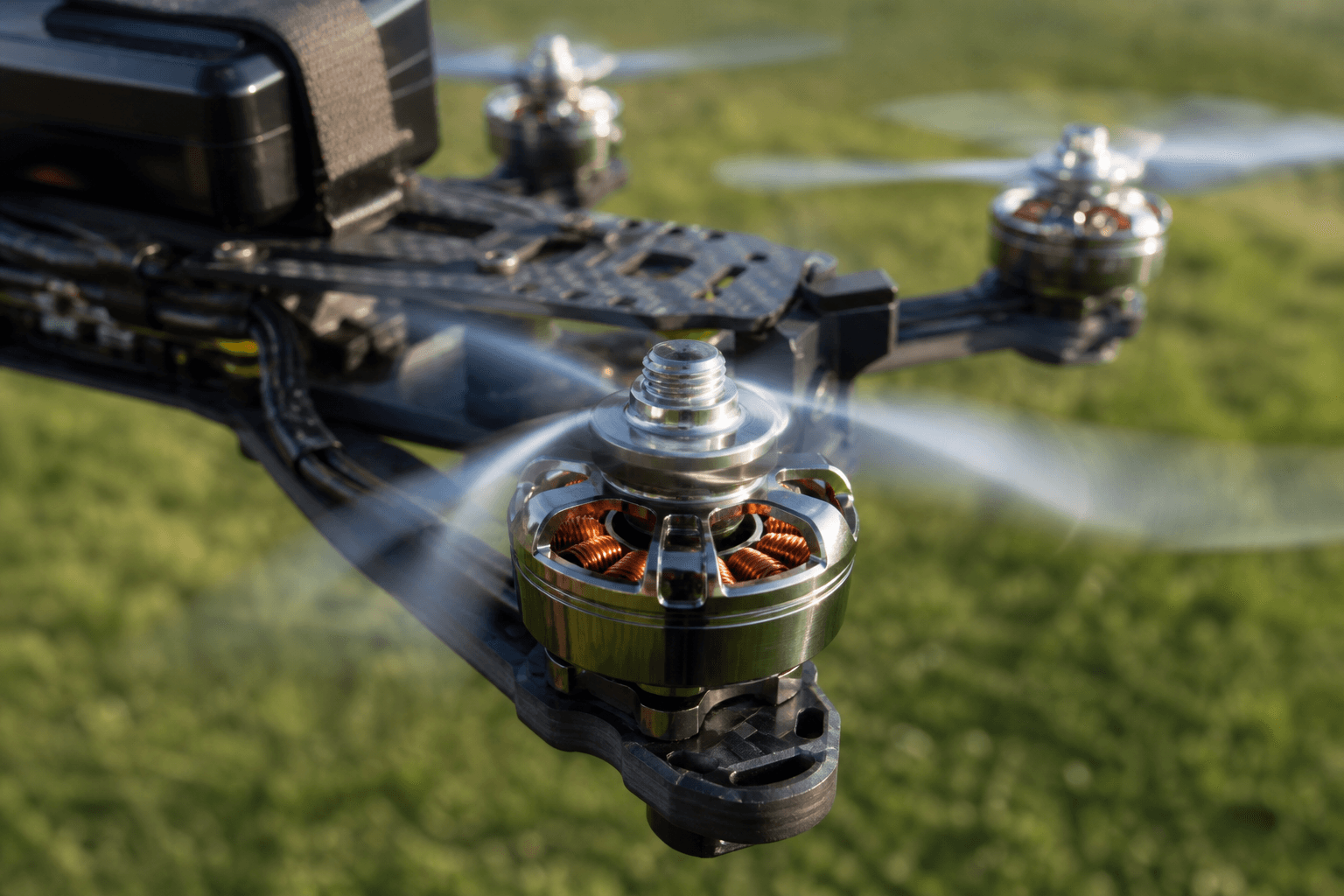
How to break in new FPV motors

How to break in new FPV motors without the folklore: you do not need a mystical 30-minute idle ritual. You do need correct hardware, gentle first packs, and temp awareness before you ask a fresh set of bearings for punch-outs.
Motor “break-in” lore is loud online. FPV Grind’s sensible version for whoops and freestyle quads: confirm the build, fly smooth packs, then fly normally.
What break-in is (and is not)
| Claim | Reality |
|---|---|
| “Idle for 20 minutes on the bench” | Unnecessary for modern brushless whoop motors |
| “Full punch-outs on pack one” | Hard on bearings, props, and your ego |
| “Break-in replaces balancing props” | No - vibration is still hardware |
| “Gentle first packs + temp checks” | Yes - this is the useful part |
If the quad already vibrates, fix that first: how to fix FPV vibration.
Pre-flight checklist (before pack one)
□ Props OFF for motor direction check
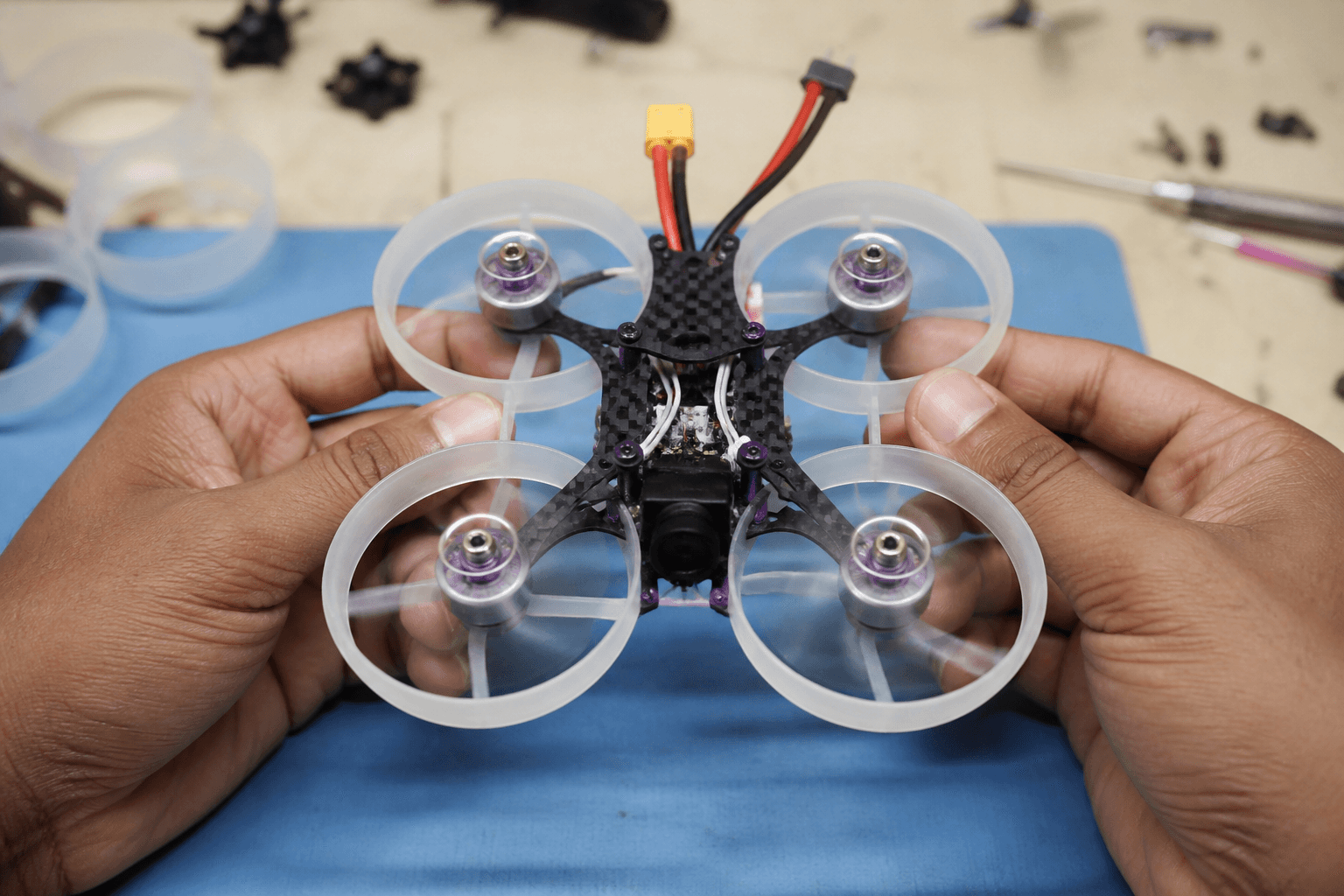
□ Motor screws tight, no spinning bells rubbing ducts/frame
□ Solder joints clean - no cold joints or bridged pads
□ Direction matches prop diagram - motor direction guide
□ Bearings spin freely by hand (gritty = do not fly)
□ Correct props for motor size (31mm vs 40mm, etc.)
Direction check: how to check FPV motor direction. Mounting: how to mount whoop motors. Soldering: how to solder FPV motors.
Sensible first-pack workflow
- Confirm hardware with props off, then fit fresh props carefully - change props.
- First 2–3 packs: smooth throttle, soft climbs, no full punch-outs or power loops.
- Between packs: finger-check motor bells (warm is normal; painful hot is a problem).
- Listen: grinding, clicking, or one motor louder than the rest → land and inspect.
- After calm packs: fly normally. Break-in is done.
| Pack | Goal | Stop if |
|---|---|---|
| 1 | Soft hover and figure-eights | Hot motors, vibration, odd noise |
| 2–3 | Slightly more throttle, still smooth | Same as above |
| 4+ | Normal flying for your skill | Temp/noise still abnormal |
Temp and failure modes
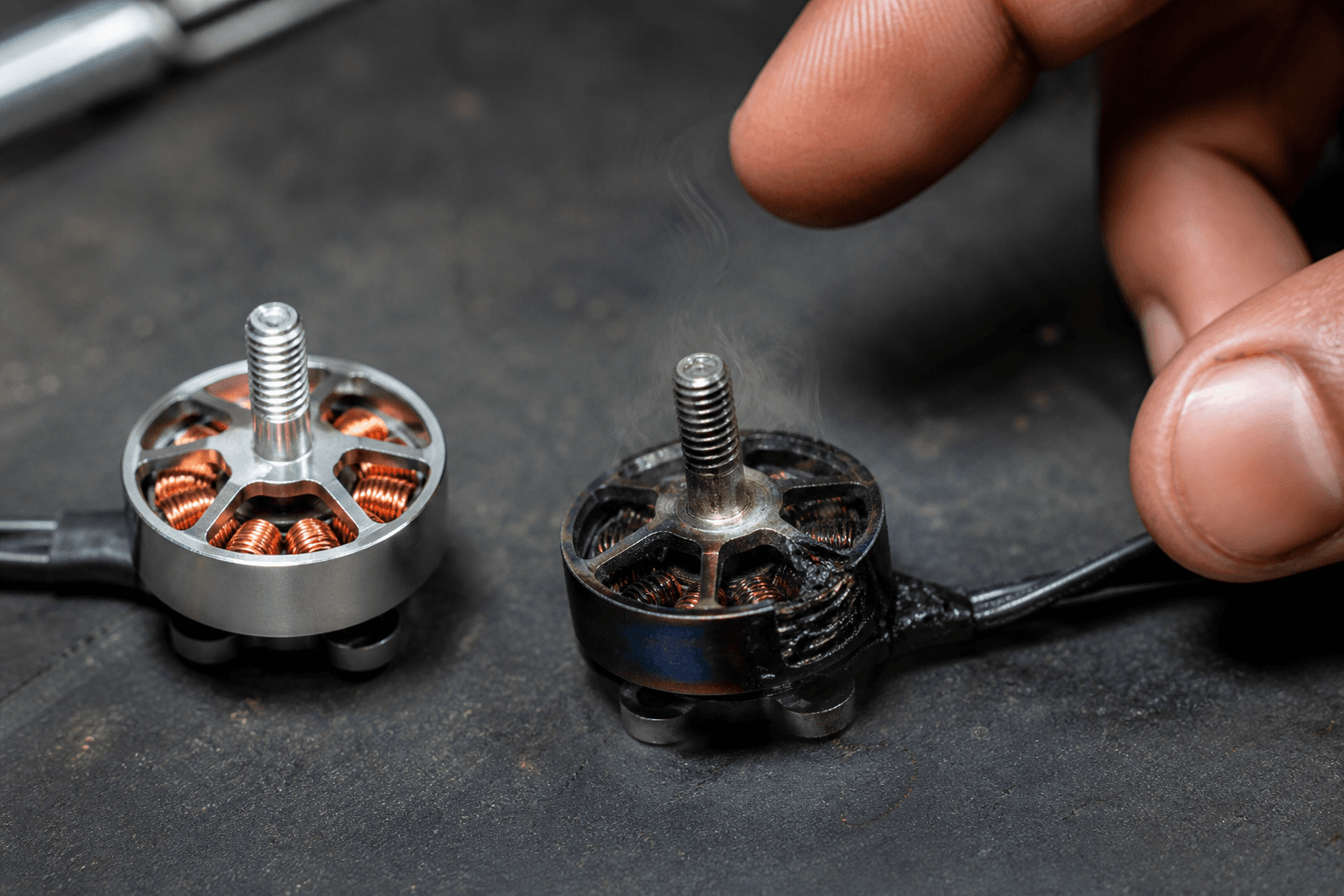
Whoop motors get warm in summer India heat and after hard crashes into carpet. Context matters.
| Symptom | Likely cause | Action |
|---|---|---|
| One motor much hotter | Binding, bad bearing, wrong prop, ESC issue | Stop flying that corner |
| All motors scorching after short hover | Overprop, wrong KV, heavy craft | Revisit KV / prop / headroom |
| New motor noisy from box | Debris or bad bearing | Do not “break in” a defective motor |
| Vibration after motor swap | Bent shaft, loose screws, unbalanced props | Hardware first, not PID panic |
India summer note: charge and store packs correctly so you are not stacking heat stress - charge LiPo safely · store LiPos · summer packing.
After a motor replacement mid-fleet
Replacing one corner after a crash is common. Treat that motor like new:
□ Match KV and size to the other three when possible
□ Recheck direction and prop order
□ Soft pack before freestyle sessions
□ Keep spare motors for your class - whoop crash tax is real
Size/class context for motor choice: whoop motors 0802 vs 1102.
Bench and build tools
Validate motor + frame + prop combos in Grind Lab before you order random KV. Stock motors and props on the Bench. Practice stick discipline on /sim while waiting for parts - new motors do not fix panic yaw.
Bottom line
Break-in is not a ritual. It is props-off verification, gentle first packs, and honest temp/noise checks. Skip folklore; do not skip hardware basics.
Discussion
Comments aren't open on this post yet. Share it with your build group, or start a thread on X.