
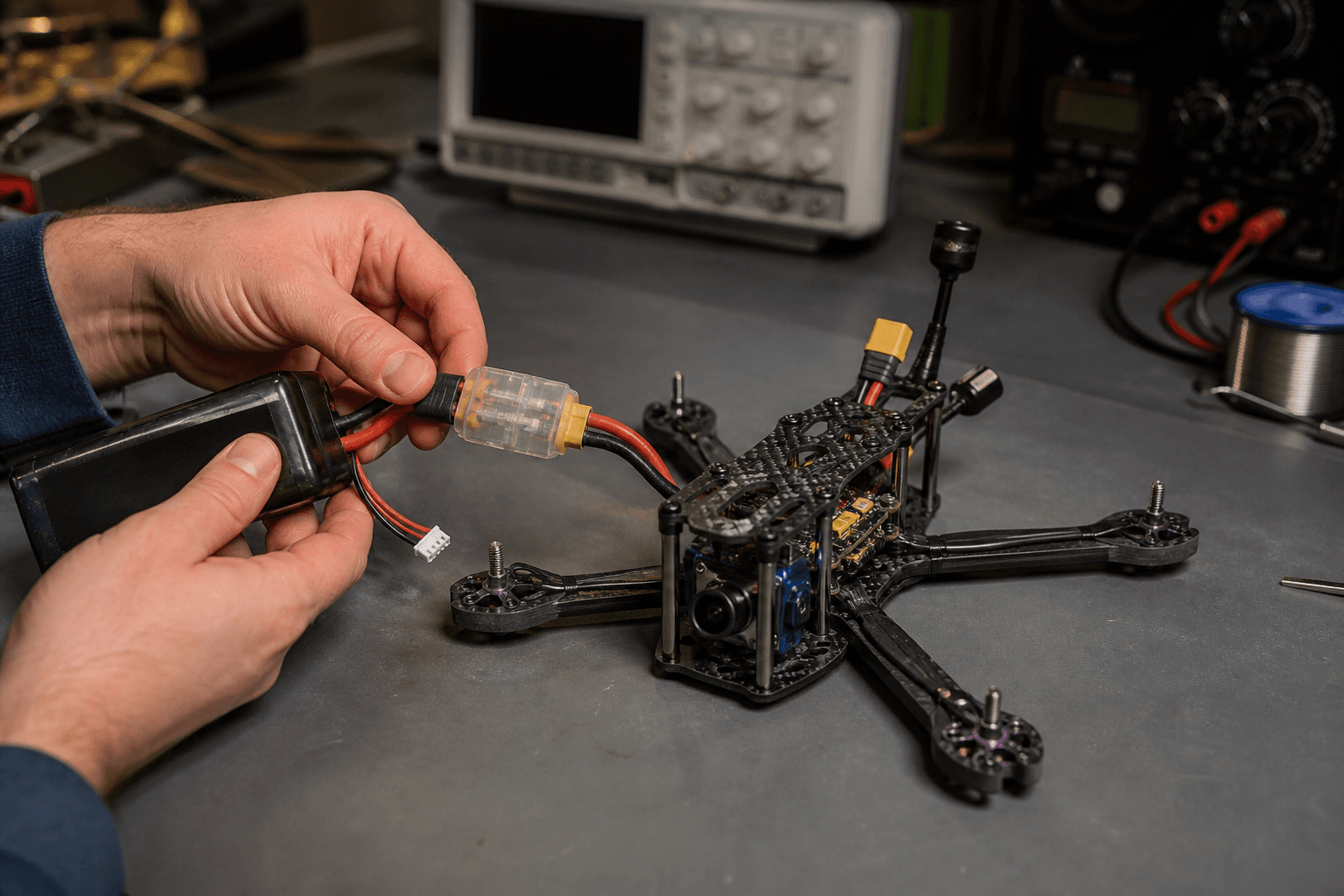
How to power on an FPV drone safely

Most “it spun on the desk” stories skip one step: battery last, people clear, throttle down. Whoops are small; props still cut skin and eyes. Build a boring power-on ritual and use it every pack - apartment benches and club pits both.
Arming basics: how to arm an FPV drone. Stick warm-up: /sim.
Power-on order (default whoop / BNF)
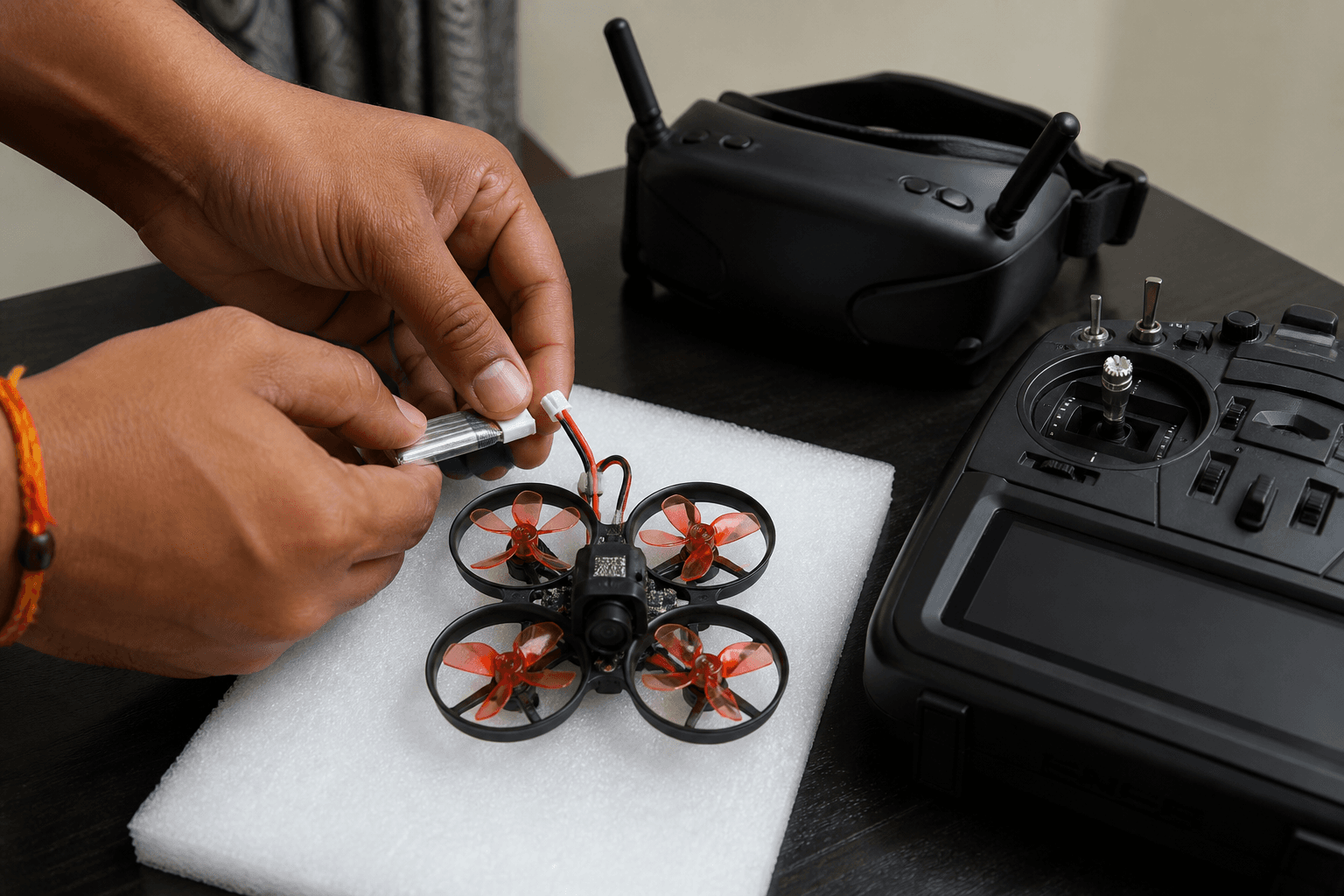
1. Clear people, pets, and fabric from the prop disk
2. Radio on - throttle lowest, know the arm switch position
3. Goggles on (or LOS plan) - antennas seated
4. Craft antennas seated - never power RF with antenna off if avoidable
5. Props installed correctly OR intentionally off for bench work
6. Plug battery last
7. Wait for boot / OSD / bind - do not arm during boot glitches
8. Arm only when craft is on the ground, clear, and you intend to fly| Step | Why it exists |
|---|---|
| Radio before battery | You control arm/throttle before motors can spin |
| Antennas first | Protects VTX; gives video when you need it |
| Battery last | Motors cannot surprise you mid-setup |
| Wait for boot | Early arm during gyro cal = desk launch |
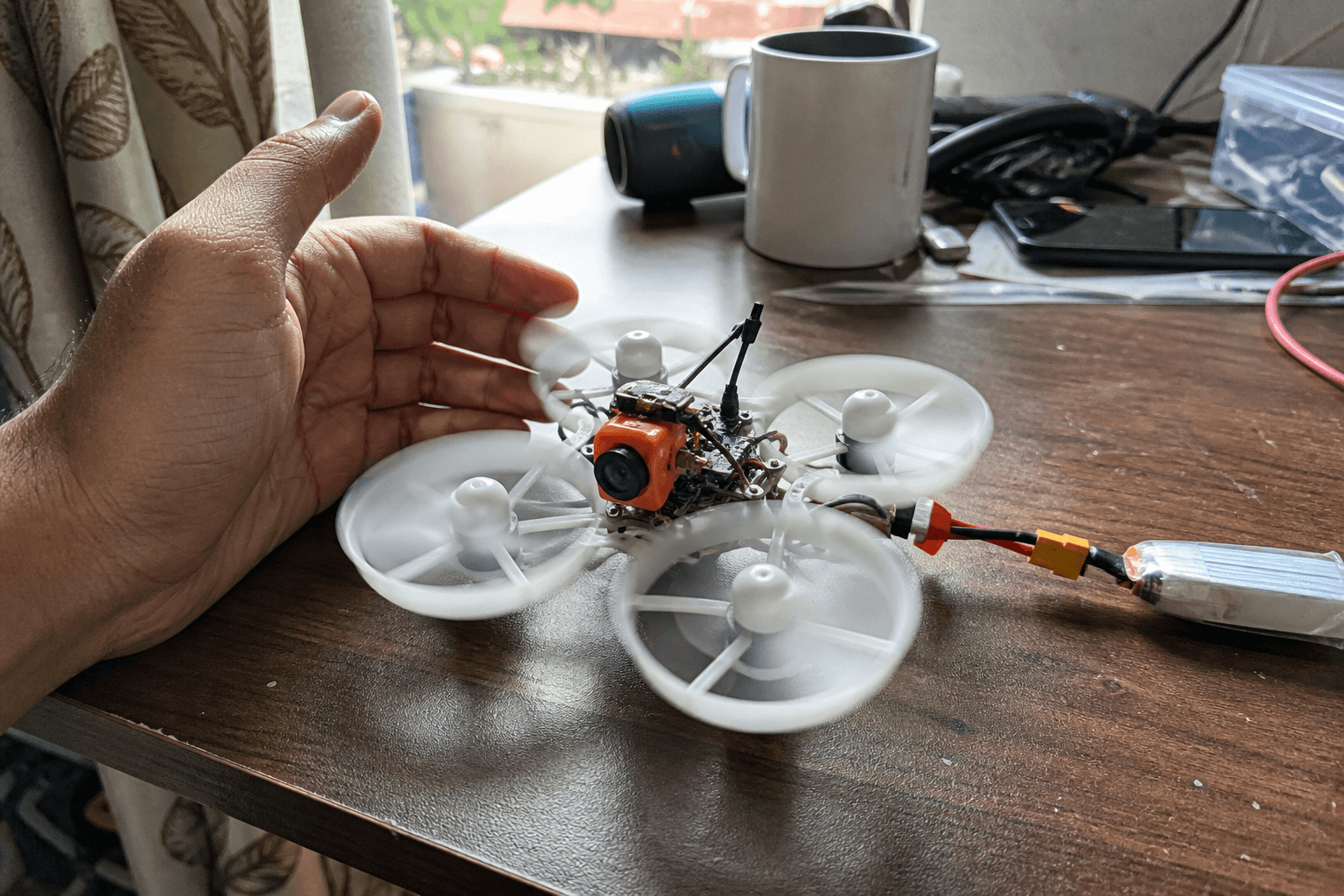
| Clear disk | Hands, curtains, phone cables |
Some HD systems prefer a slightly different goggle/radio order - follow your kit manual, but never make “battery first” the habit.
Power-off order
1. Disarm
2. Unplug battery
3. Then pick up the craft, change props, or pack the bag
Do not carry an armed whoop to the charging table. Do not “just walk to the other room” with a live pack and unknown switch state. Disarm → unplug → handle.
Desk vs field variants
| Context | Extra rule |
|---|---|
| Soldering / config | Props off; smoke stopper if you use one |
| First pack after flash | Props off until sticks verified in Betaflight |
| Indoor hover | Soft surface, Angle ok - Angle mode |
| Club pit | Face craft away from people; yell “plugging” if that is local culture |
| Terrace | Noise + drop risk - apartments guide |
Pre-arm checklist (say it once)
□ Throttle low
□ Arm switch safe
□ Props clear
□ Battery connector fully seated (PH2.0 / BT2.0 / XT30)
□ Goggles show picture - [no picture fix](/blog/how-to-fix-no-picture-fpv-goggles)
□ Plan for this pack (hover / line) - not “try everything”
Failure modes
| Mistake | Typical story |
|---|---|
| Battery before radio | Arm switch unknown → instant spin |
| Tuning with props on | Gyro / PID test becomes a weapon |
| Pocket arm switch bump | Walk-away launch |
| Charging while armed | Never do this |
| Antenna off “for a second” | VTX heat / no video panic |
| Kids holding the whoop “to see” | Props + faces - spectators |
LiPo handling while powering
Use packs you trust: storage-charged packs for travel, flight packs at sensible voltage for the session - how to store LiPos · charge safely. Swollen or damaged packs do not belong in a power-on routine; retire them.
After a crash, clean before the next plug: clean after crash. Hair in motors + full throttle on plug-in is how windings die.
India apartment reality
Small rooms make the disk always “almost clear.” Move chairs. Park the whoop in an empty tile square. One spotter if family walks through. Society rules beat freestyle ambition - lose the flying spot and the safe power ritual does not matter.
Practice without props
Dry the switchology on /sim and on the radio with the craft unpowered: find arm, find mode, find beeper. Muscle memory belongs in your fingers before the battery does.
Bench
Whoops and 1S packs: the Bench. Match connectors in Grind Lab so you are not forcing PH2.0 into BT2.0 at power-up.
Discussion
Comments aren't open on this post yet. Share it with your build group, or start a thread on X.