
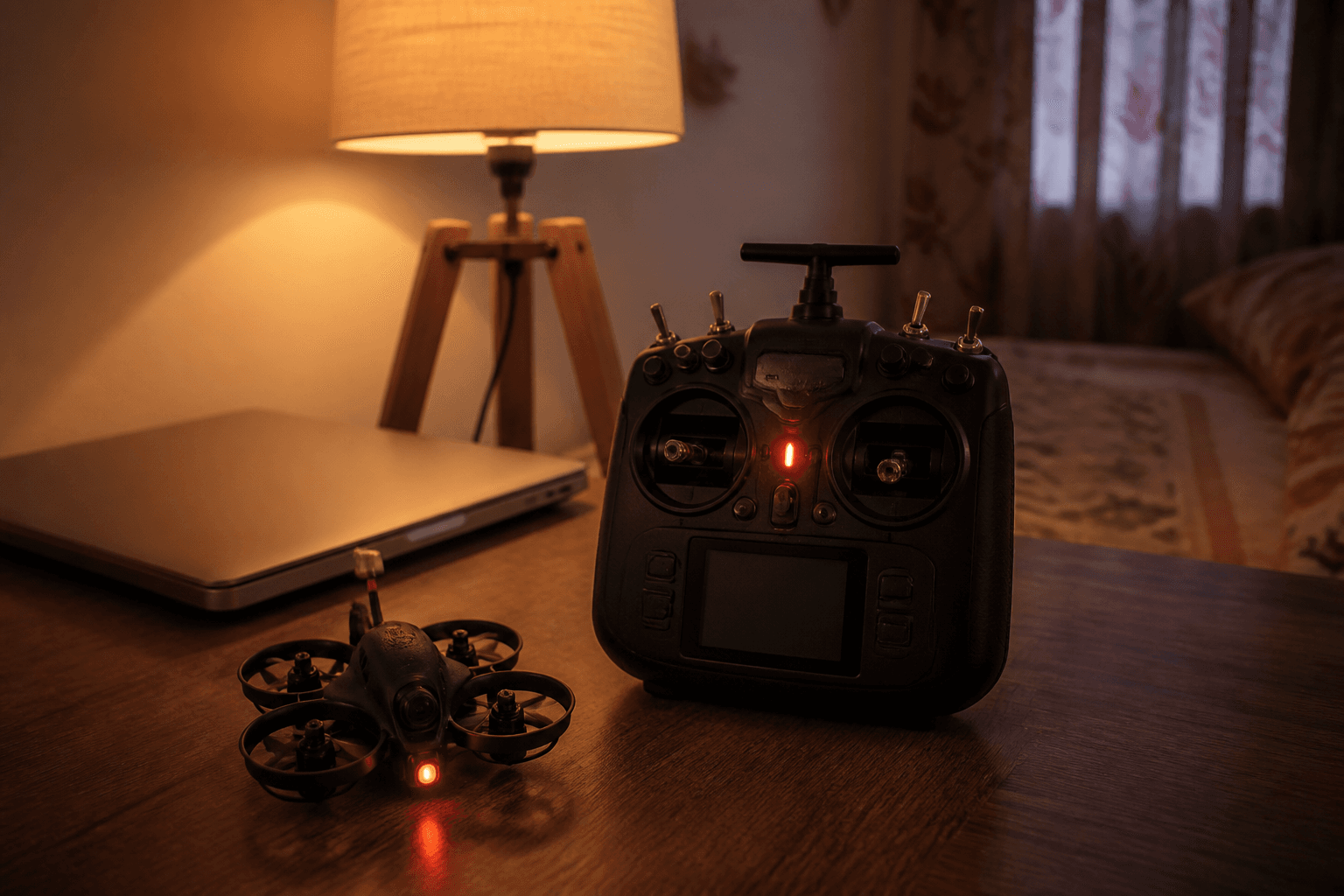
How to bind a whoop to a radio

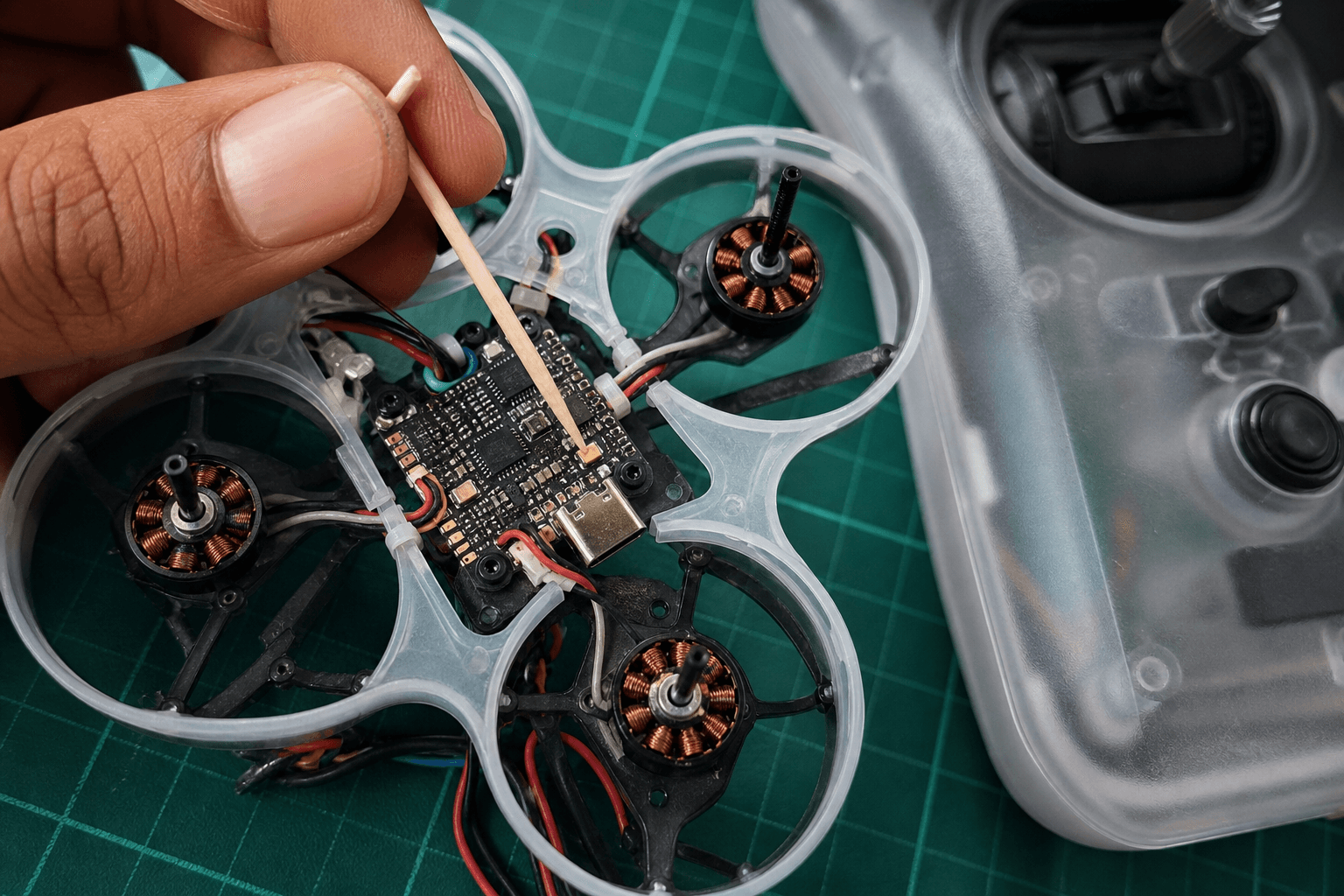
Binding connects your radio to the whoop’s receiver so stick inputs reach the flight controller. On almost every modern tiny whoop sold for FPV, that link is ExpressLRS (ELRS). Binding is not optional magic - without it, the craft is a paperweight with LEDs.
FPV Grind’s day-one goal: bind once, verify sticks, then hover. Do not skip the Receiver tab check. “It beeps so it must be bound” has wasted more Saturday mornings than soft packs.
Before you touch bind mode
| Check | Why |
|---|---|
| Radio and whoop both ELRS | Cross-protocol bind will never work - what is ExpressLRS |
| Correct EdgeTX model selected | Binding into the wrong model confuses next flight |
| Internal ELRS enabled (or external module set) | Wrong RF path = silence |
| Battery / USB power on the whoop | RX must be awake |
| Props off or craft restrained | Accidental arm after bind is ugly indoors |
Fresh radio? Minimum EdgeTX path: how to set up EdgeTX for FPV. Full ELRS deep dive: how to bind an ELRS radio.
Bind workflow (typical BNF whoop)
Exact LED colors and button holds vary by board. Use your BNF’s one-pager when it conflicts with generic steps.
1. Power the radio, select the whoop’s model
2. Open Tools → ExpressLRS Lua
3. Put the RX into bind mode
   □ Button on AIO / RX, or
   □ Power-cycle bind sequence per manual, or
   □ Bind phrase / WiFi method if you already use that workflow
4. In Lua, choose Bind
5. Wait for confirmation (Lua status / RX LED change)
6. Exit bind; reboot radio or RX if the manual says so
7. Verify in Betaflight Configurator → Receiver tab
   □ Throttle / yaw / pitch / roll move the correct channels
   □ Arm switch toggles the expected AUX
If you use a bind phrase workflow instead of classic bind mode, both TX and RX must share the same phrase and compatible firmware families. Mixing random GitHub dumps without reading release notes is a common India Discord failure mode.
Stick verification (do not skip)
| Test | Pass looks like |
|---|---|
| Throttle stick up | Throttle channel rises |
| Yaw left / right | Yaw channel moves correctly (not inverted surprise) |
| Pitch / roll | Matching axes in BF |
| Arm switch | AUX flips; craft arms only when you intend |
Fail here → fix channel map / Mode 2 / mixes before first hover. Mode primer: what is Mode 2. Arm hygiene: how to arm.
Common bind failures
| Symptom | Likely cause | Direction |
|---|---|---|
| Never enters bind | RX not powered; wrong button | Confirm pack plug / USB; reread BNF |
| Bind OK, no stick move | Serial RX not on correct UART / protocol | BF Ports + Receiver provider = CRSF |
| Intermittent control | Packet rate / antenna / power | ELRS checklist |
| Works on bench, dies at range | Antenna damaged / folded under canopy | Inspect antenna; lower expectations indoors first |
| “Bound” to wrong radio | Multiple TXs binding nearby | Bind away from other pilots’ spam |
Version family mismatches (very old TX firmware vs new RX) also cause mysterious fails. Update deliberately with matching release notes - not five random firmwares in one night.
Whoop-specific tips
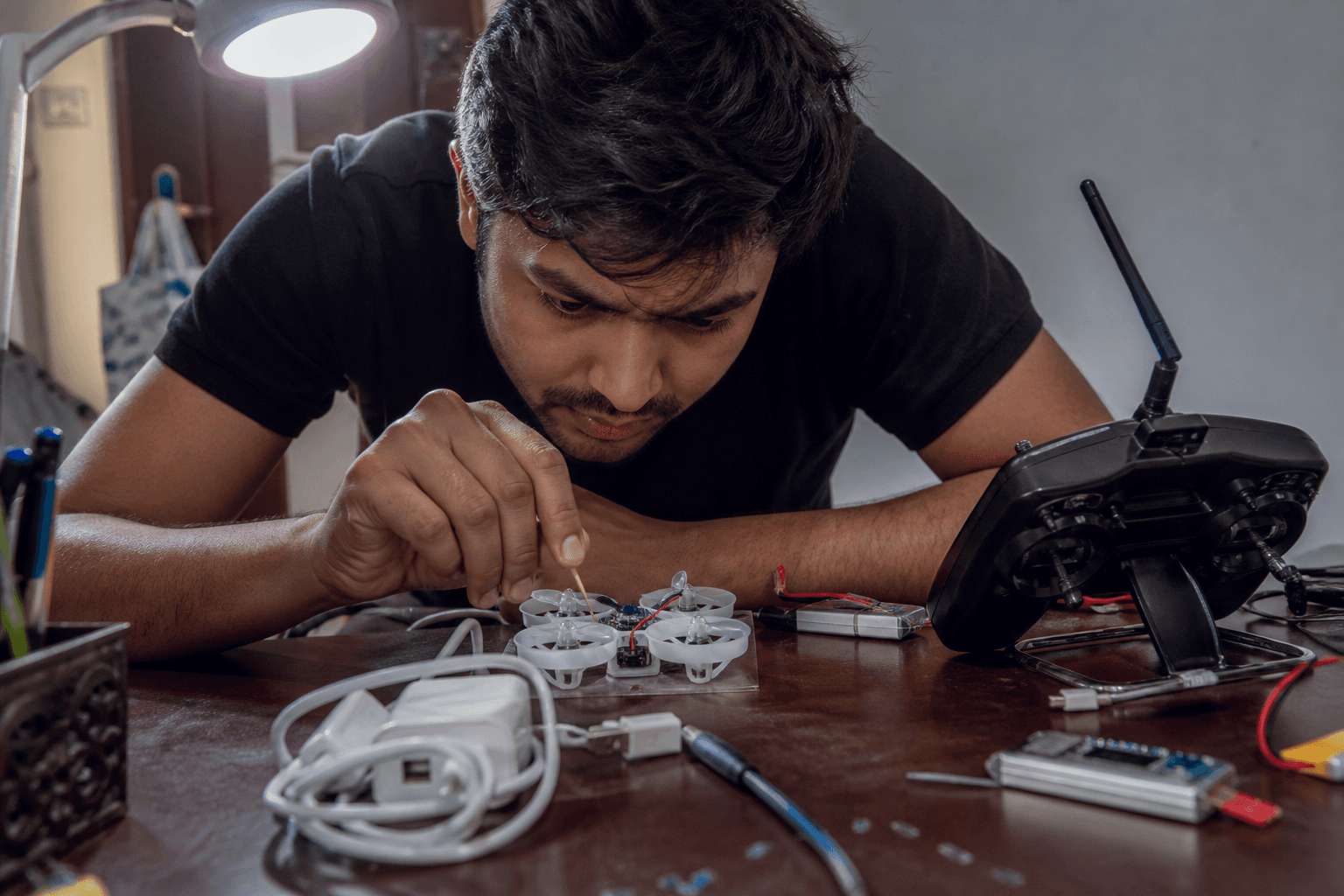
- Many 1S AIOs hide the bind button under a canopy - remove the canopy carefully; do not pry on the camera.
- After a crash that kills the RX antenna, bind may still “work” on the desk and fail in the room. Antenna health is part of bind success.
- Keep one named EdgeTX model per whoop if you own several - shared models cause “why did my arm switch move?” confusion.
Practice without burning packs
Binding is a radio skill; hovering is a stick skill. After bind:
- Confirm sticks on the bench
- Warm up on /sim with the same Mode 2 muscle memory
- First packs: short indoor hovers, props clear of people - spectator guide
Bottom line
Confirm ELRS on both ends, put the RX in bind mode, bind from the Lua script, then prove every axis in Betaflight’s Receiver tab. Most “whoop won’t bind” threads are power, wrong model, UART, or protocol - not cursed hardware. When bind is solid, arm switch hygiene and hover drills matter more than tinkering.
Bench
ELRS BNFs and radios: the Bench. Stick practice: /sim. Radio and link deeper dives: Grind Lab.
Discussion
Comments aren't open on this post yet. Share it with your build group, or start a thread on X.