
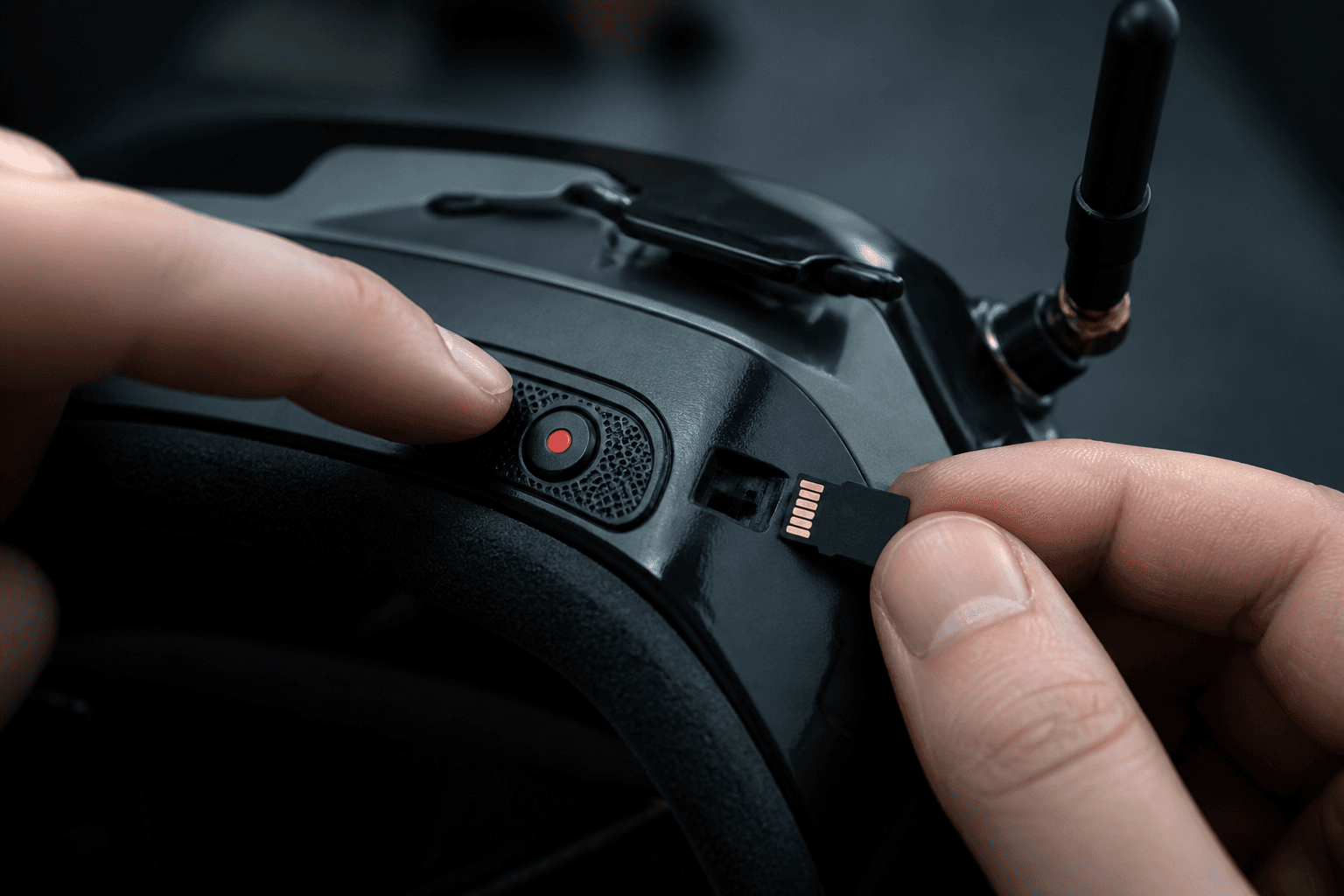
How to record DVR on FPV goggles

DVR (digital video recorder) in FPV goggles saves the analog or digital feed you see while flying. It is the fastest way to review crashes, hover mistakes, and “what did that failsafe look like?” without guessing. Ugly packs are still useful packs if you recorded them.
Beginners skip DVR because the card format, record button, and file dump feel fiddly. Ten minutes of setup once pays off for months. FPV Grind recommends recording early sessions even when the flying is embarrassing - that is how stick discipline improves.
What DVR is (and is not)
| Thing | Reality |
|---|---|
| Goggle DVR | Records the video feed to the goggles, not a separate cinema camera |
| Onboard HD (GoPro / naked cam) | Separate system; nicer for reels, heavier on the craft |
| Phone screen recording | Usually worse quality; use only if goggles have no DVR |
| Live stream | Different workflow; get local DVR working first |
Whoop kits with box goggles often include basic DVR. Know your model’s button vs switch before the field day.
Pre-flight DVR checklist
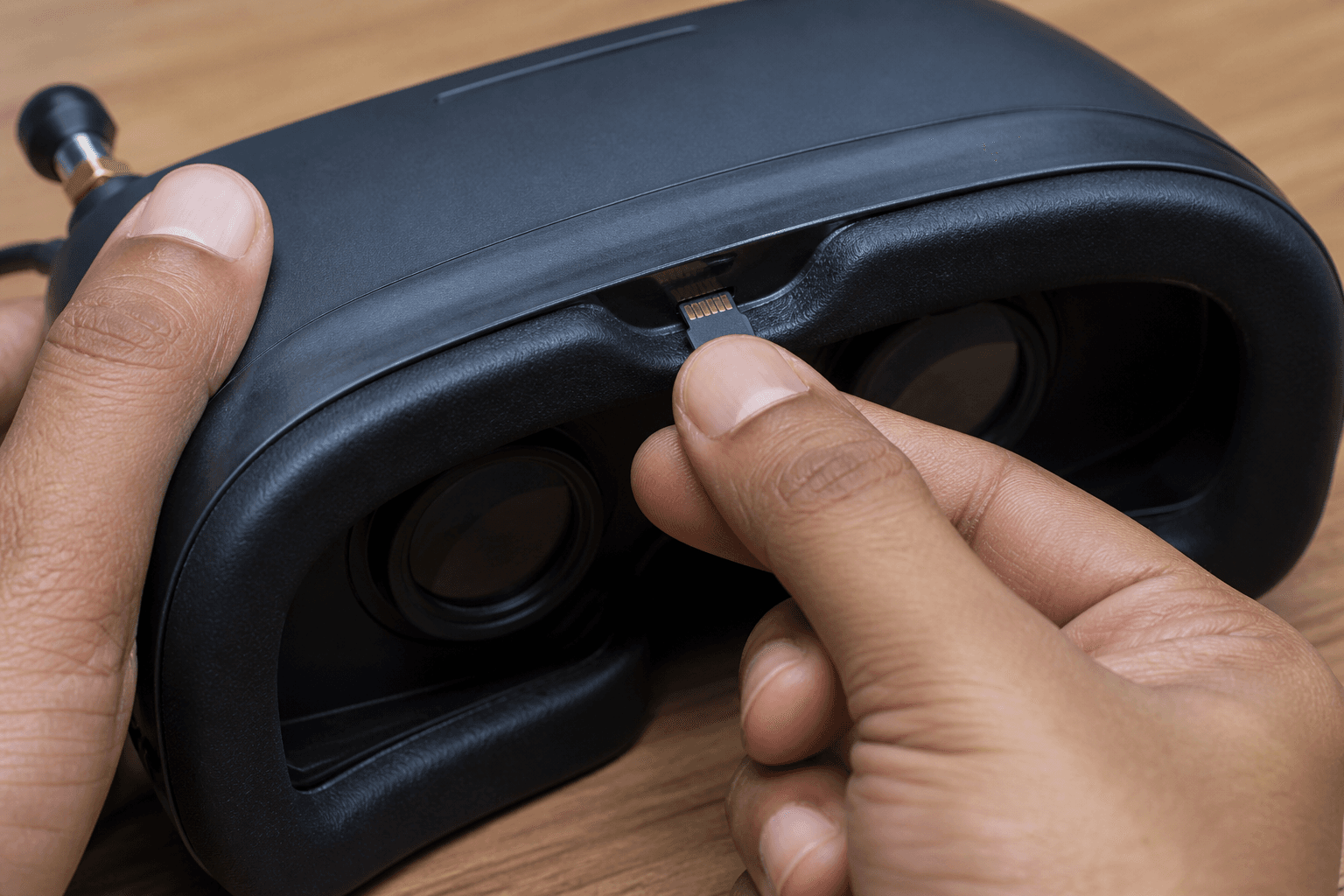
□ Supported microSD (speed class your manual lists - often U1/U3)
□ Card capacity you will actually empty (32–128 GB is common)
□ Format IN the goggles when prompted (PC format can still fail)
□ Record start confirmed (icon / LED / OSD status)
□ Enough free space for the whole session
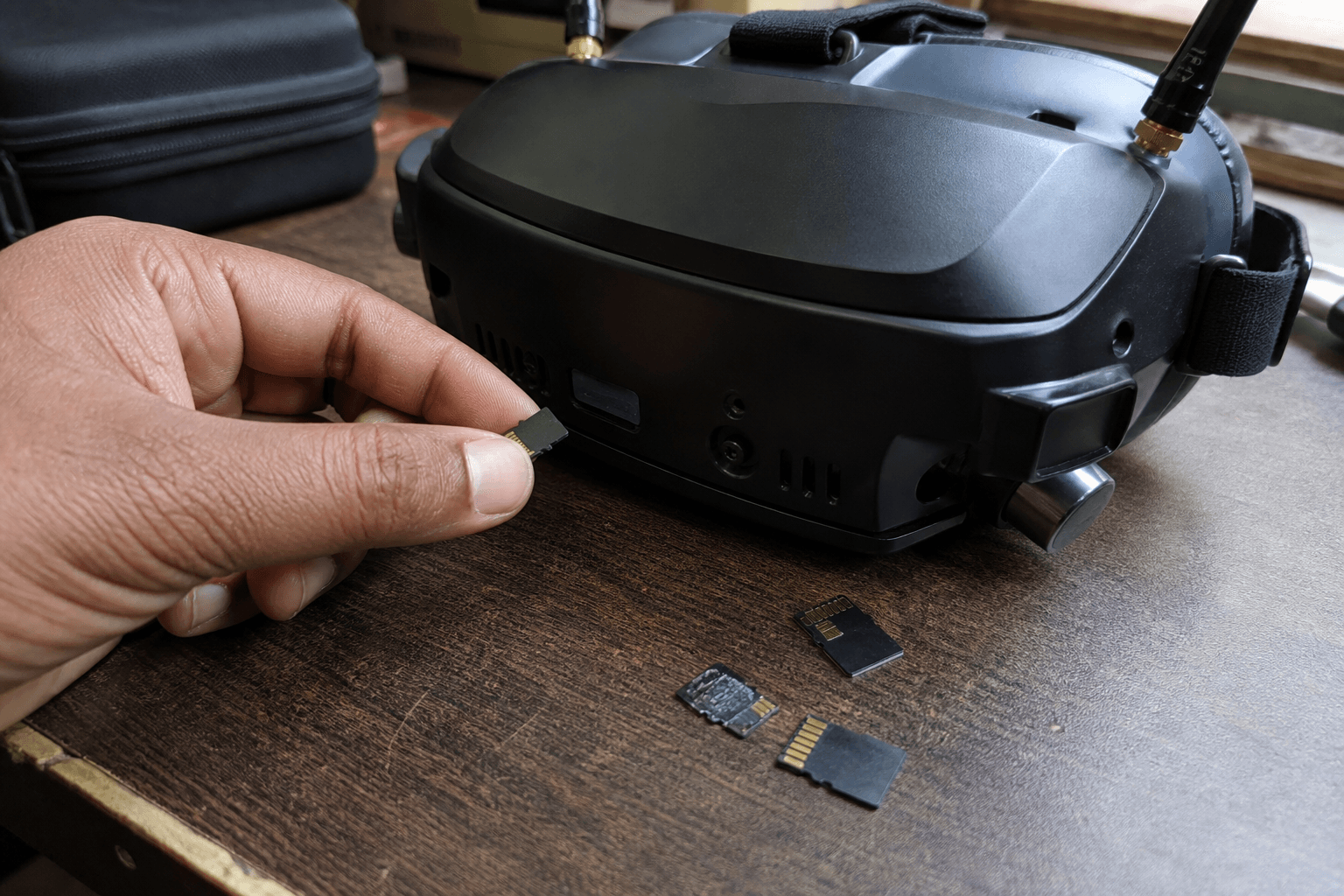
□ Spare card in the bag (cards fail; summer heat does not help)
Never yank a card while recording. Corrupted files are how people lose the only crash clip that would have explained a bent motor.
Typical record flow
- Power goggles, insert card, format if the UI asks
- Enable DVR or hit record (button, rocker, or assigned switch - model specific)
- Confirm recording indicator is on before you arm the whoop
- Fly the pack
- Stop record, wait a second for flush
- Power down or eject safely, then pull the card
- Copy files to a laptop; do not rely on one SD forever
Pulling and sharing clips over Wi‑Fi (when your goggles support it): DVR Wi‑Fi download and sharing.
Card and format failure modes
| Symptom | Likely cause | Fix |
|---|---|---|
| No record / grayed out | Wrong card, full card, not formatted | Format in-goggles; try known-good card |
| Record stops mid-flight | Slow card or heat | Higher speed class; shorter clips |
| Files unreadable on PC | Interrupted write / bad eject | Stop record first; chkdsk / recover carefully |
| Audio missing | Many FPV DVRs are video-only | Expected on a lot of analog setups |
| Timestamp chaos | Clock not set in goggles | Set time once so sorting is sane |
India summer note: sealed car dashboards cook SD cards and goggles batteries. Keep the kit in shade; treat cards like LiPos - heat shortens life. Field packing context: summer heat packing list.
How to use the footage (beginner loop)
Recording without reviewing is just filling a card.
After 2–3 packs:
1. Watch hover segments at 0.5–1x speed
2. Mark throttle panic spikes and yaw overcorrections
3. Pick ONE fault to fix next pack (not five)
4. Compare to a clean [/sim](/sim) hover clip if you recorded practice there too
Common “falling” flight issues show up clearly on DVR - soft packs, late throttle, wrong props. Pair with why does my FPV drone keep falling and how to hover.
Privacy and apartment etiquette
If you fly near windows, balconies, or shared halls, DVR can capture neighbors. Fly polite spaces, avoid pointing cameras into homes, and delete footage you should not keep. Society bye-laws still apply: apartments and terraces. This is not legal advice - be a good neighbor.
Kit vs DIY goggle path
| Path | DVR tip |
|---|---|
| RTF kit (e.g. Cetus-class) | Learn the stock record button first; read the kit PDF once |
| Separate box / module goggles | Confirm DVR exists; some cheap viewers do not |
| HD goggle systems | DVR menus differ; still: format, record, stop, copy |
When you outgrow kit DVR and want cleaner edits, that is a later problem. Skill first, cinema later.
Bottom line
Use a supported card, format in the goggles, confirm the record indicator, stop cleanly, then review. DVR is a coach that never gets tired of watching you overthrottle. Early ugly packs are the most educational ones.
Bench
Kits with goggles and whoop gear: the Bench. Stick practice without burning packs: /sim. Deeper radio and build workflows: Grind Lab.
Discussion
Comments aren't open on this post yet. Share it with your build group, or start a thread on X.