
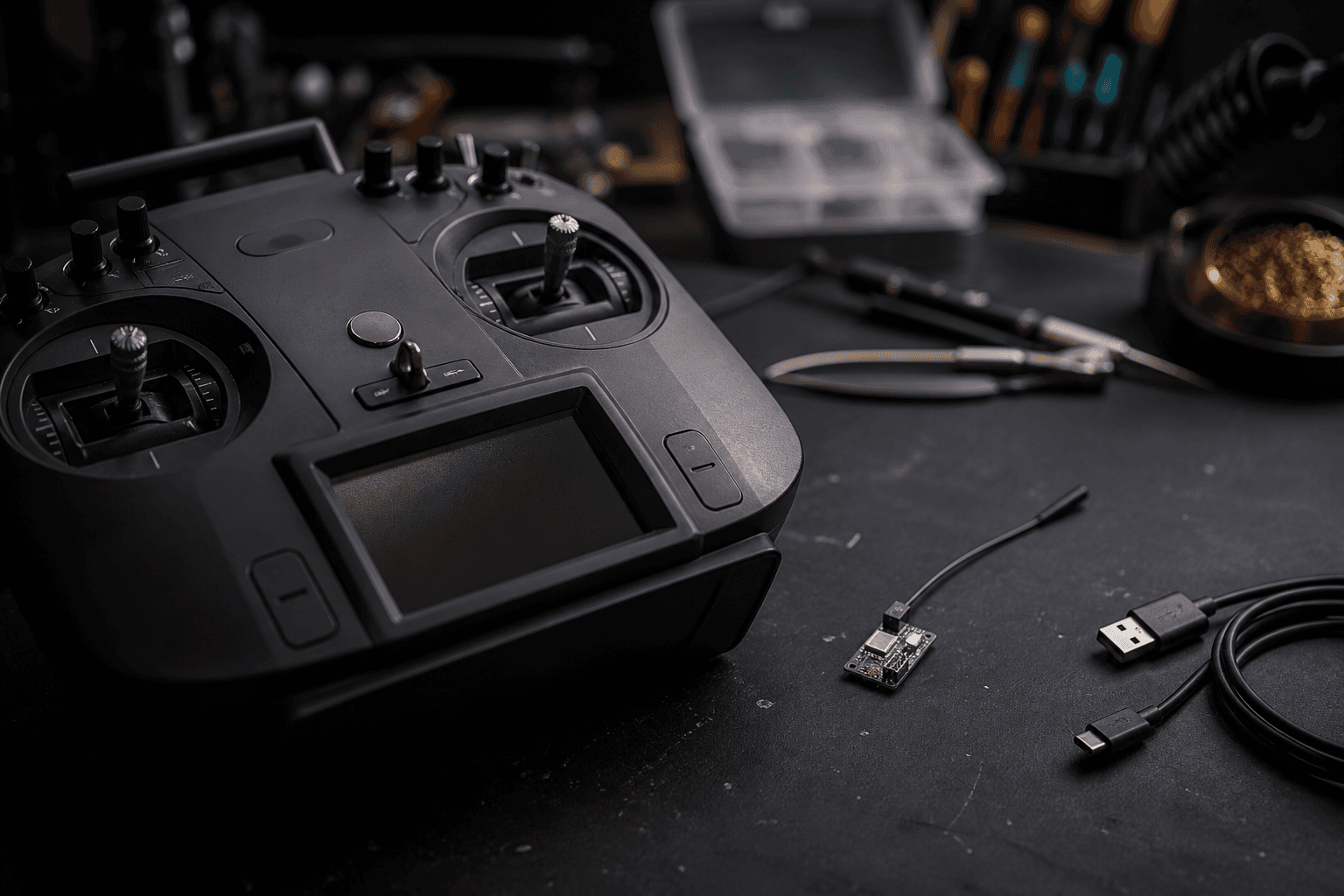

ELRS bind is simple when radio and receiver speak the same version family. It feels cursed when you mix packet rates, forget bind mode, or assume “LED blinked once” means linked. This page is the whoop-friendly bind workflow and the checks that prove sticks actually move.
FPV Grind defaults beginners to ExpressLRS because spares and BNFs in India line up around it. Protocol basics: what is ExpressLRS. Whoop RX context: ELRS receiver for whoops in India.
Before you bind
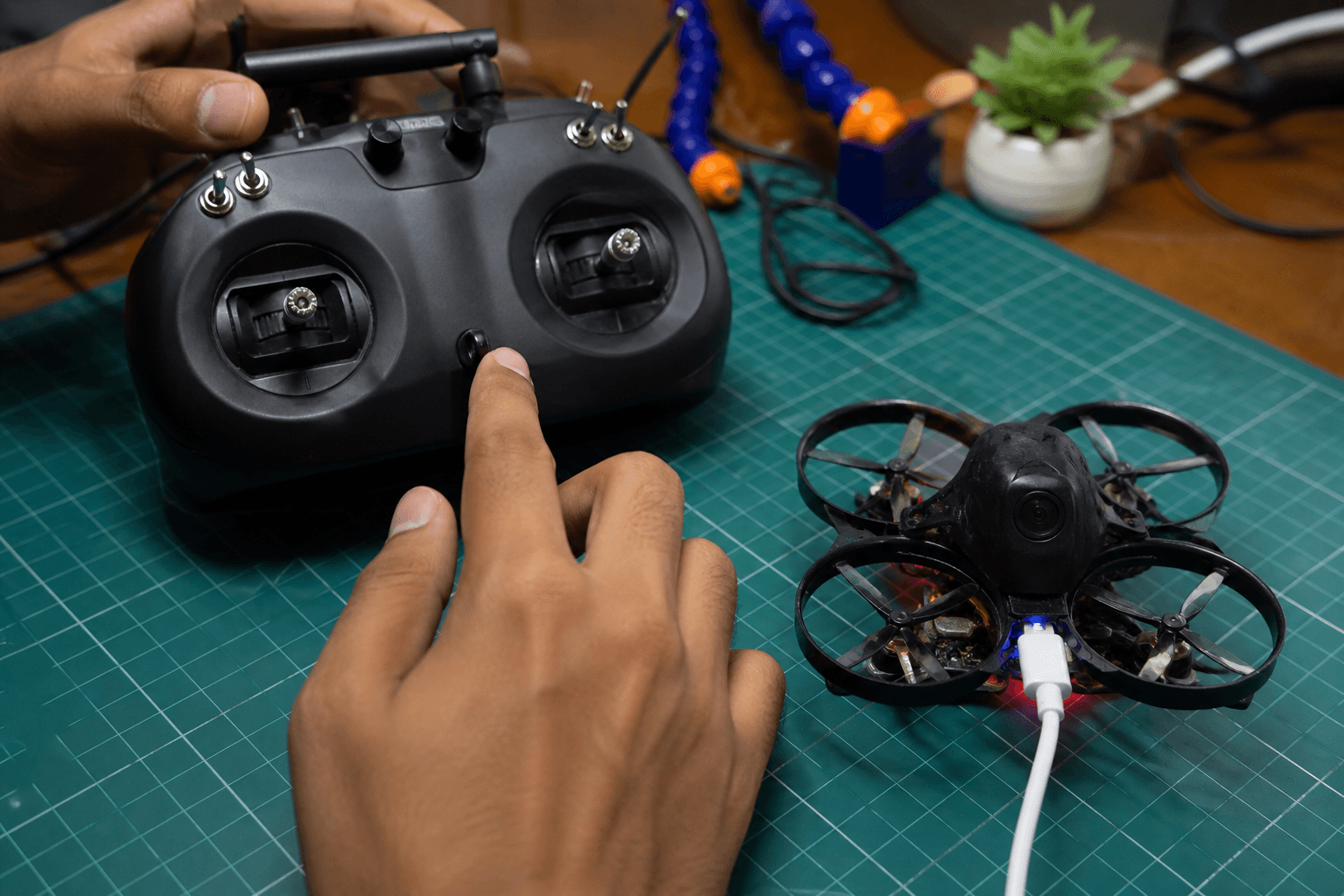
□ Radio is ELRS (not a random “2.4G” orphan protocol)
□ Whoop / RX is ELRS (SPI onboard or UART RX)
□ Firmware families are compatible enough to talk
□ Props OFF for bench tests
□ You know which switch is arm - do not bump it
EdgeTX setup help: how to set up EdgeTX for FPV. Updates: how to update ExpressLRS.
Fast path (most BNFs)
- Power the whoop / receiver.
- Put the receiver into bind mode (button, three-power-cycle, or Lua - follow your FC/RX docs).
- On the radio, open the ELRS Lua script → Bind.
- Wait for a solid link LED / “Bound” confirmation.
- In Betaflight Receiver tab, move sticks - channels must move.
Whoop first-flight config: Betaflight whoop checklist. Binding a whole whoop kit path: how to bind whoop to radio.
Binding phrase (when you use one)
Many pilots set a binding phrase so gear auto-binds without the button dance. Set the same phrase on radio and receiver. Change phrase = treat as a new bind.
| Approach | Pros | Cons |
|---|---|---|
| Classic bind button / power cycle | Clear, works on most BNFs | Manual every new RX |
| Binding phrase | Fast fleet binding | Phrase mismatch = silent fail |
Phrase checklist:
□ Identical phrase on TX and RX
□ No trailing spaces / typos
□ After changing phrase, re-verify stick movement in BF
Prove the bind worked
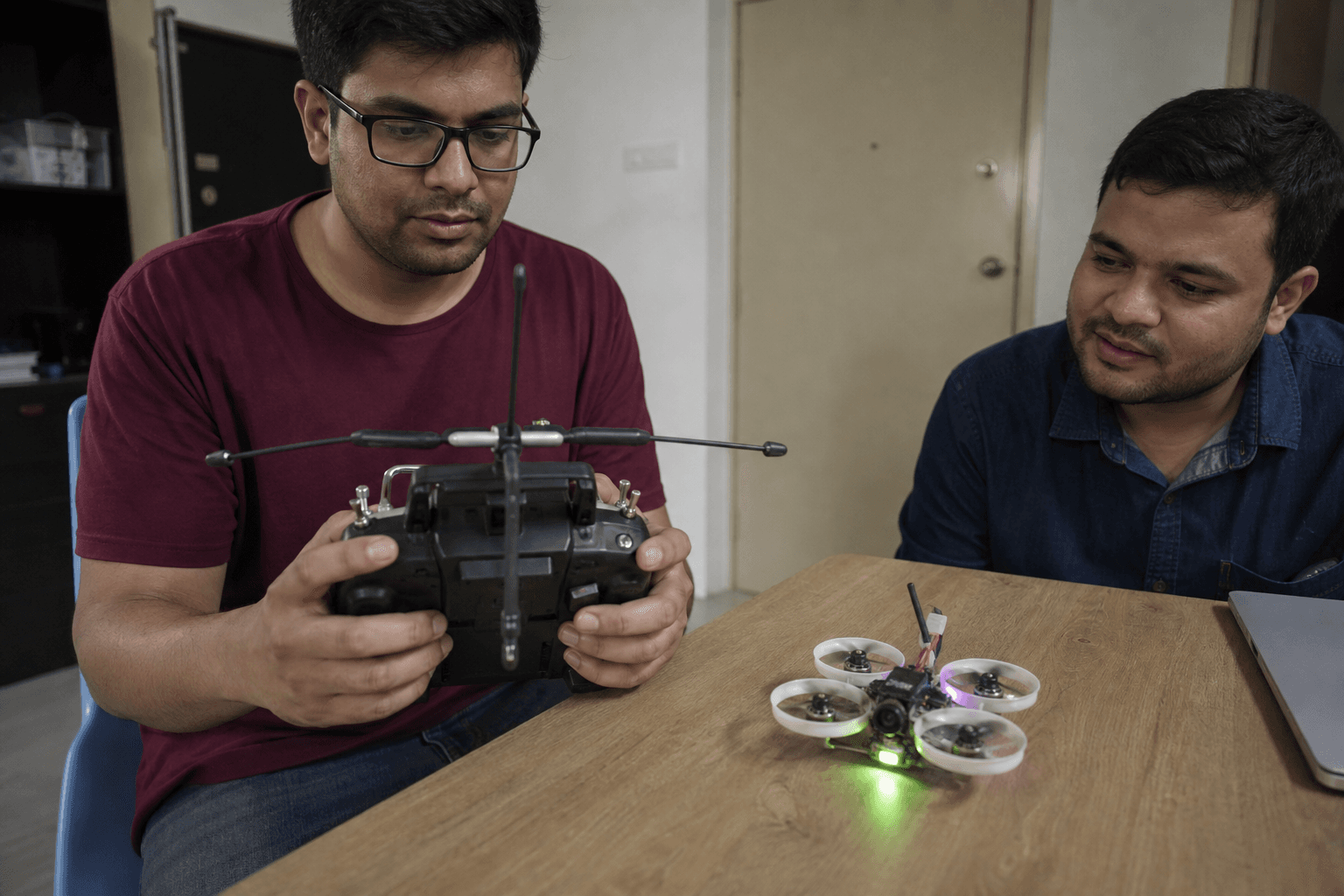
Do not trust “it armed once in the living room.”
| Check | Pass |
|---|---|
| RX LED / OSD link | Stable link indication |
| Betaflight Receiver tab | Throttle/yaw/pitch/roll channels move |
| Channel map | Mode 2 matches what you expect - Mode 2 |
| Failsafe | Throttle drops / disarms as configured |
| Range sanity | Short walk-test indoors before freestyle |
Link budget and setup depth: ELRS link budget checklist. UART vs SPI: receiver UART vs SPI.
If bind fails
| Symptom | Check |
|---|---|
| No LED change | Receiver not in bind, wrong UART, or no power |
| Binds then drops | Packet rate / power / antennas |
| Sticks dead in BF | Wrong serial RX UART or protocol not CRSF |
| Arms then dies | Failsafe, loose antenna, or brownout |
| “Bound” but wrong model | Wrong model slot / mixes on radio |
| Works on bench, fails in room | Packet rate too ambitious / wifi interference |
Urban RF context: 2.4 GHz vs 900 MHz in urban India. Failsafe thinking: failsafe scenarios.
Common beginner mistakes
| Mistake | Why it hurts |
|---|---|
| Binding with props on | Surprise spin on first stick twitch |
| Mixing ELRS TX with non-ELRS BNF | Will never bind - shopping error |
| Skipping BF Receiver tab | “Bound” LED without stick mapping |
| Max power / wrong packet rate day one | Overcomplicates whoop indoor flying |
| Never setting failsafe | Lost link becomes a flying knife |
India notes
- Prefer ELRS BNFs and radios with domestic spares - orphan protocols are expensive to abandon later.
- If a listing says “compatible radio included,” still verify it is ELRS before you learn on it.
- Practice stick feel on /sim while you wait for a radio to ship.
Bench
ELRS radios and whoop BNFs: the Bench. Custom AIO + RX pairing: Grind Lab.
Discussion
Comments aren't open on this post yet. Share it with your build group, or start a thread on X.