
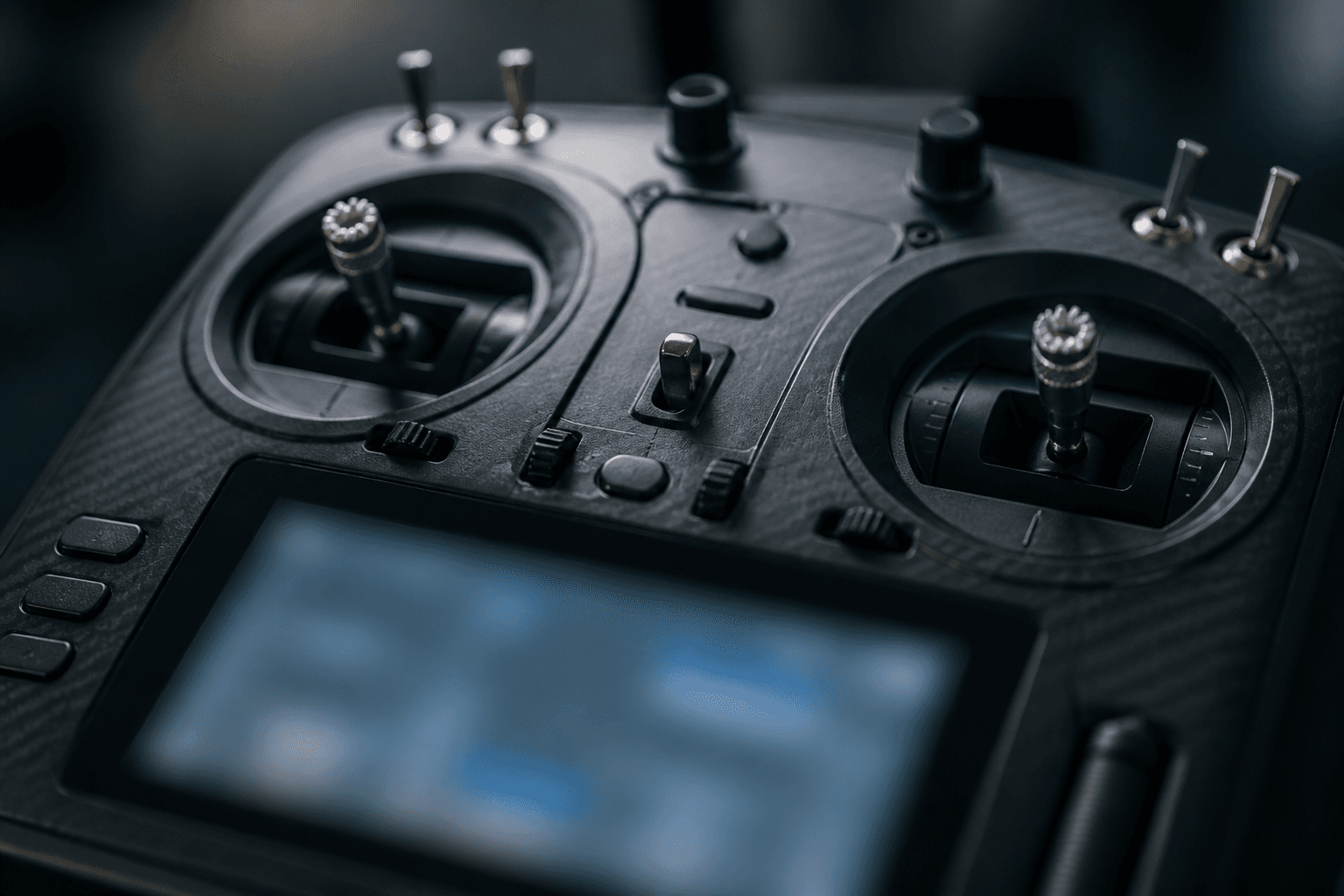
How to set up EdgeTX for FPV

EdgeTX is the open-source OS on many FPV radios (RadioMaster, Jumper, and similar). You do not need a 40-page model setup for a whoop. You need a clean model, Mode 2 sticks, ExpressLRS bind, and an arm switch you cannot confuse with throttle. That is the whole early game.
Indian pilots often buy a Pocket-class radio with built-in ELRS, then stall in the model menus. This guide is the minimum path that gets you from “radio powered on” to “whoop responds in the sim or on the bench.”
What you are building
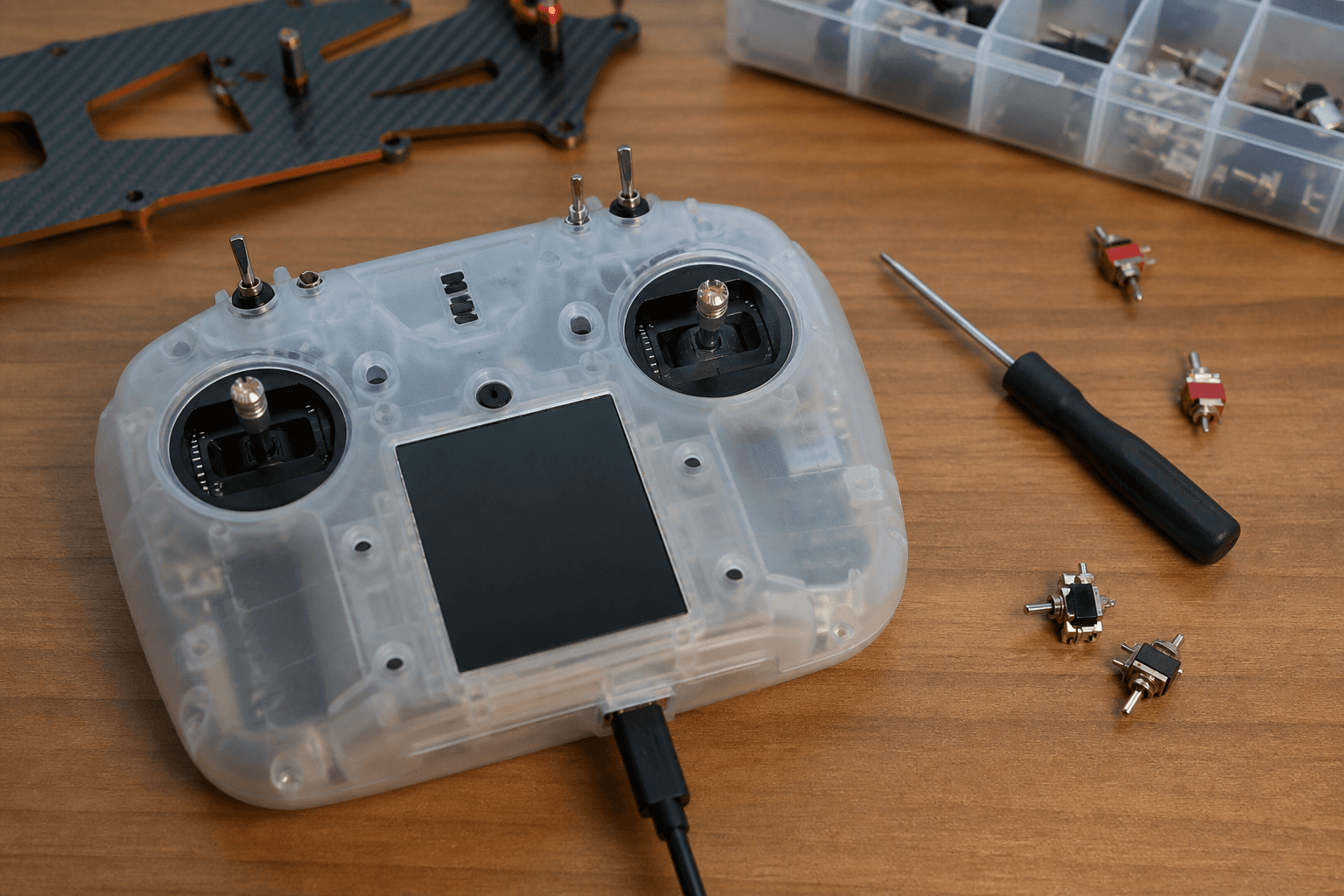
| Piece | Why it matters |
|---|---|
| One model per craft | Avoids mixing rates, mixes, and bind phrases |
| Mode 2 | Standard FPV stick layout in India and most of the world - what is Mode 2 |
| ELRS Lua | Bind, packet rate, telemetry without a PC |
| Dedicated ARM switch | Failsafe and panic habits depend on it |
| Failsafe / stick check | Confirms the RX hears the radio before props spin |
Craft rates in Betaflight matter more than fancy radio rates on week one. Keep radio rates simple until hover is boring.
Workflow: first EdgeTX model (15 minutes)
1. Update EdgeTX / ELRS firmware only if you already know the workflow
   (day-one: stock that matches your BNF is often fine)

2. Create a new model
   □ Name it after the whoop (e.g. MOBULA6)
   □ Internal RF → CRSF / ELRS (not MultiProtocol unless that is your radio)

3. Confirm Mode 2
   □ Throttle left stick vertical
   □ Yaw left stick horizontal
   □ Pitch/roll on right stick
   □ Wrong mode feels “broken” even when bind is perfect

4. Install / open ELRS Lua
   □ Tools → ExpressLRS
   □ Bind from Lua when RX is in bind mode
   □ Detail: [how to bind ELRS](/blog/how-to-bind-elrs-radio)

5. Map ARM to a 2- or 3-position switch
   □ Not the same physical control as throttle
   □ Label it mentally: “props live only when this is up”

6. Optional day-one
   □ Battery / RSSI telemetry widgets if your RX sends them
   □ Leave dual rates and expo alone until you can hover
Gimbal feel and EdgeTX basics: radio gimbals and EdgeTX. Still choosing hardware: how to choose an FPV radio.
Arm switch hygiene (non-negotiable)
| Bad habit | What happens |
|---|---|
| Arm on a momentary button you forget | Accidental spin-up indoors |
| Arm tied to throttle stick logic | Panic cut is confusing |
| No arm switch, always “live” | Whoop spins when pack plugs in |
| Arm while props face people / pets | Injury risk - spectator guide |
Rule of thumb: throttle is power; arm is permission. Practice arm → hover → disarm on the bench with props off or on a soft surface until the muscle memory is boring. More on the flight side: how to arm an FPV drone.
Stick check before first hover
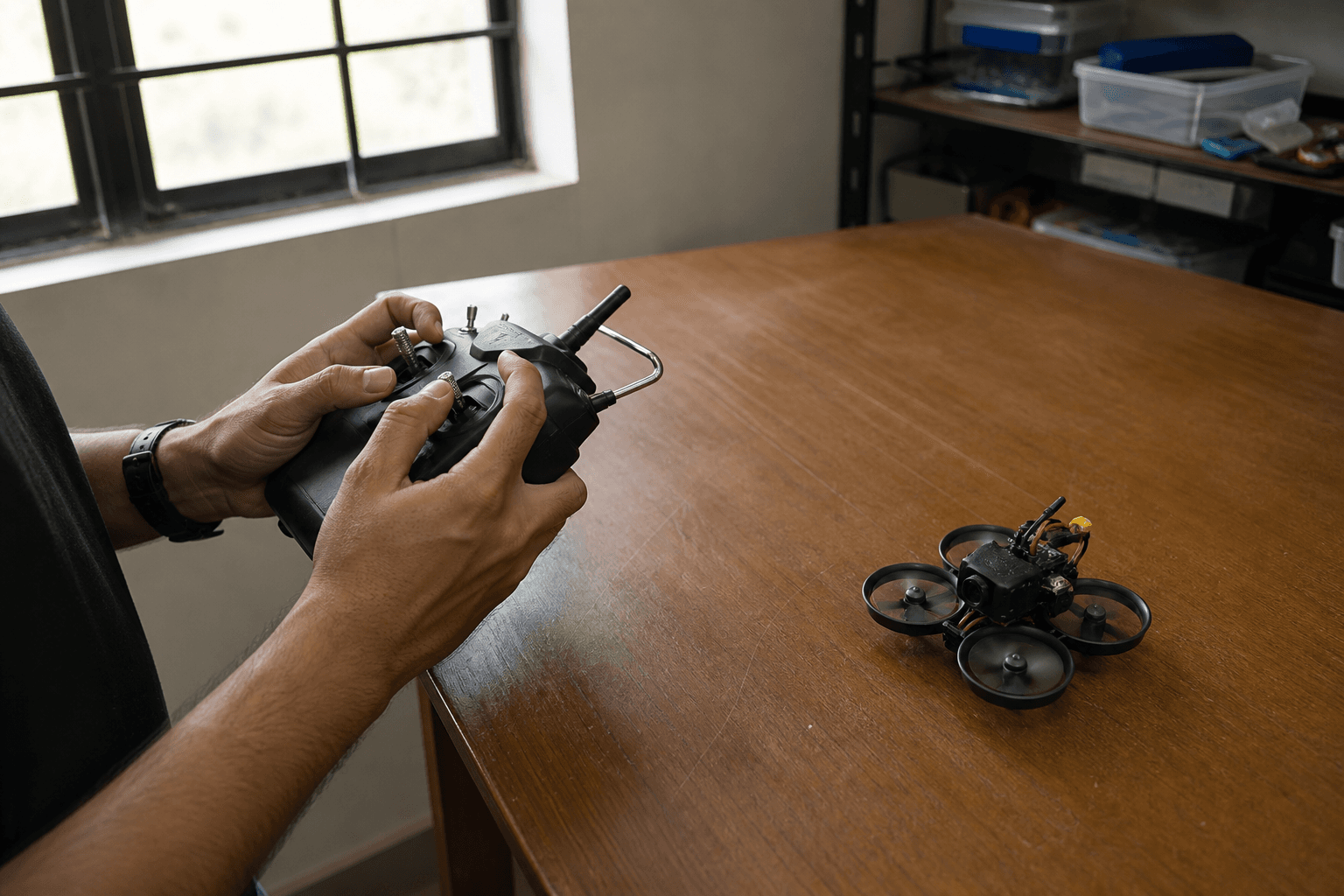
After bind, do not “just punch it.”
□ Props off OR whoop on soft pad, people clear
□ Radio on, then pack on
□ Open Betaflight Configurator → Receiver tab (or OSD stick overlay)
□ Move each axis: throttle / yaw / pitch / roll match the labels
□ Arm switch toggles AUX as expected
□ Disarm, unplug pack, then radio off (or your club’s preferred order)
If sticks are inverted or swapped, fix inputs in EdgeTX or Betaflight channel map before you blame the whoop. Bind failures and UART issues: ELRS setup checklist.
Common EdgeTX setup failures
| Symptom | Likely cause | Fix direction |
|---|---|---|
| No bind | Wrong RF module / RX not in bind | Confirm internal ELRS + RX bind LED |
| Bound but no stick move | Wrong model / channel map | Stick check in BF Receiver tab |
| Telemetry missing | Packet rate / RX type mismatch | Match Lua settings to RX |
| Whoop arms but drifts hard | Rates / trim / Mode wrong | Confirm Mode 2; reset trims to center |
| “Radio worked yesterday” | Wrong model selected | Always check model name on boot |
India notes
- Buy radios with domestic support or clear warranty paths when you can - pocket ELRS units stock better than obscure imports. See buying checklist.
- Summer heat: do not leave the radio in a closed car; gimbals and screens hate it as much as LiPos do.
- Apartment flying: a clean arm switch matters more when crashes are into furniture, not empty fields - apartment / terrace guide.
Practice path (radio + sticks)
EdgeTX setup is useless if sticks are still foreign. Pair the model with:
- /sim - Mode 2 hover and figure-eights without burning packs
- Bench stick checks with your real radio USB / trainer if you use it
- Short indoor whoop packs after arm hygiene is automatic
Grind Lab is the place to dig into build and radio workflows when you outgrow “minimum viable model.”
Bottom line
Create one named model, lock Mode 2, bind ELRS from Lua, put ARM on a dedicated switch, and prove sticks in the Receiver tab. Everything else in EdgeTX can wait until your hover is stable. Fancy mixes do not fix a wrong mode or a missing arm switch.
Bench
ELRS radios and whoop-ready kits: the Bench. Practice Mode 2 without crash tax on /sim.
Discussion
Comments aren't open on this post yet. Share it with your build group, or start a thread on X.