
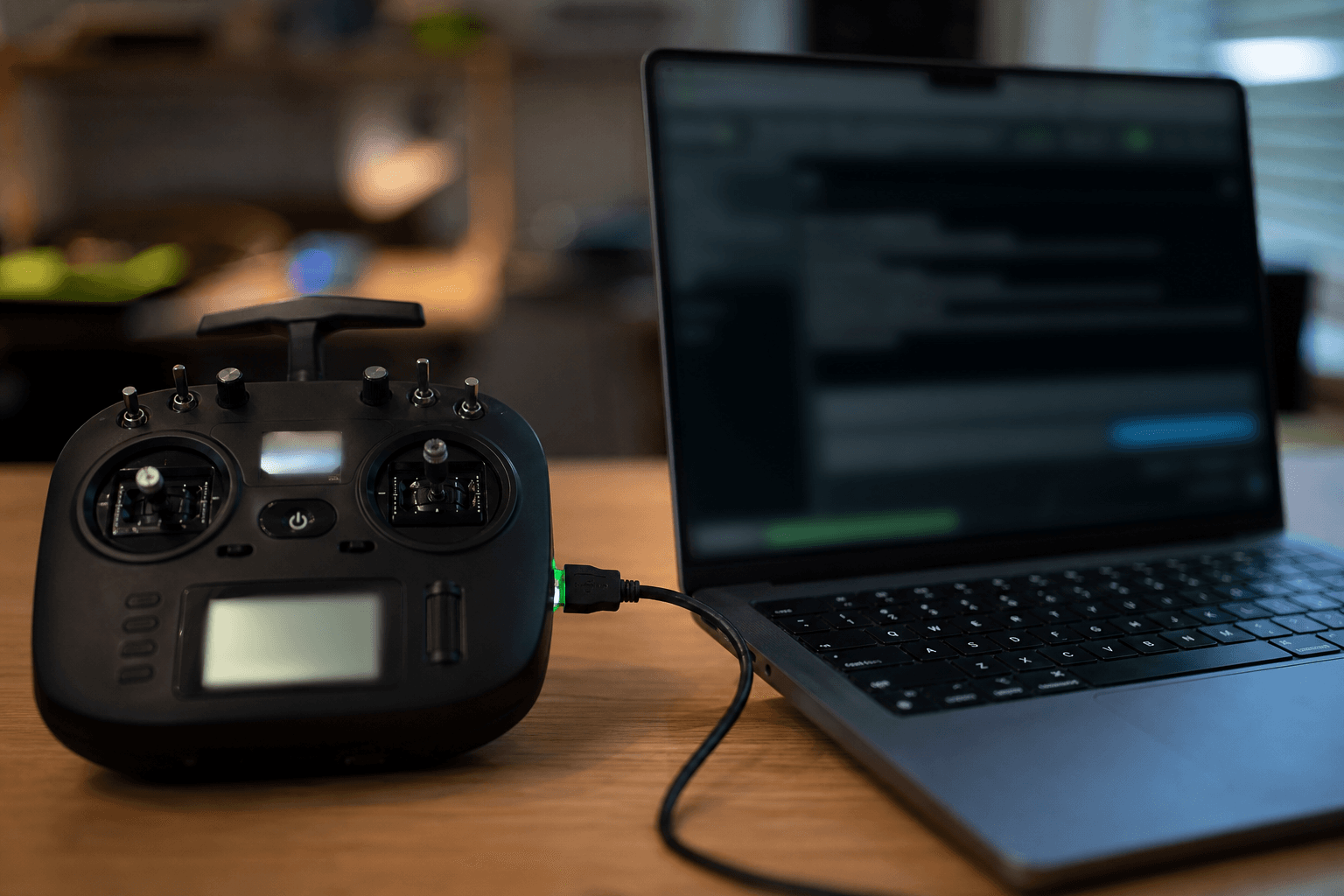

ExpressLRS updates are normal maintenance. What breaks binds is updating the radio TX and forgetting the craft RX (or the reverse) so versions no longer speak. Treat every flash as a paired job: TX and RX to a compatible release, binding phrase saved, sticks verified before the field.
Basics first if you are new: what is ExpressLRS.
Before you flash anything
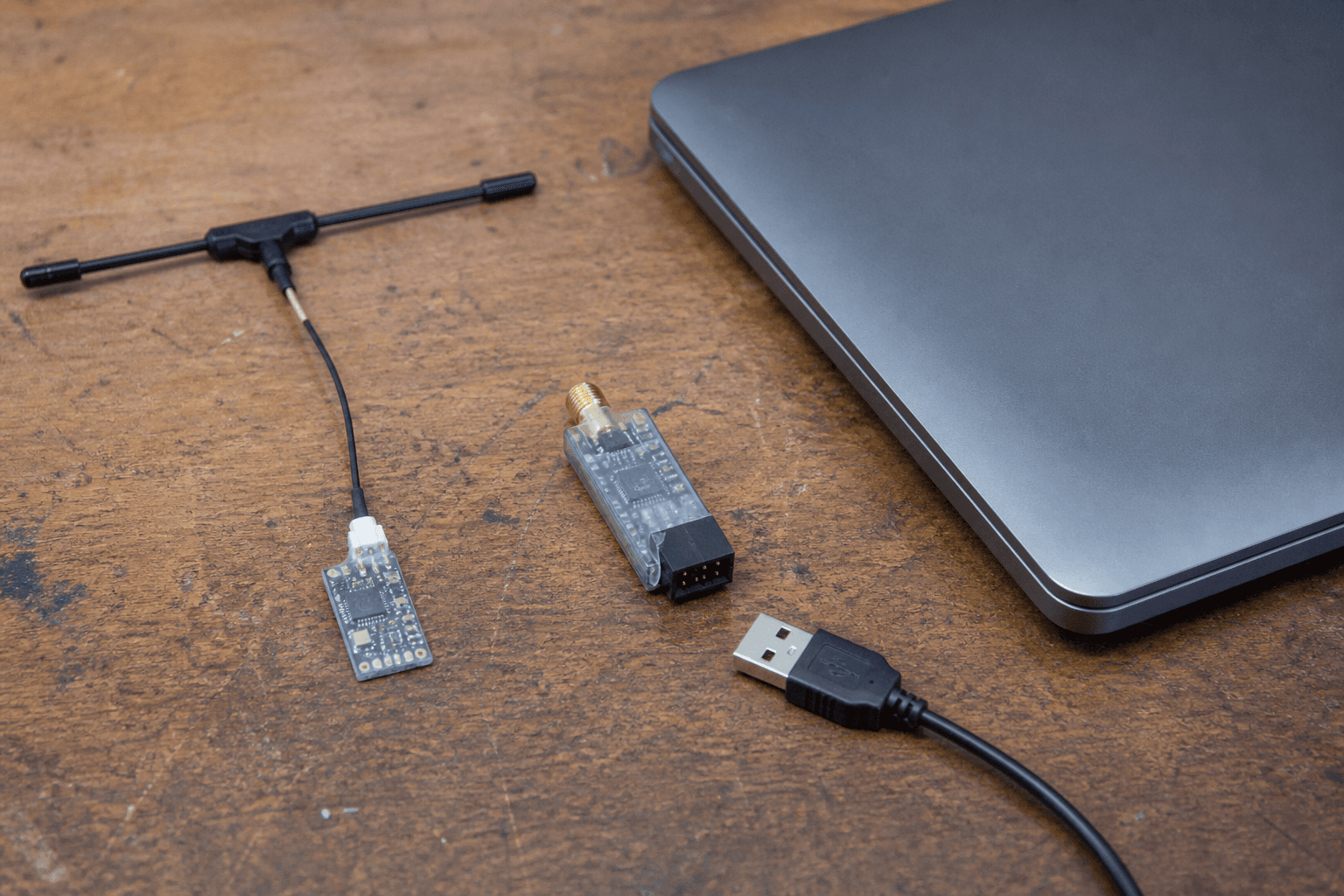
Pre-flash checklist:
□ Write down binding phrase / UID notes
□ Note current TX and RX firmware versions (Lua / Configurator)
□ Charge radio and craft pack - mid-flash brownouts brick more egos than boards
□ Props off; remove props if the craft might arm on first power
□ Know which UART / SPI RX you have (AIO vs external)
Binding phrase is how modern ELRS fleets stay together. Lose it and you are rebinding every craft. Screenshot EdgeTX model notes or keep a phone note titled “ELRS phrase - private.”
India bench tip: USB cables from phone drawers often charge-only. Use a data cable before you blame the bootloader.
Update order that prevents bind pain
| Step | What | Why |
|---|---|---|
| 1 | Update TX (radio internal / external module) | Radio is the reference |
| 2 | Update each RX to a matching major line | Mismatch = no bind / weird telemetry |
| 3 | Revisit Lua bind / phrase | Confirm still set |
| 4 | Stick end-points in Betaflight | Catch inverted / dead channels early |
Use the official ExpressLRS Configurator and the Lua script flow for your hardware. Do not mix random GitHub forks unless you know why. Pocket / Boxer / Zorro internal ELRS and HappyModel / BetaFPV external modules each have their own target names - pick the exact target, not a cousin.
Typical radio (EdgeTX) flow:
1. Backup models if you are nervous
2. Flash TX via Configurator (WiFi / USB / passthrough as supported)
3. Open ELRS Lua - confirm version string
4. Flash RX (WiFi bind phrase method, UART passthrough, or Betaflight passthrough)
5. Power cycle both ends
After the update
Re-bind if the update requires it, then verify before freestyle:
- Radio shows telemetry / LQ if you expect it.
- Betaflight Receiver tab: sticks move cleanly - how to bind ELRS.
- Modes still land on the right aux channels (ARM especially).
- Short range check outdoors before gaps - ELRS link budget and setup checklist.
| Check | Pass looks like |
|---|---|
| Bind | Craft responds without random failsafes at 10 m |
| Sticks | Throttle / yaw / pitch / roll correct axes |
| ARM switch | Only arms when you intend - how to arm |
| Failsafe | Disarm / drop per your model setup when TX off |
Failure modes
| Mistake | Result |
|---|---|
| TX on 3.x, RX left on old 2.x | Bind hell |
| Wrong Configurator target | Boot loops / no RF |
| Flashing RX while phrase wrong | “Updated” but never binds your TX |
| Skipping stick check | First field pack flies inverted |
| Updating mid-session outdoors | Dust, sun glare, incomplete flash |
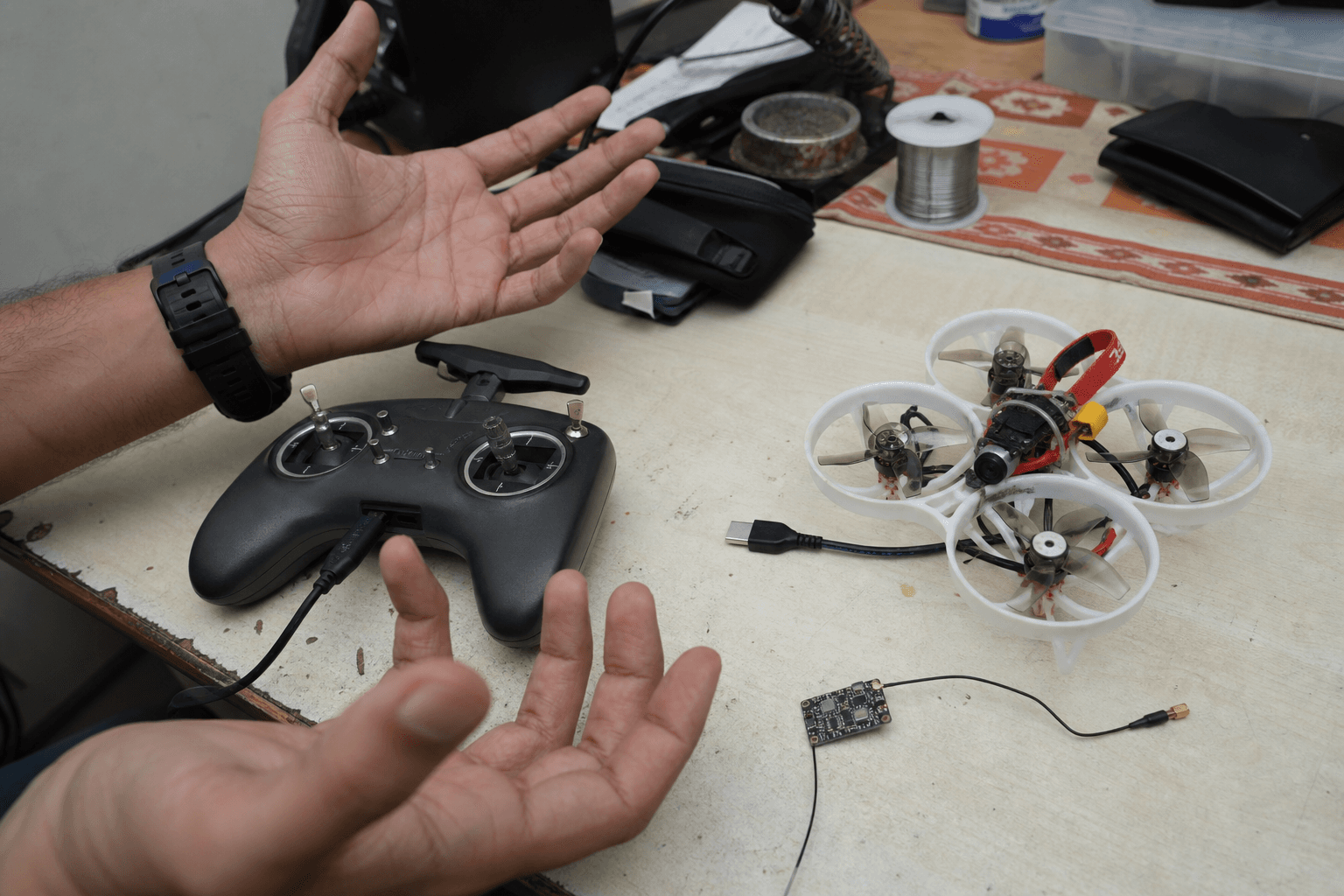
Whoop BNFs (Mobula-class) often use SPI ELRS on the AIO. Passthrough from Betaflight works when wired correctly; WiFi flashing needs the RX in the right mode - follow the target docs, not a random Reel.
Version compatibility (practical rule)
Stay on the same major family across the fleet when you can. If you must mix, read the ExpressLRS release notes for that pair. “It bound once” is not a version strategy. When in doubt, update TX and every craft you will fly that weekend in one sitting.
India field notes
Club days: update at home on Wi-Fi you control. Field cafe Wi-Fi is how people flash the wrong package mid-queue. Carry a known-good USB data cable in the lipo bag pouch (not touching packs). After monsoon storage, reseat module antennas before blaming firmware for “weak LQ.”
Dry practice while you wait for a flash to finish: /sim.
Bench
ELRS radios and whoop BNFs: the Bench. Match radio + BNF protocol in Grind Lab before you buy a second craft that cannot share the phrase.
Discussion
Comments aren't open on this post yet. Share it with your build group, or start a thread on X.