
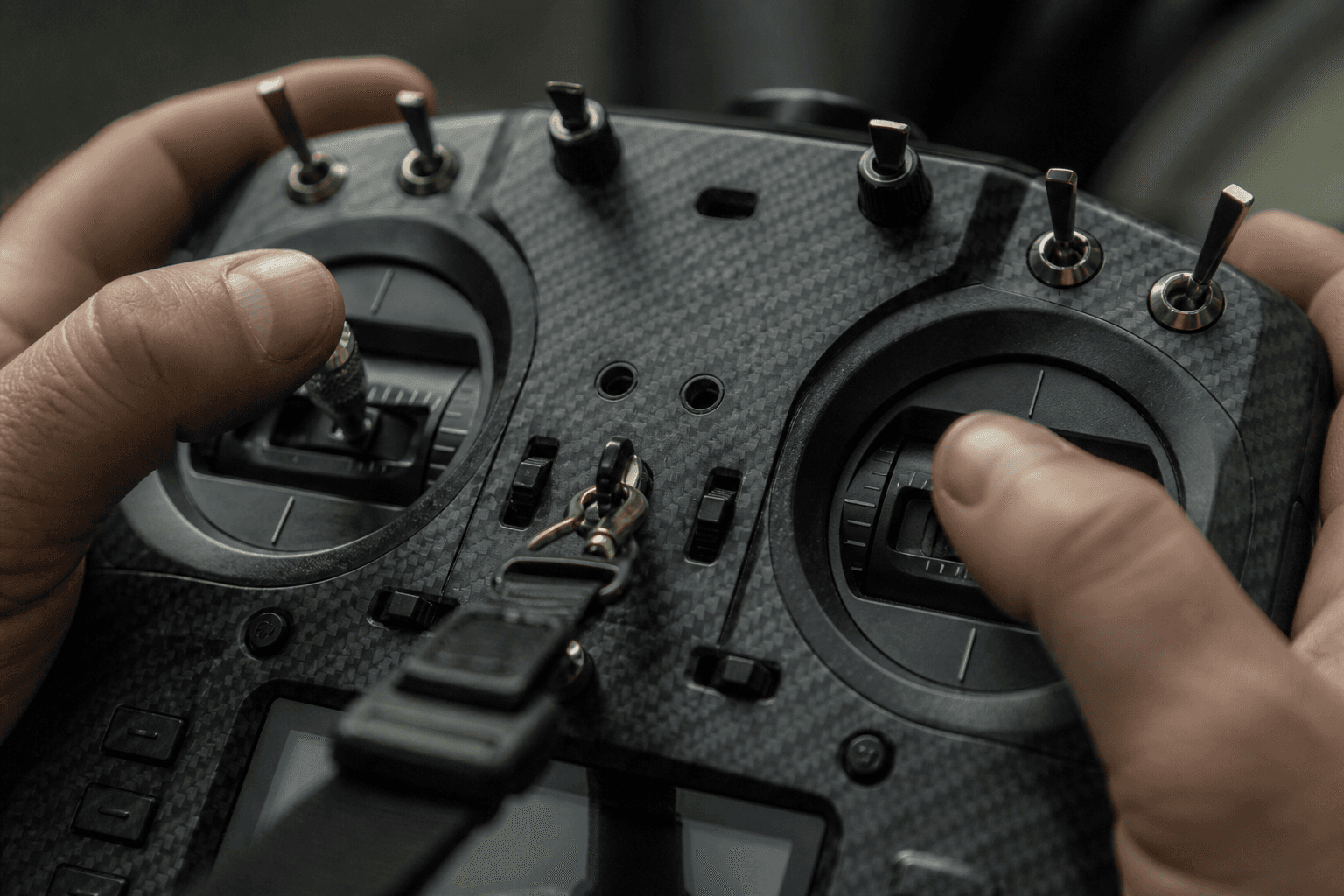
Radio gimbals and EdgeTX basics

A radio outlives frames. Learn models, mixes, and arm switch discipline once, every quad benefits. EdgeTX (and OpenTX heritage) rewards pilots who spend twenty minutes on setup instead of twenty packs fighting mystery switches.
This is not a full EdgeTX manual. It is the habit layer that prevents bench-to-field surprises, especially when ELRS modules, Betaflight modes, and failsafe must agree.
Models: one brain per quad class
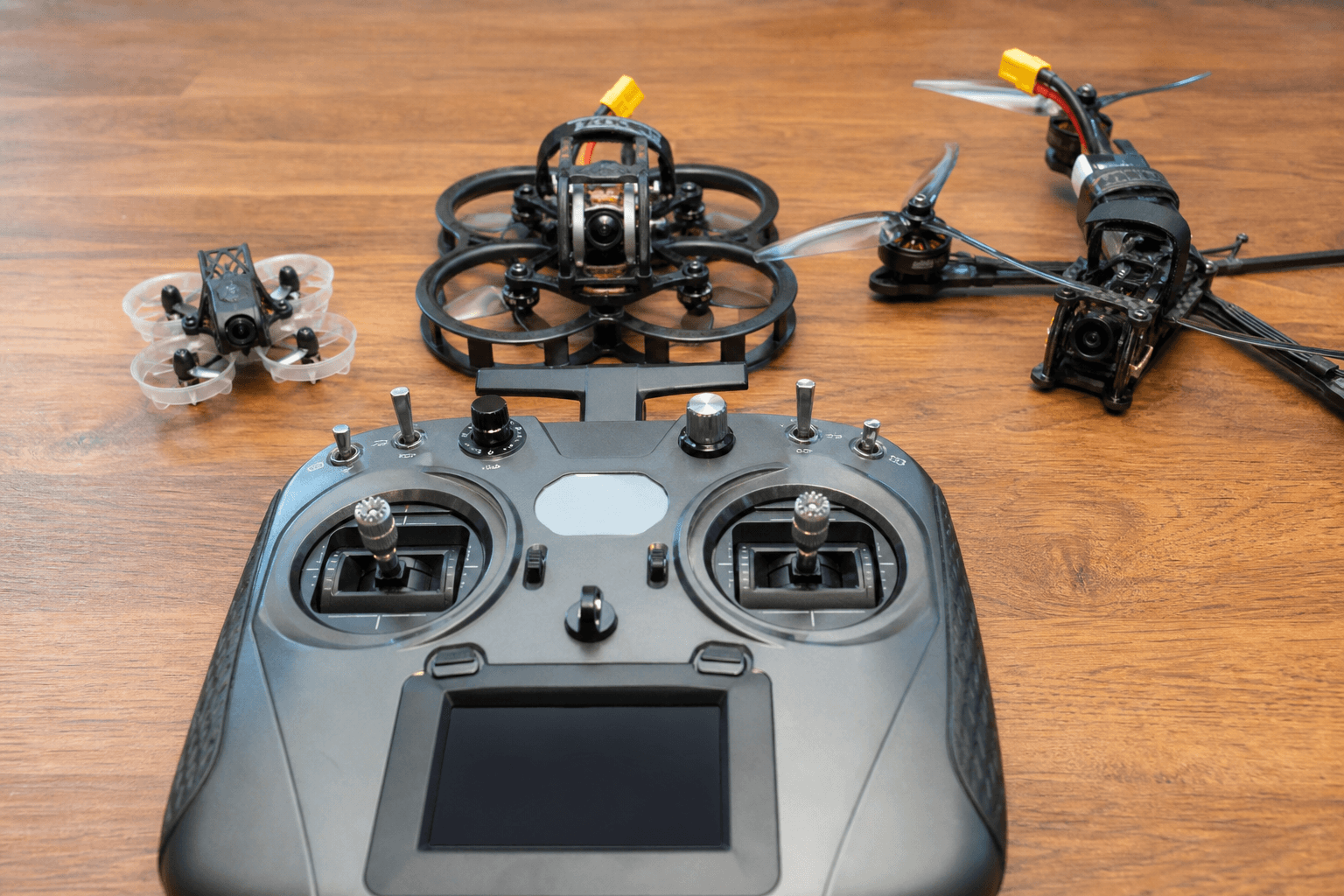
One model per quad or per class (whoop vs 5-inch). Copy model when adding similar build, then verify channel map, arm switch, and failsafe-related switches.
| Model strategy | Good for |
|---|---|
| One model per quad | Different rates, tunes, vtx options |
| One model per class | Fewer switches to remember |
| Template + duplicate | Fast new build bring-up |
After copying a model:
□ Aileron/elevator/throttle/yaw correct on bench without props
□ Arm switch arms only when intended
□ Turtle / flip mode not on bump switch
□ Vtx pit / power switch mapped if used
□ Module (ELRS/CRSF) bound to correct RX
Mismatch between radio channel order and Betaflight causes "tune feels wrong" when the real issue is wrong axis on wrong stick.
Gimbals: mechanical truth
Worn gimbals drift I-term feel in tune, the quad hunts because your stick does not center electrically.
- Centering: gimbals should return to neutral without sticky spots
- Tension: too loose causes idle stick creep; too tight causes fatigue on long summer sessions
- Modes: acro needs full range; check travel limits match Betaflight endpoints
- Expo/rates live in FC or radio, pick one system per quad and document it
Field sign: quad yaws slowly on bench with hands off, check mechanical center before chasing PID tune.
EdgeTX basics: Inputs → Mixes → Outputs
Mental map:
- Inputs: physical sticks and switches
- Mixes: combine inputs into channel values
- Outputs: what leaves the radio on each channel
You do not need advanced logic on day one. You need predictable arm and no surprise modes.
Arm switch discipline:
- Arm on two-stage or dedicated switch, not accidental bump switch
- Sound/haptic on arm optional but helps beginners
- Disarm should be reachable without letting go of sticks in panic, practice on ground
Common mistakes:
- Arm on spring-return switch that disarms mid-line
- Vtx pit on same switch as arm without clear detents
- Mixing GPS rescue on a switch you bump in flight
ELRS / CRSF layer
Module bay radios need firmware pairing with ELRS or Crossfire, radio OS and module OS are separate updates.
| Layer | Updates |
|---|---|
| EdgeTX | Radio UI, models, mixes |
| Module | Bind, power, ELRS/CRSF version |
| RX | Must match module major version |
Reflash module night before a meet without bench bind is a self-inflicted tradition.
Telemetry: LQ and RSSI to radio or OSD, configure once, verify in OSD essentials.
Switches worth mapping deliberately
| Function | Switch habit |
|---|---|
| Arm | Dedicated, deliberate |
| Failsafe test | Only on ground per manual |
| Vtx pit / power | Separate from arm if possible |
| Turtle mode | Guarded switch |
| GPS rescue | Open field only, tested |
India: buy and service reality
Buy radios with domestic warranty when price is close, gimbal service beats RMA roulette. Buying FPV gear in India for invoices and DOA habits.
Import-only radios with exotic gimbals can sit idle for weeks while a spring ships from abroad, factor that into "deal" pricing.
Receiver wiring reminder
Radio is half the link. UART vs SPI receivers change FC targets and antenna placement, radio model notes should say which RX type each quad uses.
Pre-field radio checklist
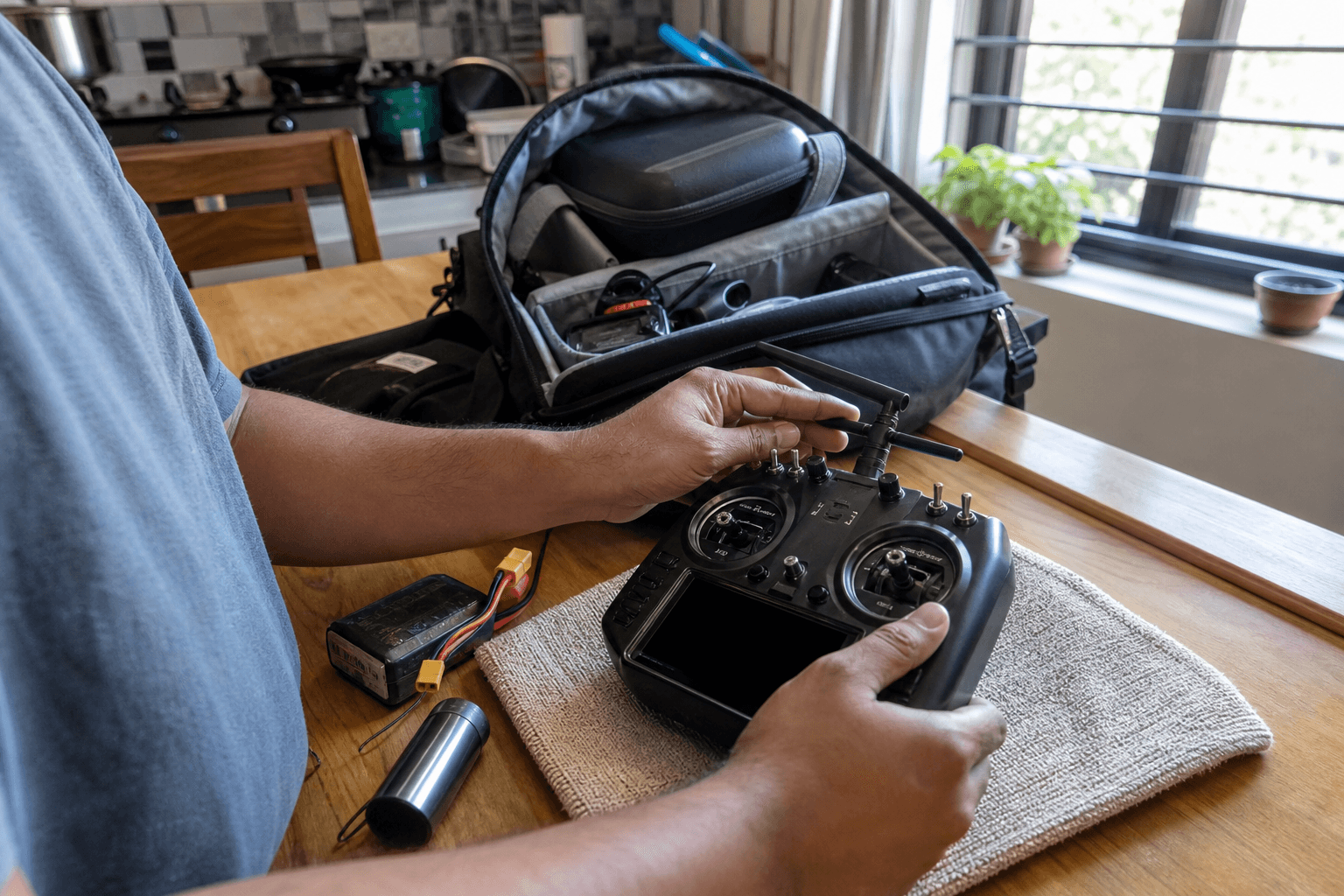
1. Correct model selected
2. TX battery charged (LiIon/LiPo per your radio)
3. Module antennas secure
4. Arm/disarm verified without props
5. Timer sounds enabled if you use them
6. USB cable in bag for config emergencies
Radio confidence is silent, you only notice when it is wrong.
Stick feel and rates
Rates can live in EdgeTX or Betaflight. Pick one source of truth per quad and write it in model notes. Mixing, rates on radio plus rates on FC, confuses tune sessions and makes blackbox harder to read.
Expo on radio with acro on FC is normal; duplicate rate layers are not.
Trainer mode and buddy flying
If you hand the radio to a new pilot, use trainer cable or low-rate model, separate from your freestyle model with GPS rescue on a switch they might bump. Kids and spectators guidance applies when teaching on whoops too.
Storage and transport
Gimbals hate side-load in soft bags. Use radio case or foam block; protect antennas. Heat in car trunks damages TX batteries, same summer discipline as LiPo storage.
Logical switches (when you are ready)
Logical switches combine conditions, "arm only if throttle low" is a classic safety pattern. You do not need them on day one, but they are worth learning before you map risky modes. Document logical switch names in model notes so a firmware backup restore does not erase your memory.
USB and charging at field
Carry the cable that fits your radio's charge port and your phone if you use phone-based ELRS tools. A dead TX battery ends the day as surely as dead LiPos, field charging habits apply to radios on long drives.
Model backup workflow
EdgeTX models are hours of work. Back them up before firmware updates or "quick experiments."
Backup habit (monthly):
1. SD card → copy MODELS folder + RADIO.yml to cloud
2. Screenshot arm switch page per model
3. Note ELRS/CRSF version in model name suffix if needed
4. After firmware update, verify one model before deleting old backup| Disaster | Recovery |
|---|---|
| SD card corrupt | Restore cloud copy |
| Wrong model flashed | Swap SD from backup card in bag |
| Mix-up at meet | Model name includes quad colour / RX type |
A second microSD in the radio bag costs little next to re-entering mixes at midnight before a trip.
Switch mapping mistakes (field-tested)
| Symptom | Likely radio cause |
|---|---|
| Quad arms on throttle bump | Arm not on dedicated switch |
| Vtx pit mid-line | Shared switch with poor detent |
| Turtle on landing | Spring switch you bumped |
| "Works on bench, not field" | Wrong model selected |
Before first pack at a new spot: model name on screen matches quad in hand. Say it out loud if you fly multiple builds, embarrassment beats a flyaway.
Discussion
Comments aren't open on this post yet. Share it with your build group, or start a thread on X.