
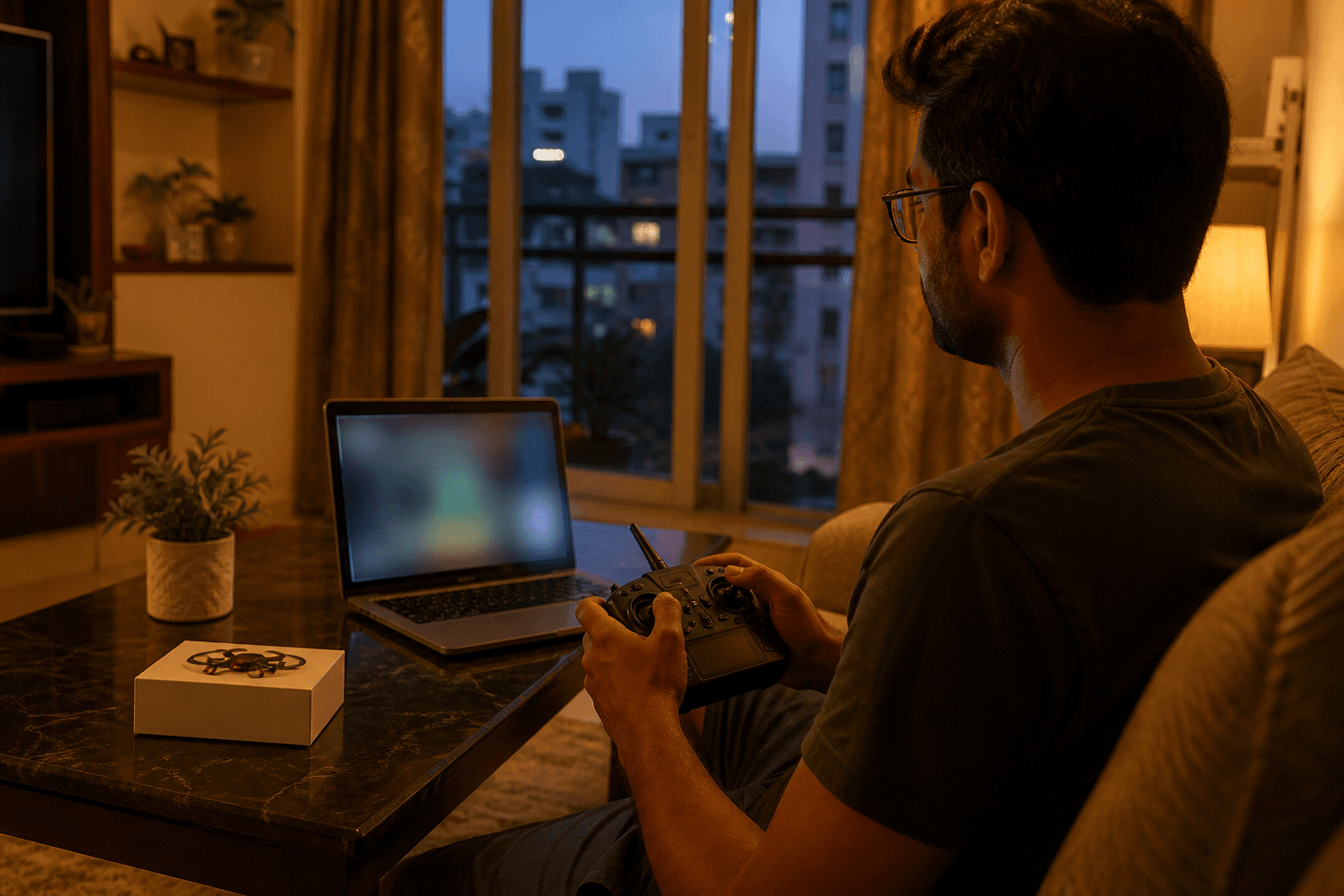
FPV simulator before your first whoop: why browser practice beats early crashes

Your first whoop will crash. That is not a personality flaw, it is physics meeting soft hands. The cheapest place to crash is a free online FPV simulator that runs in the browser, not a ducted frame and a pack you waited a week for because LiPos ship surface-only in India.
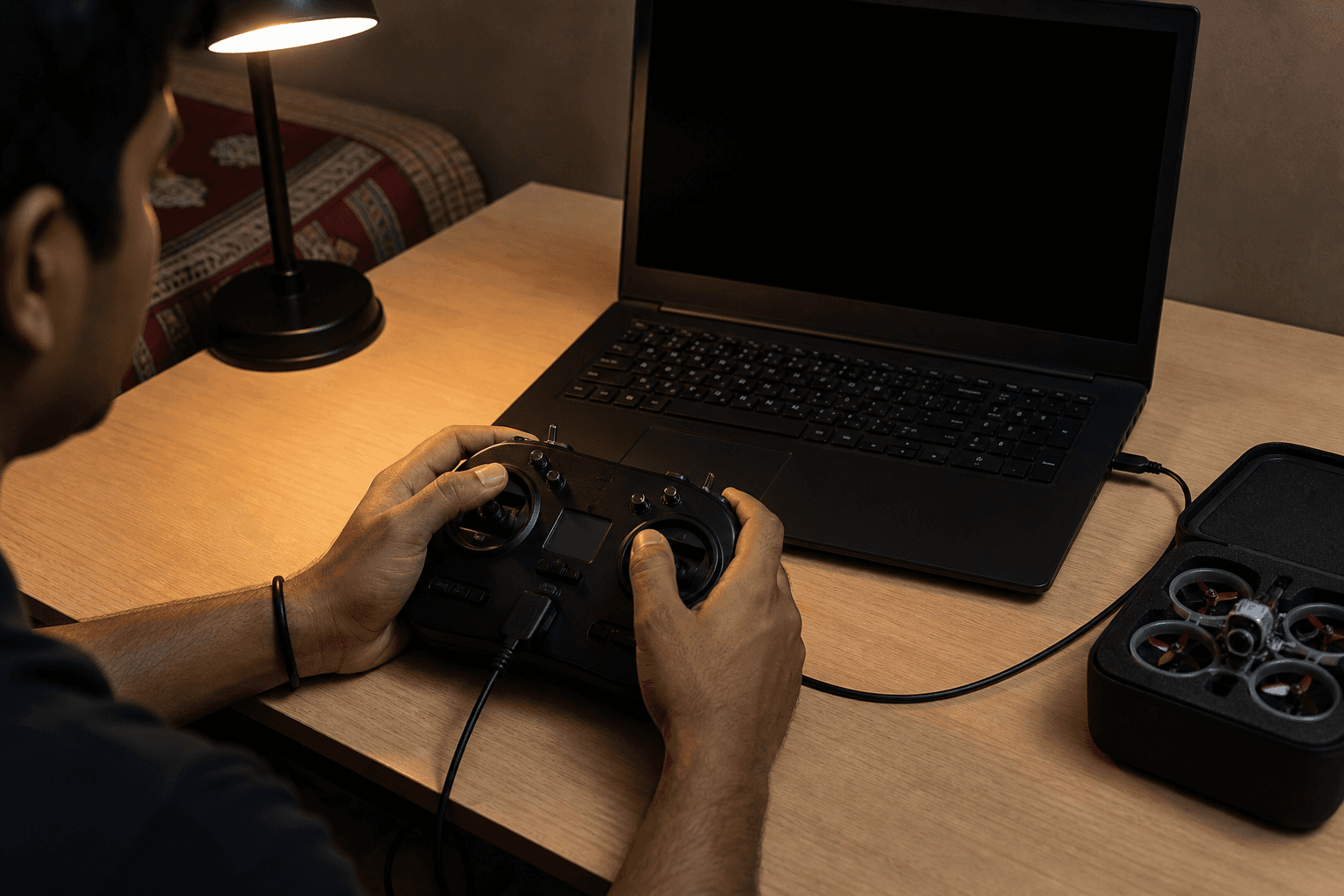
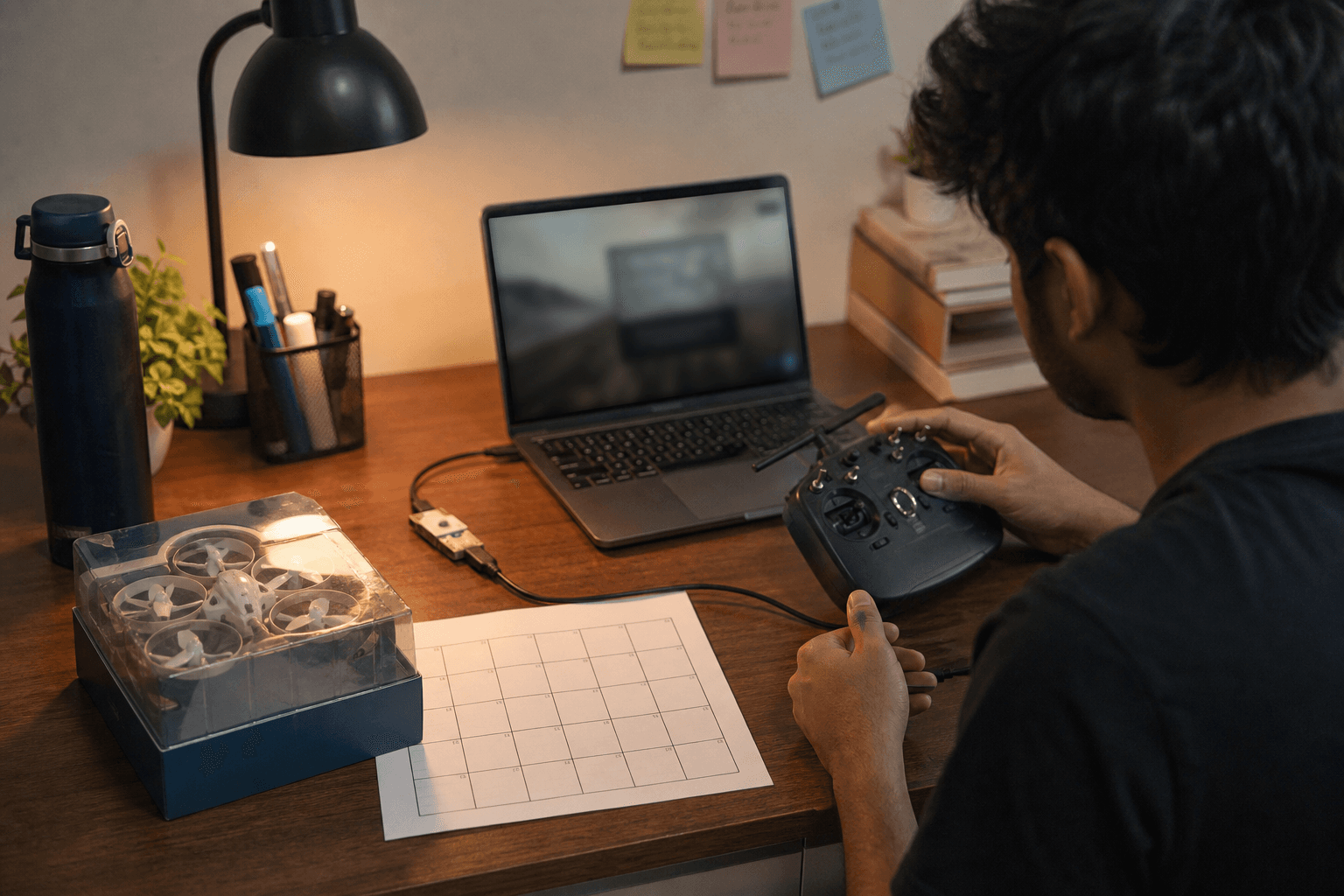
FPV Grind ships a browser FPV simulator with no app to install: open the page, start WebGL, plug in a gamepad (or use touch sticks), and practice Mode 2 until hover and gentle turns feel boring. Boring is the goal. Boring means your first real pack lasts longer than five minutes.
Why sim hours before hardware
| Without sim time | With sim time |
|---|---|
| First hover = panic yaw | First hover = muscle memory |
| Props and ducts die in week one | Spares last into month two |
| Radio feels "wrong" forever | Rates and expo make sense |
| You blame the kit | You know what you still need to learn |
Simulators do not replace a whoop. They remove the most expensive beginner tax: learning stick geometry while also learning batteries, binding, and society neighbors. Train sticks first. Buy hardware second.
What "free online, no install" actually means
Desktop sims (Liftoff, VelociDrone, Uncrashed, etc.) are excellent once you are committed. Comparison of the full field: best FPV simulators in 2026. For day-zero India pilots, a browser simulator wins on friction:
- No download, no Steam, no GPU driver rabbit hole - works on a laptop you already own.
- Gamepad or touch - Xbox / PS-class pads unlock the Gamepad API after you press a button; phones get on-screen sticks.
- Multiplayer rooms - fly with a friend when both of you need accountability, not just solo orbits.
- Same Mode 2 habits - left stick throttle/yaw, right stick pitch/roll. That maps to almost every whoop kit sold here.
Treat it as a stick gym, not a graphics showcase. Ten focused sessions beat one marathon where you only chase gates.
A practical pre-whoop syllabus (2 weeks)
Sessions 1–3: hover in place for 30 seconds without yaw spin
Sessions 4–6: gentle figure-eights at walking pace
Sessions 7–9: throttle management - climb, descend, land soft
Sessions 10+: punch-outs and recovery after intentional flips (or crashes)
If you already bought a radio (smart), bind it in the sim ecosystem you use long-term later, and use any USB gamepad for the browser trainer now. Radio-first still wins for BNF vs kit decisions.
When to buy the whoop
Buy when two of these are true:
- You can hover without thinking about which stick is yaw
- You stop over-controlling every correction
- You know whether you want a full kit or a BNF + gear you already own
- You have a place to fly (apartment, terrace rules, or a field) - see flying in apartments and terraces in India
Then pick a path from the first whoop kit comparison, assemble a compatible build in Grind Lab, or browse the Bench. Order spare props and batteries with the airframe; batteries are the slow parcel.
India-specific notes
- Practice indoors on the sim during monsoon or heat waves when outdoor sessions are miserable (monsoon flying and storage).
- Sim time does not change DGCA rules for real aircraft - skim drone rules pilots should know before terrace flights.
- Communities still matter for fields and mentorship: FPV shops and communities in Indian cities.
Bench
Open the free online FPV simulator tonight. When sticks feel boring, come back for a kit, BNF, radio, or a full whoop recipe in Grind Lab.
Discussion
Comments aren't open on this post yet. Share it with your build group, or start a thread on X.