
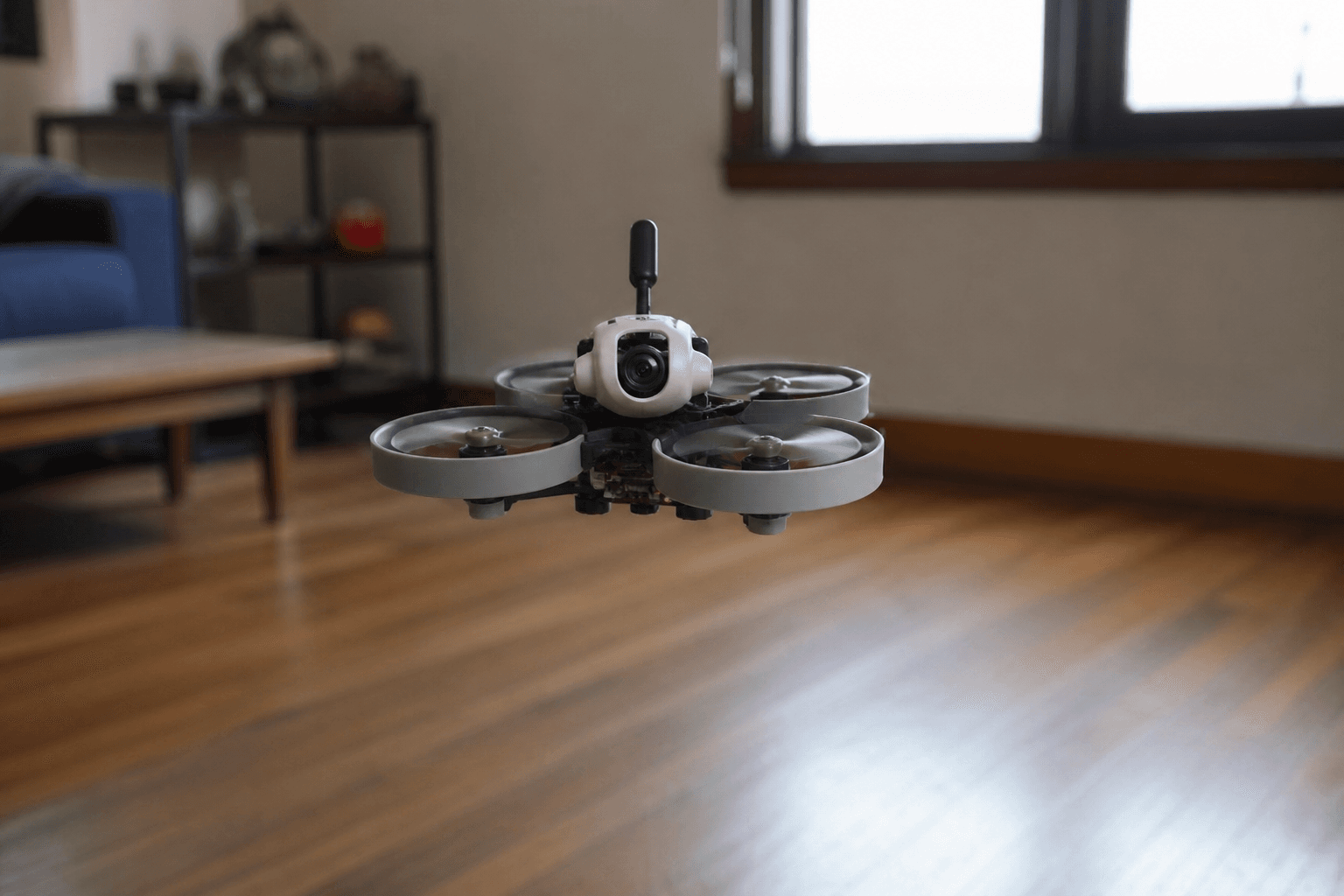

Angle mode is a self-leveling flight mode: the flight controller limits how far the craft can tilt and returns toward level when you center the right stick (aileron/elevator). It is training wheels - useful, temporary, and easy to outgrow. Acro (rate mode) is where freestyle lives; Angle is how many pilots survive week one indoors.
If Betaflight is still scary, skim Betaflight setup for beginners first.
What Angle actually does
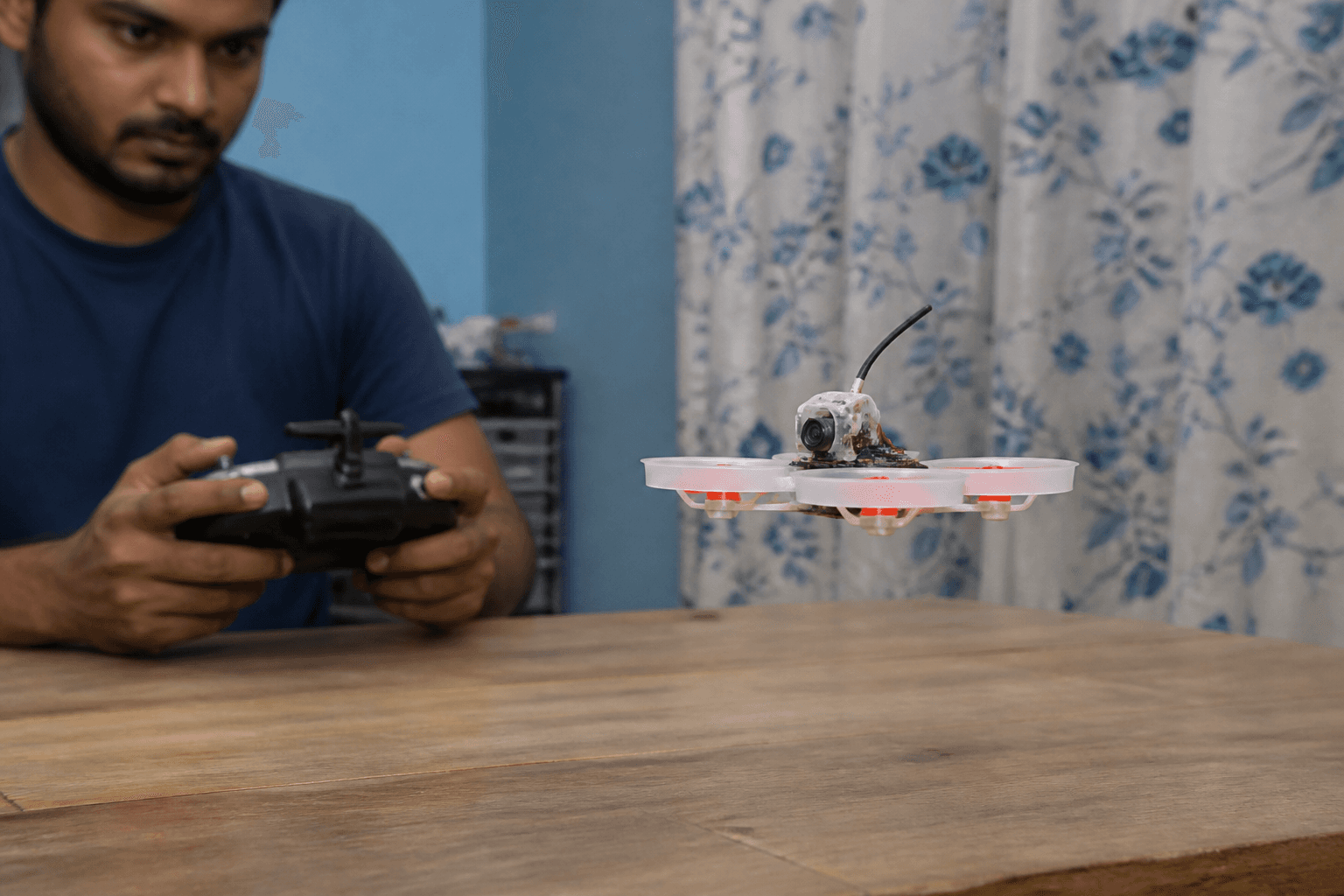
| Stick input | Angle mode | Acro mode |
|---|---|---|
| Right stick centered | Craft levels (within limits) | Holds attitude / rates → 0; stays tilted |
| Right stick held | Tilts toward a max angle | Continuous rotation rate |
| Throttle | Still manual | Still manual |
| Yaw | Usually normal | Usually normal |
You still manage throttle. Angle will not hover for you if throttle is wrong. It will forgive a twitchy right stick by stopping the flip into the sofa - most of the time.
Horizon mode sits between Angle and Acro on many builds; beginners should learn the Angle → Acro story before collecting extra modes.
Why beginners like it
- Easier first hovers in a living room or gym.
- Faster recovery after a panic twitch.
- Less mental load while you learn arming, video, and battery habits.
- Good for LOS or FPV first packs on a ducted whoop.
Pair it with dull rates: how to set rates for beginners. Indoor box flying: how to fly indoors.
Limits (why you must leave)
You cannot learn real freestyle, power loops, or proper crash recovery only in Angle. The mode caps attitude; muscle memory for Acro never forms if you never switch.
| If you stay in Angle too long | What breaks later |
|---|---|
| Every pack self-levels | Acro feels “broken” for weeks |
| You punch gaps in Angle | You never learn throttle/attitude coupling |
| You avoid Acro fear | Field clubmates all fly Acro |
Plan the move: how to fly FPV in Acro mode. Sim Acro first on /sim so the first physical Acro pack is not your first Acro exposure.
How to enable in Betaflight
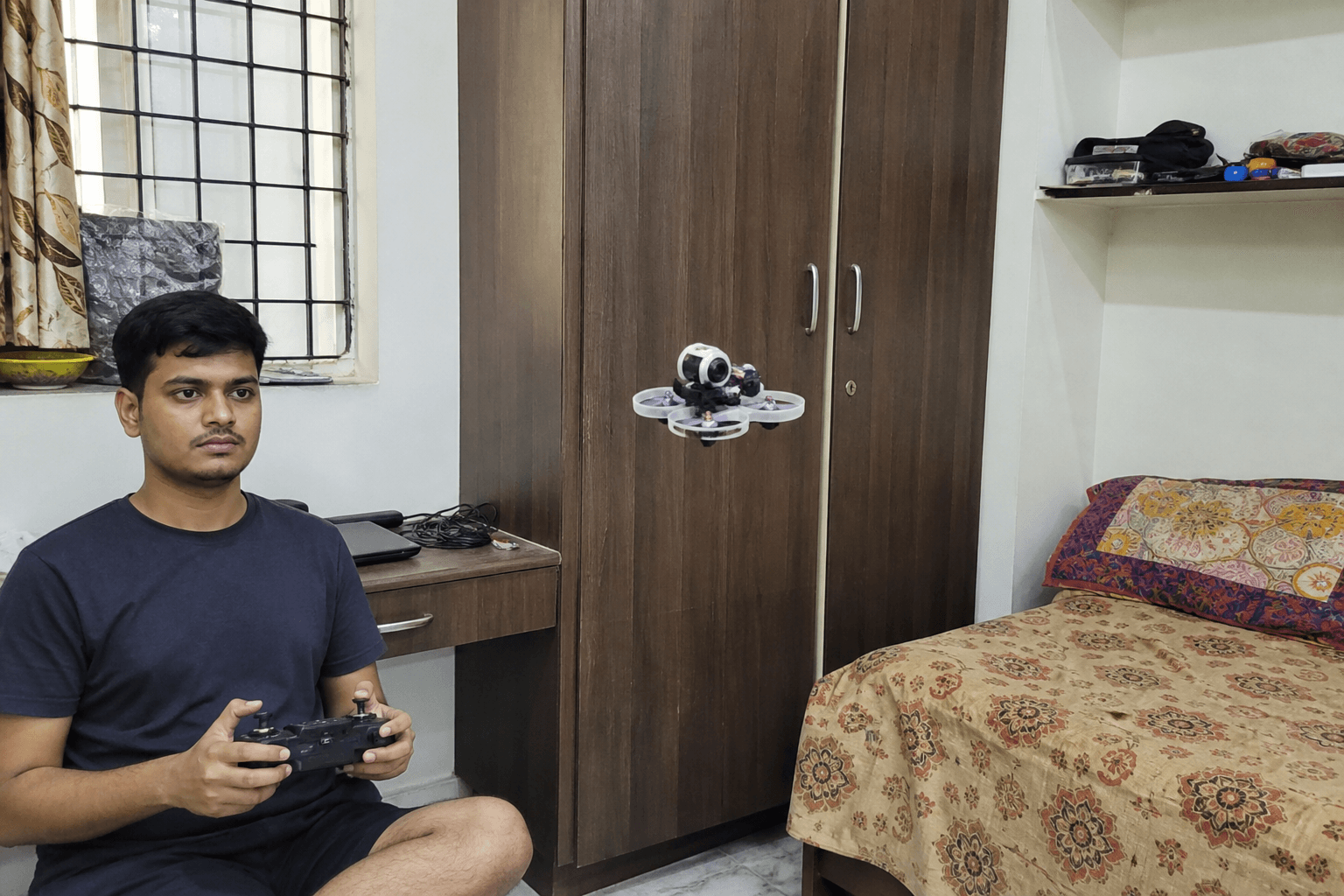
Modes tab:
1. Add ANGLE on a switch range (3-position is ideal: Angle / Horizon / Acro)
2. Keep ARM on a different switch - never combine casually
3. Failsafe and arming still apply - [how to arm](/blog/how-to-arm-fpv-drone)
4. Save, unplug, props off, verify switch in Receiver / Modes| Switch idea | Position |
|---|---|
| Up | Angle (learning) |
| Mid | Horizon (optional) |
| Down | Acro (goal) |
Confirm the OSD mode name if your build shows it - flying “Angle” while believing you are in Acro teaches the wrong lessons.
Practice progression (whoop-friendly)
Week idea (adjust to your crash tax):
1. Angle + low rates - hover box only
2. Angle - soft figure-eights
3. Mix: takeoff Angle, flip to Acro for 10 seconds, back
4. Acro takeoff after sim warm-up
5. Angle only as panic backup, not default
Sim mirrors this: fly Acro in the browser even if the physical whoop is still on Angle for safety. That split is normal and smart.
Failure modes
| Mistake | Result |
|---|---|
| Angle + high rates | Still smacks walls; blame “Angle is useless” |
| ARM on same logic as Angle | Confused switchology mid-air |
| Never trying Acro in sim | Permanent training-wheels dependency |
| Angle outdoors in wind | Feels floaty / fights gusts oddly - know the limit |
| Assuming Angle = safe around faces | Props still cut - ducts help, mode does not |
Spectators: kids, pets, and whoops.
India apartment note
Angle mode + ducted whoop is the usual society-friendly learning stack: lower speed mistakes, faster hover confidence. It does not fix noise complaints on punch-outs - apartments and terraces. Keep packs short and goals boring.
Bench
Whoops to learn on: the Bench. Compare starter paths in Grind Lab. Stick time: /sim.
Discussion
Comments aren't open on this post yet. Share it with your build group, or start a thread on X.