
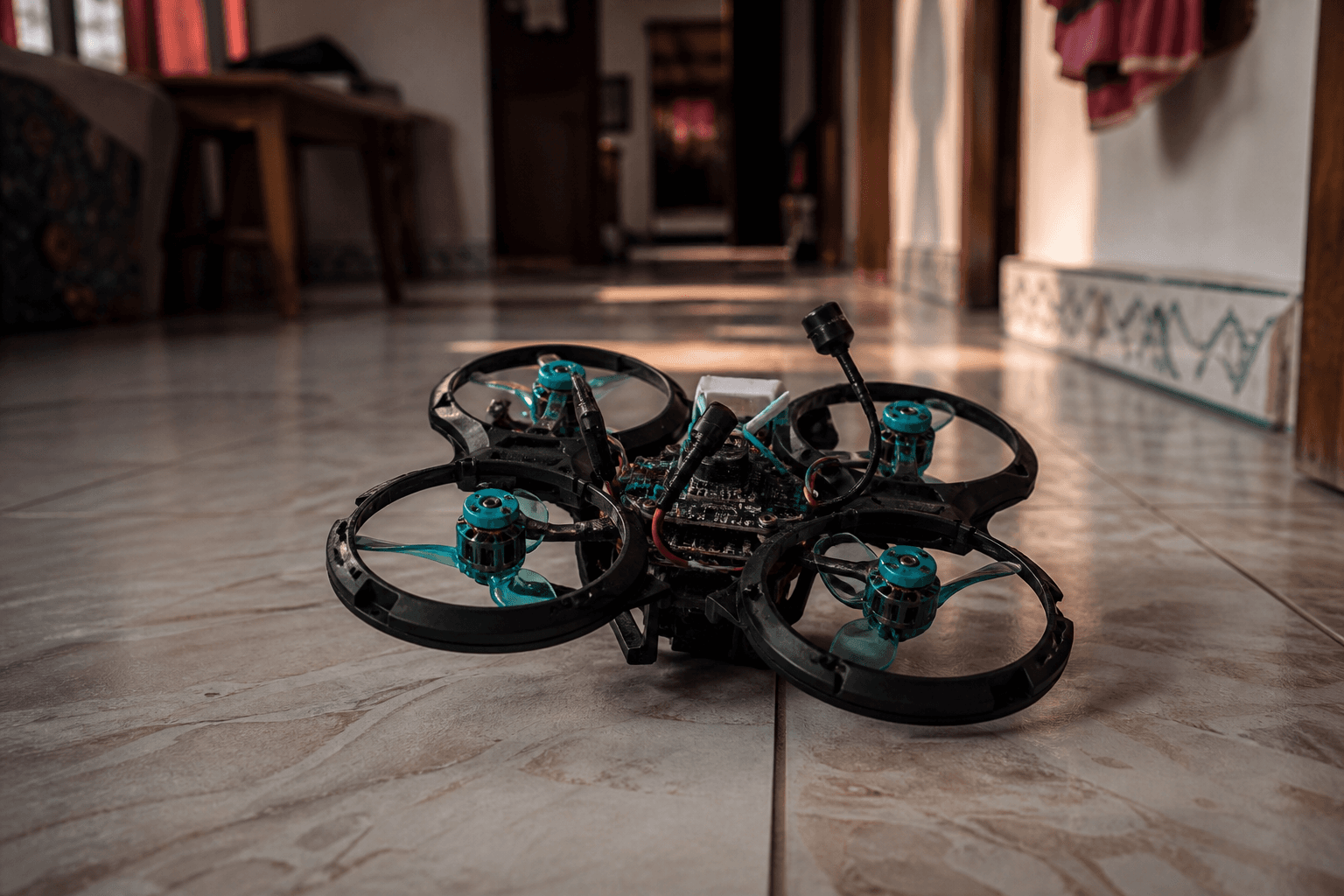
How to enable turtle mode on a whoop

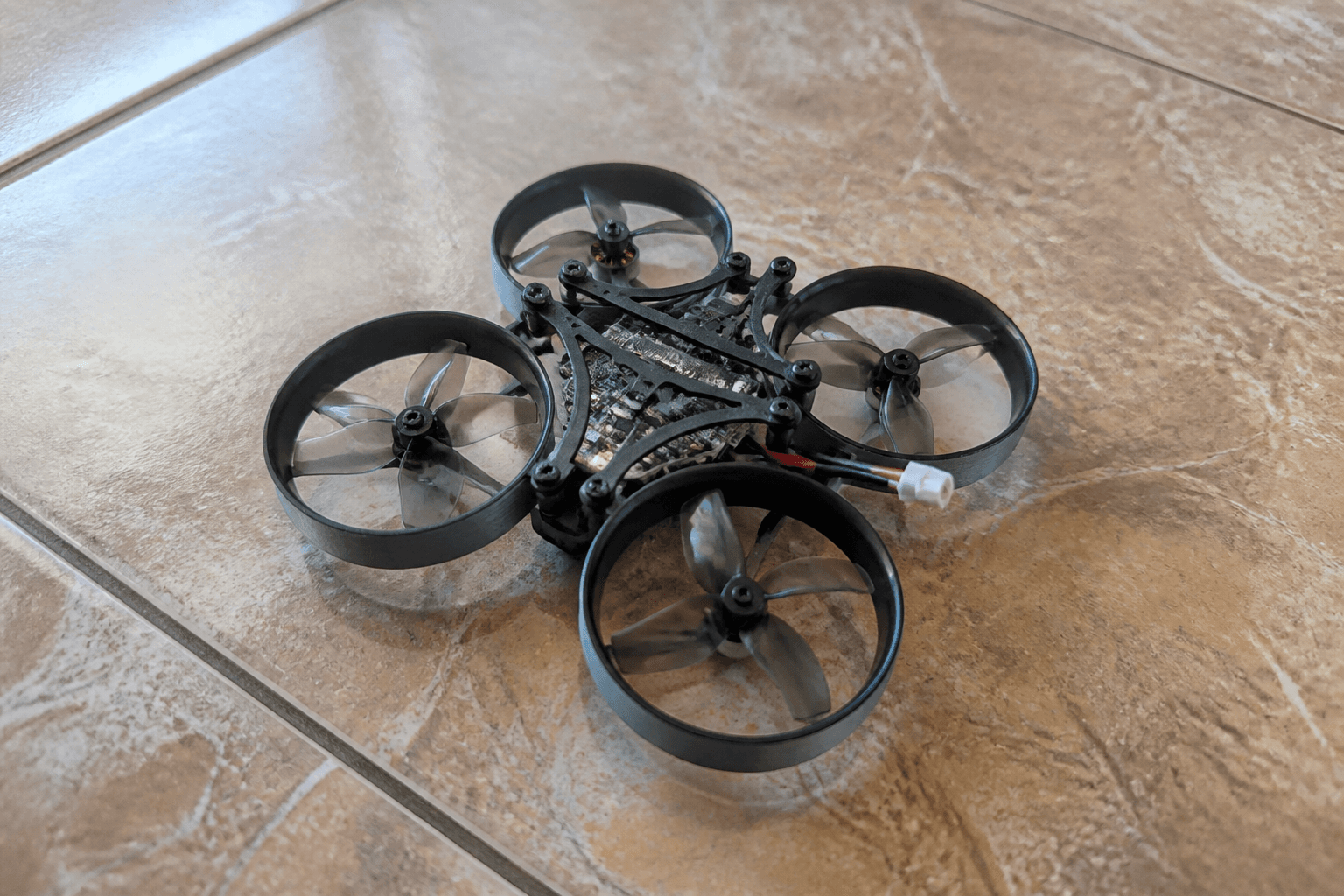
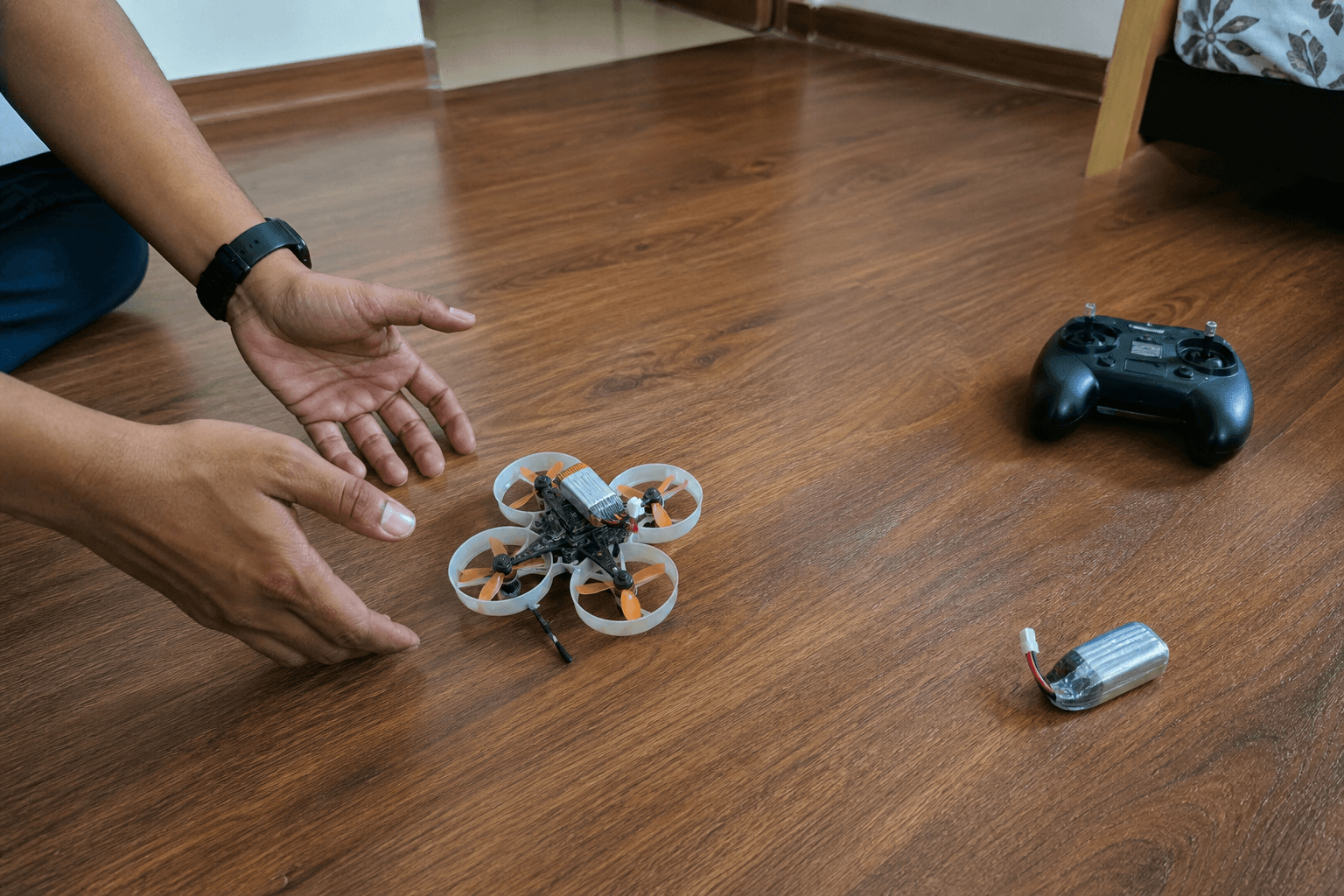
Turtle mode (Flip Over After Crash) spins motors to roll a crashed whoop upright so you can re-arm without walking over every tip-over. Useful. Not a toy. Props still spin hard - clear people and pets before you flip anything.
FPV Grind’s rule: enable turtle on a switch, learn the sequence in a safe space, and walk over when the craft is stuck in carpet fuzz or furniture. Beginner Betaflight context: Betaflight for beginners.
What turtle mode is (and is not)
| Turtle is | Turtle is not |
|---|---|
| A recovery aid after tip-over | A freestyle trick |
| Motor bursts to roll upright | Guaranteed magic on every surface |
| Something you bind to a switch | Safe near ankles and curtains |
| Useful indoors and at parks | A reason to skip soft landings |
Landing skill still matters more: how to land an FPV drone · how to reduce crashes.
Enable in Betaflight
1. Props OFF - remove props or work in a clear, safe area with props removed for config
2. Connect Configurator (correct FC target / cable)
3. Modes tab → add TURTLE (Flip Over After Crash) to a free switch range
4. Confirm ARM is on a different, deliberate switch
5. Save, disconnect
6. Remount props only when ready to test in a safe space
EdgeTX / radio setup if your switches are a mess: how to set up EdgeTX for FPV. Arm discipline: how to arm an FPV drone.
Many BNFs ship with turtle already assigned. Check the manual / OSD before you reinvent modes. If Modes shows no TURTLE option, update firmware / check that your FC build supports it - still props-off while configuring.
How to use it (field sequence)
1. Crash / tip-over - craft upside down
2. Disarm if your logic requires it (know your switch order)
3. Enable turtle on the assigned switch
4. Pulse pitch/roll carefully - short bursts, not full stick panic
5. When upright, disable turtle
6. Re-arm only when clear and level
7. Fly out or land soft and disarm
If the whoop eats carpet, bag straps, or grass and will not flip: walk over. Forced turtle into fabric cooks motors.
Safety checklist
□ People / pets clear before turtle
□ Know which switch is turtle vs arm
□ Do not turtle next to face / fingers
□ After turtle, check props for chips / bends
□ Hot motors after a stuck flip → inspect before next pack
□ Soft landings still practiced in /sim
Crash aftermath: how to fix a crashed whoop · how to change props · how to clean after a crash.
Failure modes
| Mistake | What happens |
|---|---|
| Turtle switch same vibe as arm | Accidental flips / confusion |
| Full stick held into carpet | Motor heat, melted props |
| Turtle near spectators | Prop injuries - not “just a whoop” |
| Ignoring chipped props after flip | Vibration → bearing death |
| Using turtle instead of learning to land | More tip-overs, not fewer |
Spectator boundaries: kids, pets, and spectators near whoops. Apartment flying: apartments and terraces.
Practice plan
| Session | Goal |
|---|---|
| Sim | Soft landings so you turtle less |
| Whoop, props on, clear floor | One deliberate tip-over → turtle → disarm |
| Real sessions | Turtle only when needed; walk when stuck |
Sim practice: /sim. Hover foundation: how to hover an FPV drone.
Bottom line
Enable turtle in Betaflight Modes on a dedicated switch, use short stick pulses to flip upright, then disable turtle and arm normally. Clear bystanders, inspect props after, and walk over when fabric wins. Turtle saves steps - it does not save bad landing habits.
Bench
Whoops and radios: the Bench. Practice not crashing on /sim. Compatible builds: Grind Lab.
Discussion
Comments aren't open on this post yet. Share it with your build group, or start a thread on X.