
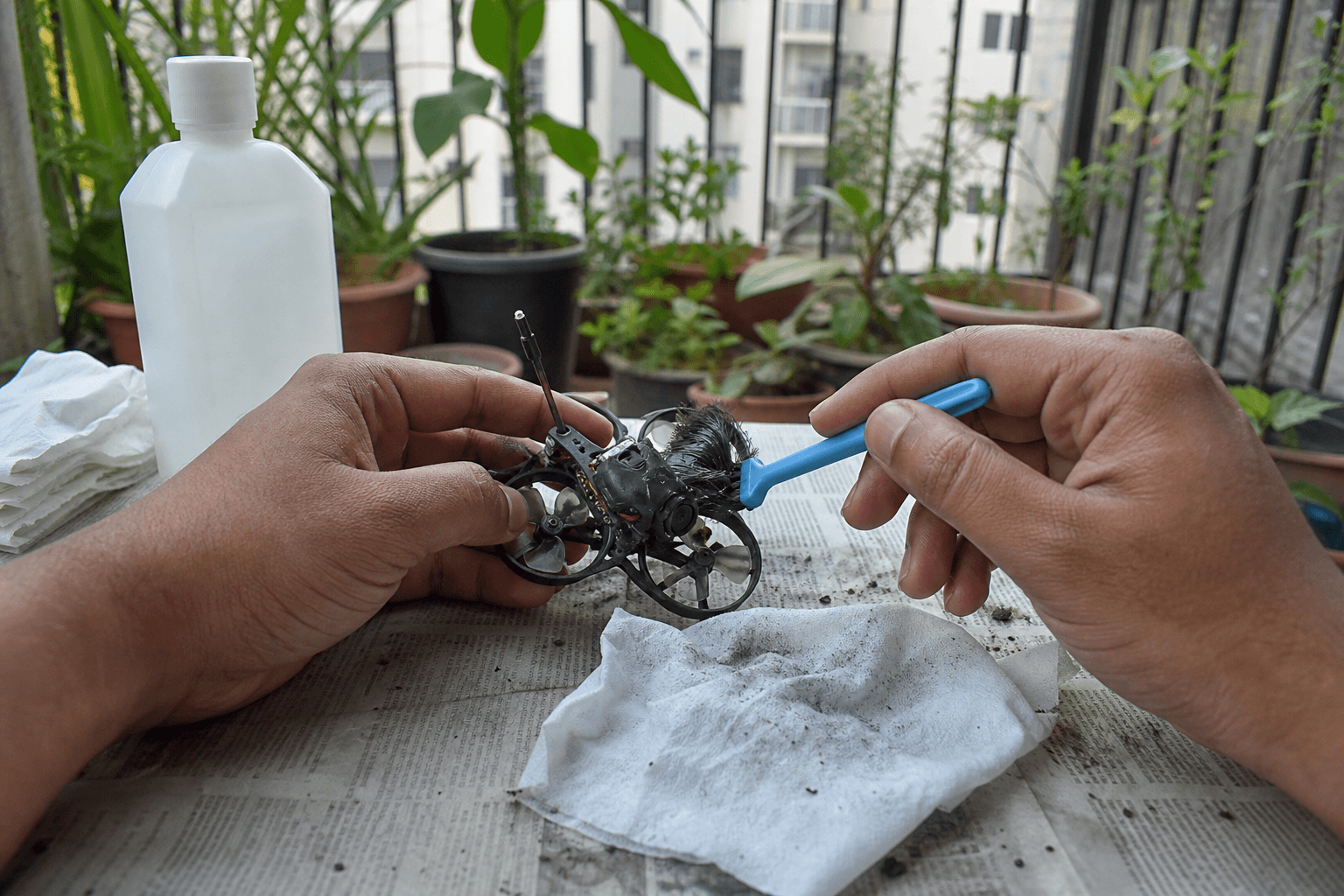
How to clean an FPV drone after a crash

Crashes collect carpet fiber, pet hair, grass, and monsoon mud. That debris becomes vibration, heat, and early motor death. Cleaning is not cosmetic - it is the cheapest performance fix on a whoop. Unplug the battery first, then work a fixed routine before the next pack.
Full crash triage after cleaning: how to fix a crashed whoop.
Clean routine (every hard hit)
1. Disarm and unplug battery
2. Props off if they are chipped or you need motor access
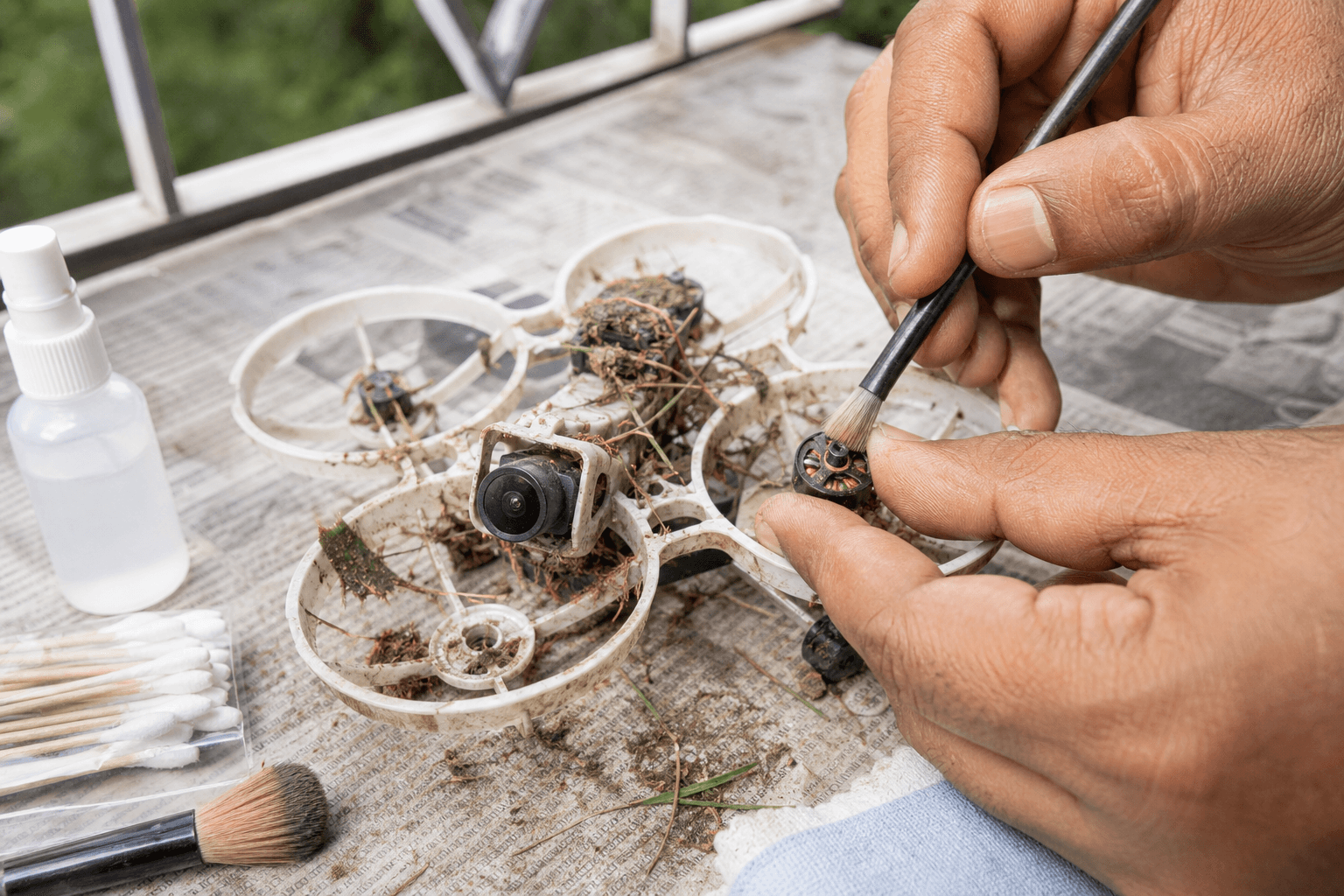
3. Pull hair / grass from motors, ducts, and camera lens
4. Soft brush + tweezers - not kitchen knives
5. Blow dust carefully - do not drive grit into bearings
6. Inspect props and motor feel
7. Only then plug a pack for a desk spin check (props off or clear)| Area | What to remove | Tool |
|---|---|---|
| Motor bells | Hair wrap, grass stems | Tweezers, soft brush |
| Ducts / canopy | Lint, leaf bits | Brush, compressed air gentle |
| Camera | Fingerprints, mud film | Microfiber, isopropyl sparingly |
| FC / AIO (visible) | Loose grit | Brush - no soaking the board |
| Props | Chips, melted tips | Replace - do not “fly it anyway” |
Chipped props: how to change FPV drone props.
India-specific mess
| Environment | Debris | Extra step |
|---|---|---|
| Apartment carpet | Synthetic fiber wrap | Spin motors by hand every crash |
| Terrace / balcony | Dust + pigeon grit | Wipe cam before blaming VTX |
| Park grass | Wet stems in ducts | Dry overnight before bag storage |
| Monsoon mud | Abrasive slurry | Rinse frames/ducts only if design allows; keep electronics dry |
| Pet households | Fur in bells | Scheduled clean even without a hard crash |
Never hose an AIO. If mud hit the stack, wipe externally, dry thoroughly, and inspect for corrosion later - do not seal wet gear in a zip pouch.
Do not
- Blast compressed air straight into open bearings as a hobby - you pack grit deeper.
- Power up full of carpet fluff - hair wraps cook motors on the first punch.
- Ignore a motor that feels gritty or smells hot after a short hover.
- Use WD-40 or random oils in whoop motors.
- Bend props “straight” and keep flying - balance is gone.
Motor spin check (props off)
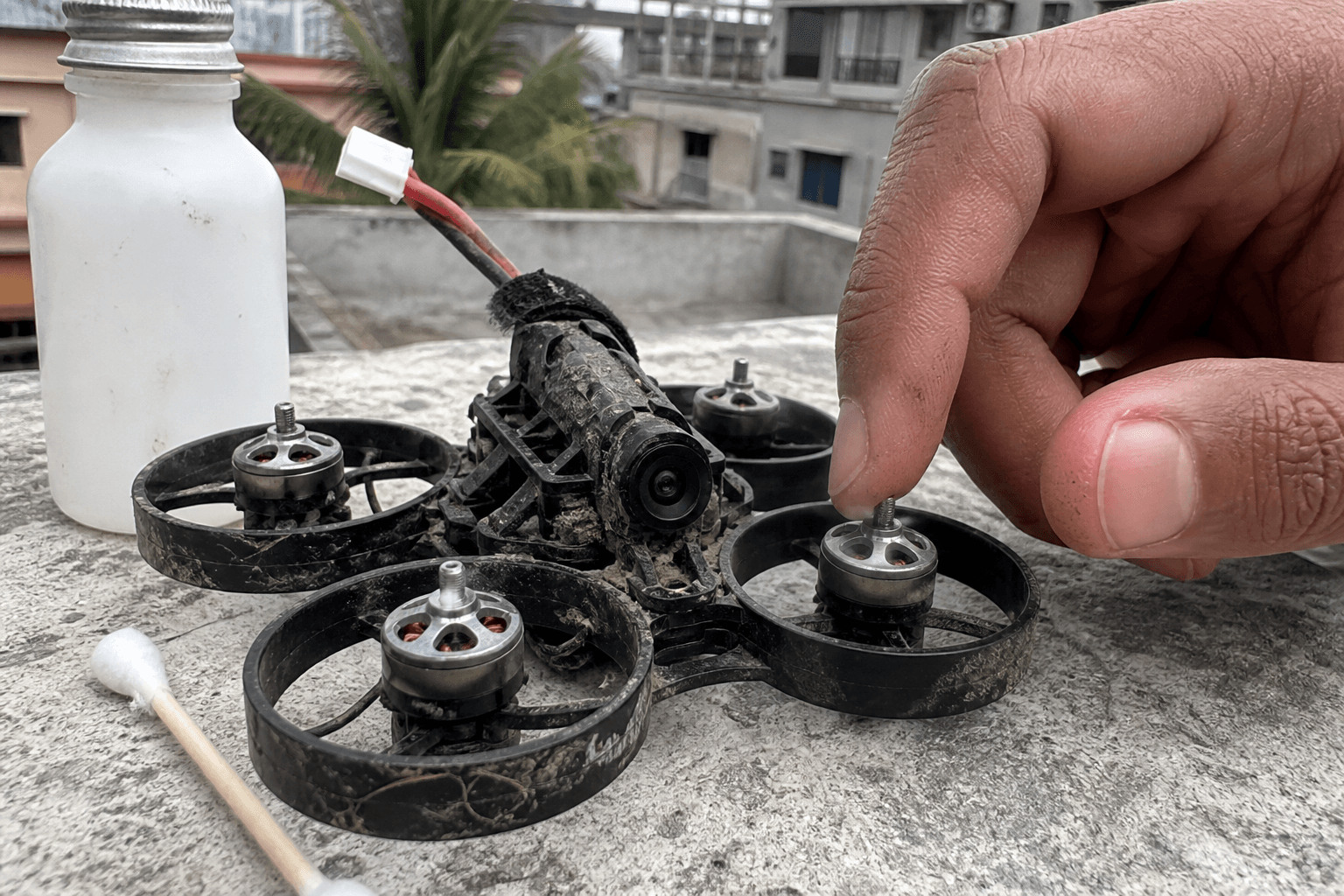
Spin each motor by hand. Smooth = fly. Gritty, notch, or scraping = clean deeper or replace the motor. After cleaning, a brief no-prop or clear-prop bench spin confirms nothing is rubbing the duct.
Loose motor screws often show up as “vibration” after a crash - re-check mount hardware: how to mount whoop motors. Vibration tree: how to fix FPV drone vibration.
Props and ducts
| Finding | Action |
|---|---|
| Tip chip | Replace that prop (match rotation) |
| Cracked hub | Replace - hub cracks throw hard |
| Duct rub mark | Check motor screws / bent shaft |
| Melted plastic smell | Inspect ESC/motor; do not keep packing |
Ducted whoops hide damage. Shine a light through the duct after grass crashes; stems love the lip where the prop tip runs.
Post-clean flight rules
Before next pack:
□ Battery connector clean and fully seated
□ Antenna not chewed by the crash
□ Cam image clear in goggles
□ One hover pack only - listen for growling motors
□ Land and re-inspect if anything new vibrates
If you crashed into spectators or furniture, also reset habits: how to reduce FPV drone crashes and more /sim before “one more gap.”
Failure modes
| Mistake | Why it hurts |
|---|---|
| Wipe and fly with hair still wrapped | Motor heat → magnet / winding death |
| Alcohol bath on whole whoop | Kills coatings, wicked into connectors |
| Skipping prop inspect | Second crash from imbalance |
| Bagging wet mud craft | Corrosion overnight |
Bench
Props and whoop motors: the Bench. Keep a 4-pack of props in the same order as batteries - cleaning without spares just delays the next failure. Build notes: Grind Lab.
Discussion
Comments aren't open on this post yet. Share it with your build group, or start a thread on X.