
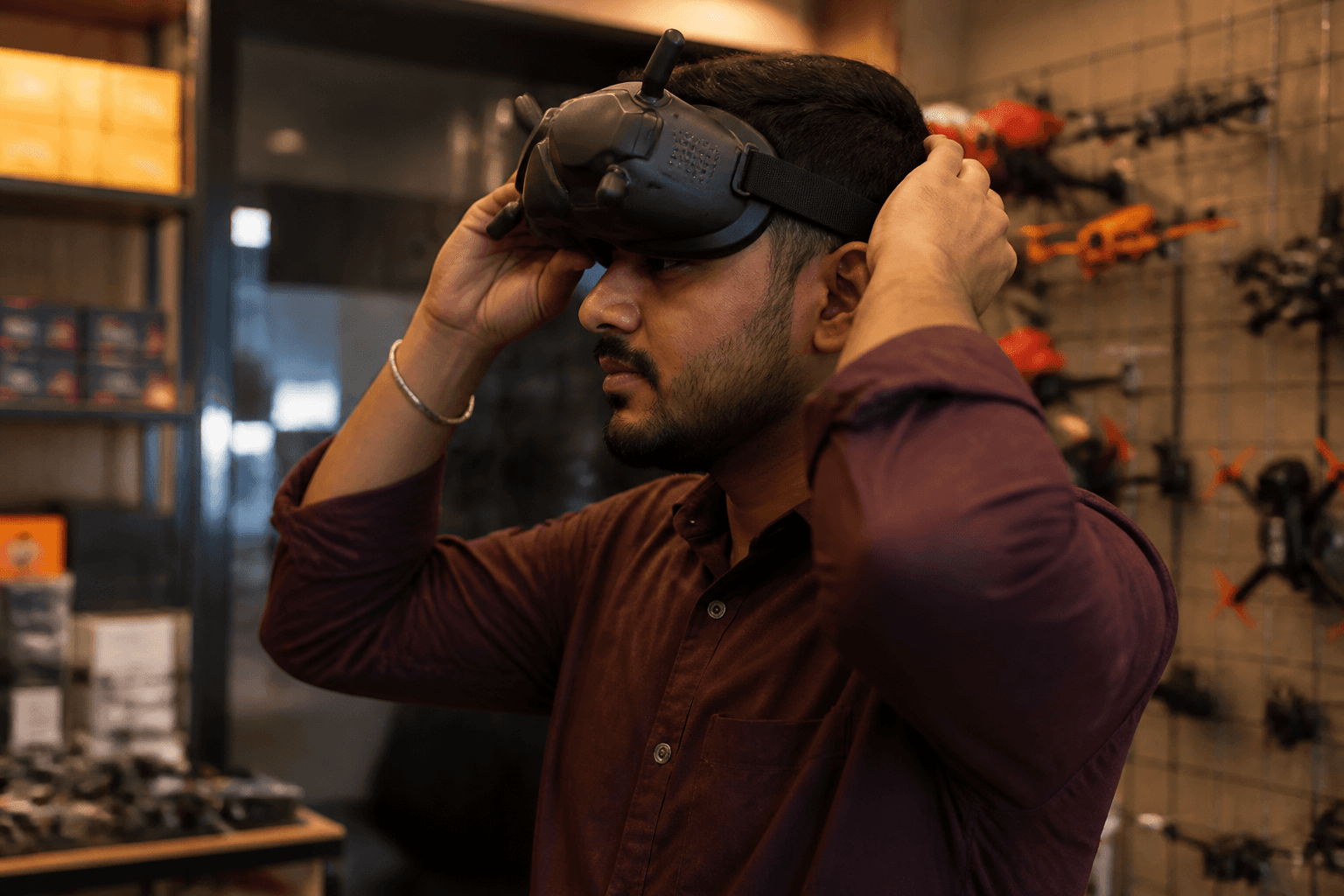

Goggles decide what you see. Buy once if you can; kits include starter goggles you will often outgrow. The mistake is buying premium HD goggles before you have stick time - or buying a video ecosystem that does not match your whoop.
FPV Grind’s beginner path: learn on kit or modest analog goggles, lock protocol and radio first, then upgrade video when you know you will fly weekly. Longer fit guide: box and slim buyers guide.
Beginner decision tree
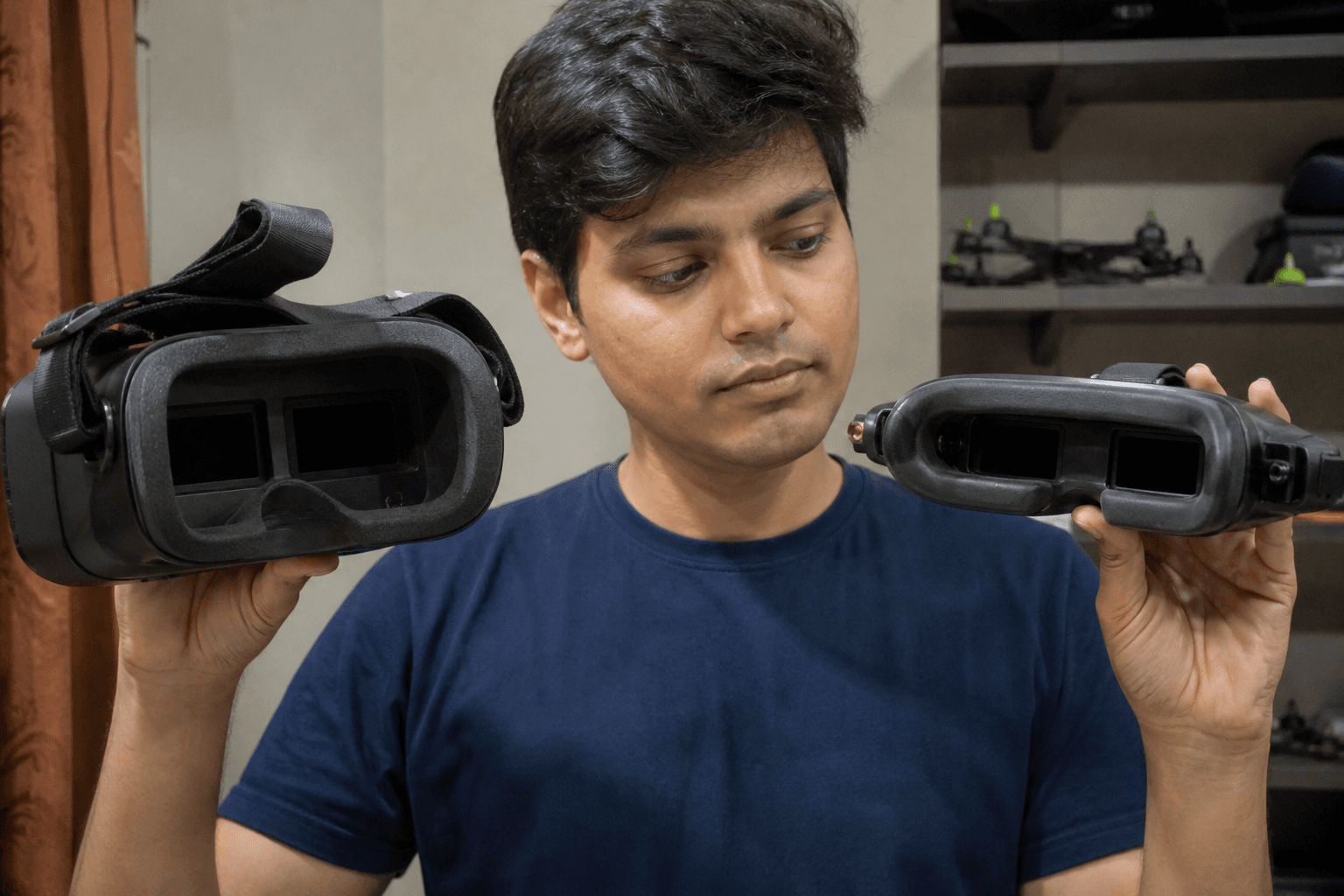
1. Buying a full kit?
   → Use kit goggles until you know you like FPV

2. Already have radio + BNF?
   → Buy standalone goggles that match the craft video system

3. Not sure analog vs HD?
   → Read ecosystem lock-in before spending
     [HD vs analog in 2026](/blog/hd-vs-analog-in-2026)
     [analog vs digital beginners](/blog/analog-vs-digital-fpv-for-beginners)

4. Zero stick time?
   → [/sim](/sim) first; do not lead with premium goggles
Shopping order context: what FPV drone should I buy first.
Analog vs HD (beginner framing)
| System | Strength | Watch-out |
|---|---|---|
| Analog | Cheaper entry, lots of whoop stock | Snow, channel discipline |
| HD / digital | Cleaner image, modern feel | Ecosystem lock-in, cost, weight |
Analog still teaches orientation and crash recovery well. HD is wonderful - after you know you will use it. Channel and power basics in India: analog VTX channels and power. Connecting a feed: how to connect FPV goggles.
Box vs slim
| Style | Good for | Trade-off |
|---|---|---|
| Box | Comfort, diopter options, long sessions | Bulk in a backpack |
| Slim / goggle-style | Portability, lower bulk | Fit varies; glasses need planning |
Glasses wearers: flying with glasses, foam, diopters. Try foam and IPD adjustment before you declare a model “broken.”
Do not buy goggles first
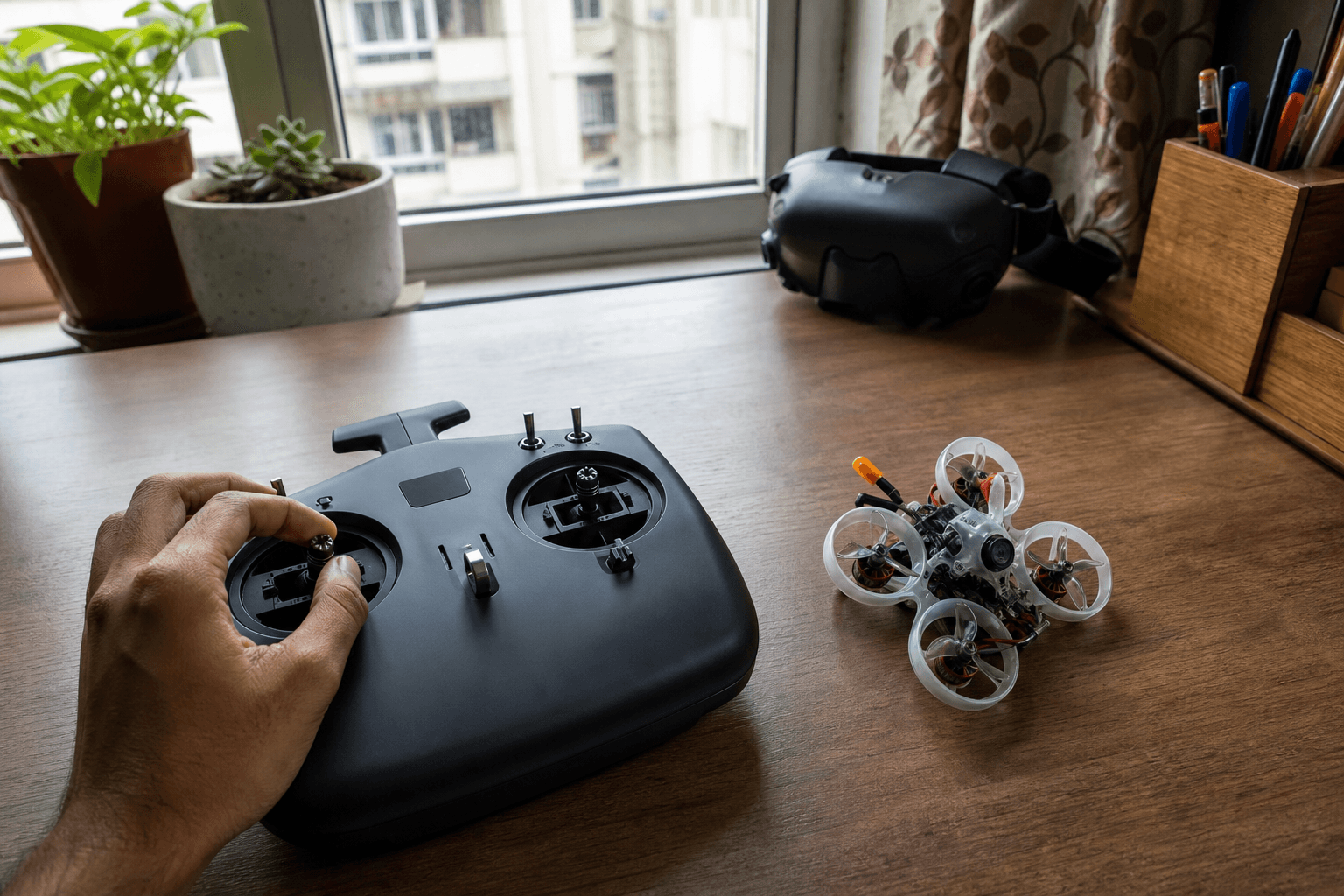
If you have zero stick time:
- Practice in the free simulator
- Sort radio + whoop (ELRS path preferred)
- Use kit goggles or modest analog
- Upgrade video when weekly flying is real
A radio outlives frames; goggles outlive whoops too - but only if you actually fly. Radio choice: how to choose an FPV radio.
Checklist before you pay
□ Video system matches the craft (analog ↔ analog, HD ↔ same ecosystem)
□ Antennas / module path understood
□ Face fit plan (glasses / diopters / foam)
□ Battery / charge plan for the goggles themselves
□ Not buying HD to “fix” a lack of sim practice
□ Spare whoop props still in the cart (priorities)
India notes: kit goggles get you flying while HD modules wait on stock. Domestic analog whoop ecosystems are easier to service week-to-week. Summer heat - do not leave goggle batteries in a parked scooter bag. Buying flow: India buying checklist.
Comfort failure modes
| Problem | Likely cause | Fix |
|---|---|---|
| Face pain in 10 minutes | Wrong foam / strap | Adjust foam, strap, break-in slowly |
| Blurry | Focus / diopter / IPD | Adjust before blaming VTX |
| Fogging | Humidity / seal | Anti-fog habits, less face sweat seal |
| Great goggles, bad flying | Skill, not pixels | More /sim and hover drills |
Upgrade timing
Upgrade goggles when:
- You fly multiple times a week
- Kit goggles limit sessions (fit or image)
- You have chosen an ecosystem on purpose
Wait if you are still deciding whoop vs 5" class - which build first.
Bottom line
Match video systems, prefer kit or modest analog while learning, and upgrade when habit - not hype - justifies the spend. Comfort and channel match beat brochure resolution.
Bench
Kits and video gear: the Bench. Stick practice: /sim. Build recipes: Grind Lab.
Discussion
Comments aren't open on this post yet. Share it with your build group, or start a thread on X.