
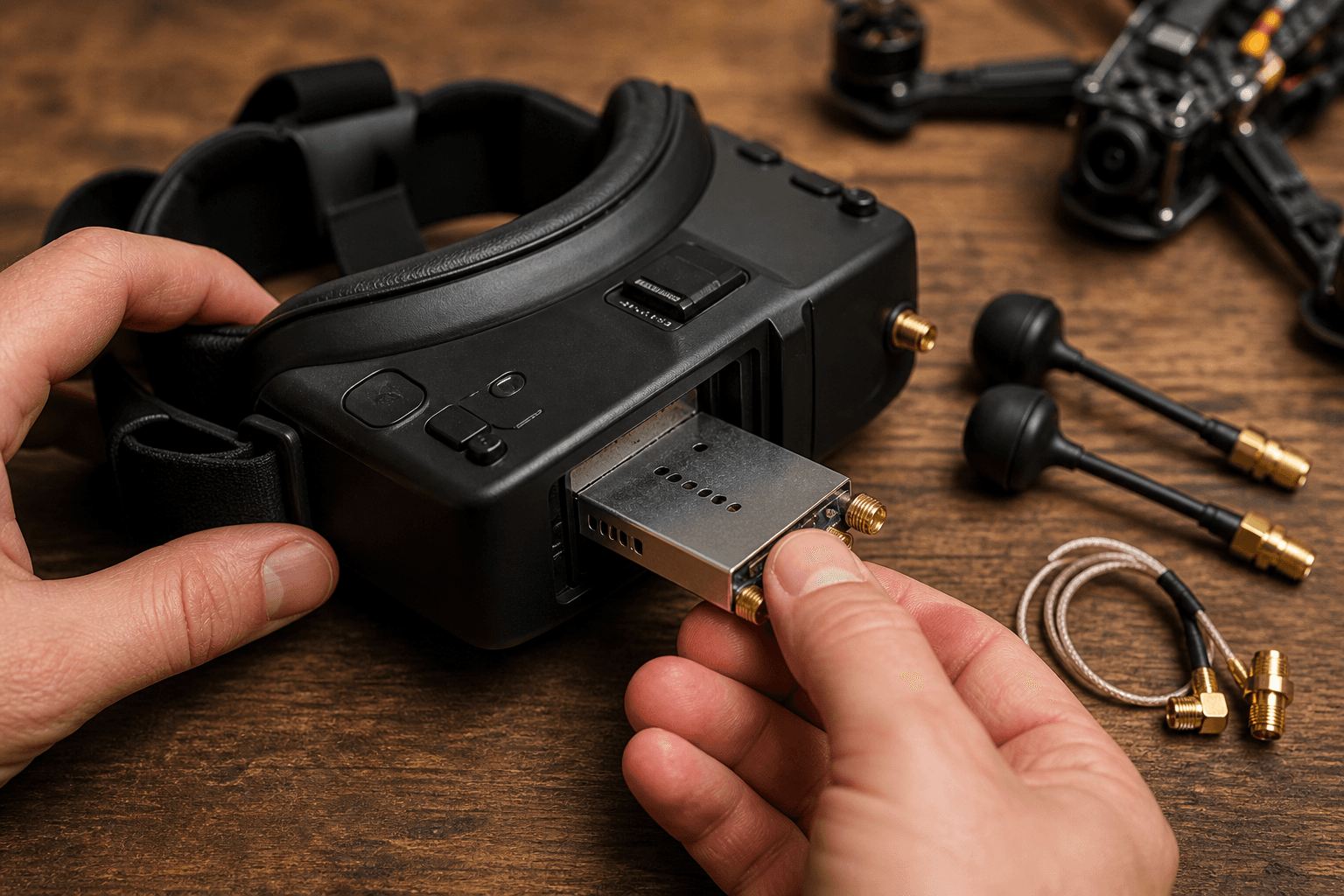

“No picture” is usually channel mismatch, a loose antenna, or power order - not a dead whoop. Fix the boring checks before you blame the camera.
This guide is the FPV Grind quick path for beginners connecting goggles to a tiny whoop or kit. Deeper shopping lives in how to choose FPV goggles; deeper India channel chaos lives in analog VTX channels and power.
Power order that avoids headaches
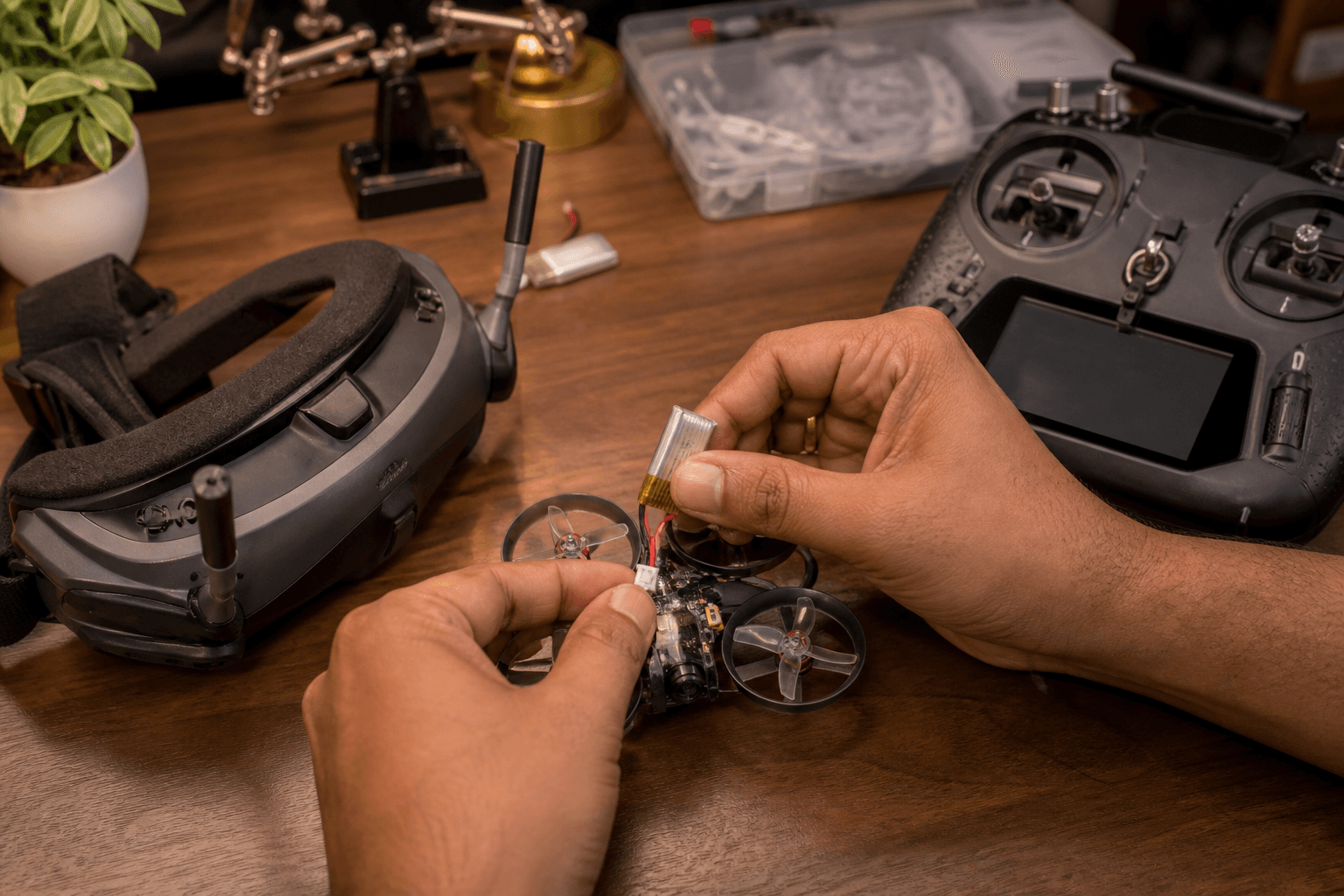
Typical beginner order:
1. Radio on (bound / ready)
2. Goggles on - antennas seated, correct module if modular
3. Set band/channel (analog) or finish pairing (digital)
4. Plug whoop battery last
5. Confirm image before you arm
Some kits differ - follow the manual if it conflicts. The goal is simple: never fly blind, and never arm while still hunting for a channel.
Analog quick path
- Antennas on goggles and craft - hand-tight, not tool-crushed.
- Power goggles, select the band/channel your VTX is on (or use auto-scan carefully).
- Power the craft; confirm the feed before arming.
- Start on a legal / low power VTX setting while testing at arm’s length.
- If the image is snowy up close, check antenna seating before cranking power.
| Analog check | Pass looks like |
|---|---|
| Antenna seated | Firm SMA/U.FL, not spinning free |
| Band + channel | Clear image when VTX is on |
| Diversity / module | Correct module selected in menu |
| Low power test | Usable feed at 1–2 meters |
India note: crowded analog bands and “everyone on Raceband 1” is normal at meetups. Learn your VTX table once and write your default channel on a bit of tape inside the goggle case.
Digital / HD quick path
Walksnail, HDZero, and DJI-class ecosystems each have their own pairing apps and binding flows. The shared beginner rules:
- Buy goggles (or a module) that match the video system on the craft
- Finish pairing on the bench before you chase freestyle lines
- Treat firmware updates as a calm desk job, not a field improvisation
If you are still choosing stacks: analog vs digital for beginners and HD vs analog in 2026.
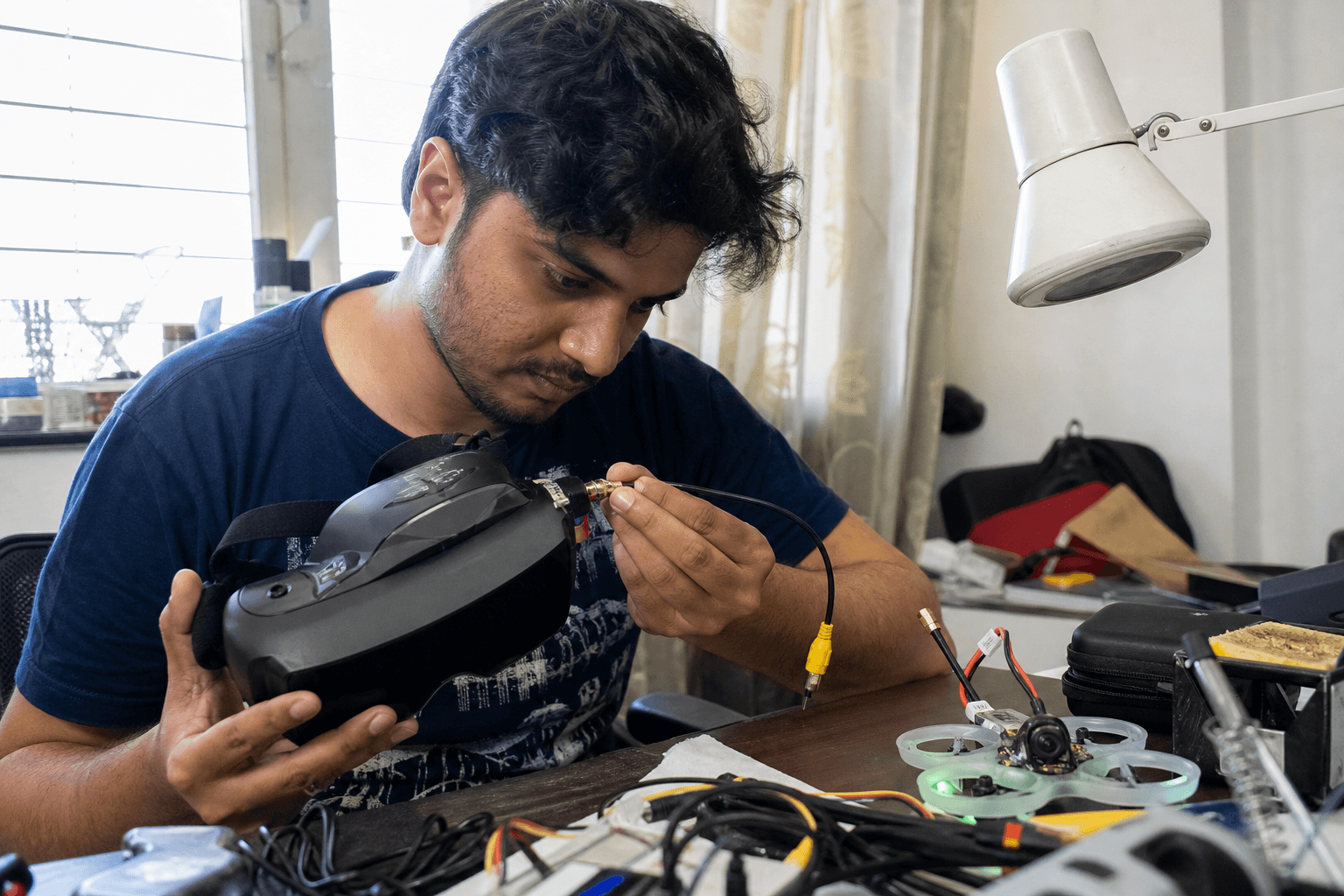
Still no image? Failure modes
| Check | Why it fails | Fix |
|---|---|---|
| Channel / band | Most common miss | Match VTX table or rescan |
| Antenna not seated | RX deaf | Reseat; inspect pigtail |
| VTX not powered | Black screen | FC harness / plug / solder |
| Wrong goggle module | Silence | Select correct RX module |
| Camera cable | Static or black | Reseat camera plug |
| Goggle battery dead | Obvious, often missed | Charge or swap pack |
| Whoop not powered | No VTX | Battery last, but it must be in |
Hard crash after a clear image? Inspect the camera cable and VTX antenna before you reflash firmware. Whoop crash triage: how to fix a crashed whoop.
Bench test checklist (props off if debugging)
□ Goggles charge / battery OK
□ Antennas hand-tight
□ Correct module / analog vs HD path
□ Channel matched or digital paired
□ Whoop battery connected
□ Image stable for 10+ seconds
□ Then: clear room → arm → short hover
Comfort and glasses
If the feed is fine but your face hates the goggles, that is a fit problem, not a VTX problem - flying with glasses, foam, diopters and the box vs slim buyers guide.
Practice without burning packs
Stick time does not require a live VTX. Use the browser simulator for hover and figure-eights, then use live goggles for orientation and depth once the feed is reliable.
Bottom line
Match band/channel (or finish digital pairing), seat antennas, and power goggles before the craft. Most “broken” whoops are on the wrong channel.
Bench
Kits with matched video: the Bench. Stick practice without goggles: /sim. Build recipes: Grind Lab.
Discussion
Comments aren't open on this post yet. Share it with your build group, or start a thread on X.