
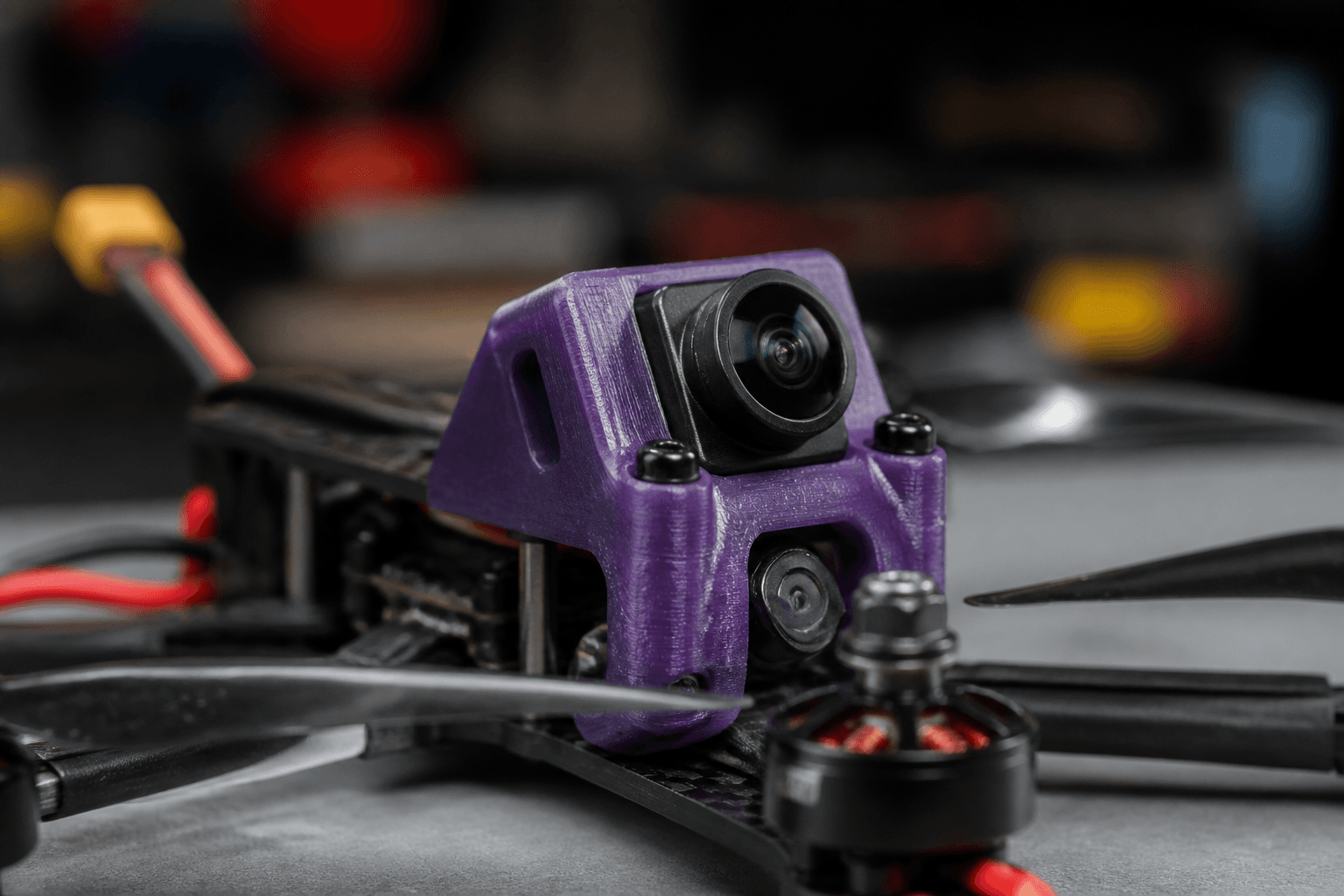

Camera angle changes how fast the ground comes at you; mount flex changes how much of that motion becomes jello in DVR. Pilots often spend hours in PID sliders when the real problem is a loose TPU mount or a tilt angle that fights their flying speed. Fix mechanical video path first, software has limits.
Tilt basics
- Low tilt (10–20°): easier horizon, good for learning and slow proximity
- Mid (25–35°): common freestyle starting range
- High (40°+): fast forward flight; harder horizon hover
Change tilt in 5° steps and fly the same line twice, feel beats forum defaults.
How tilt changes stick feel
Higher tilt points the camera toward the ground during forward flight, so the horizon sits lower in the goggles and speed feels natural. Low tilt keeps the horizon level longer, great for cinewhoop proximity and learning, but fast freestyle lines feel like you are looking at the sky.
| Flying style | Starting tilt | Adjust when |
|---|---|---|
| Learning hover / LOS | 10–15° | Moving to FPV |
| Park freestyle | 25–30° | Chasing faster lines |
| Long-range cruise | 15–25° | Comfort on flat paths |
| Aggressive bando | 30–40°+ | Only after baseline tune |
Tilt vs actual speed
Your brain adapts to tilt within a session. Changing tilt and rates the same day confuses diagnosis. Change tilt, fly three packs, then touch rates.
Common mistake: Copying a pro pilot's 40° tilt on day three and wondering why hover feels impossible.
Mount flex
Rigid aluminum or stiff TPU can transmit vibe to the sensor. Too soft a mount lets the camera lag relative to the frame, smear on punch-outs.
| Symptom | Check |
|---|---|
| Rolling jello | Prop balance, bent motor, then mount |
| Horizontal shimmer | Loose camera screw, vtx heat on foam |
| Worse in cold/hot | Foam hardness changed, summer heat |
Mount materials
| Material | Behaviour |
|---|---|
| Aluminum / CF plate | Stiff, good if quad is vibe-free; bad if motors are rough |
| Soft TPU | Isolates buzz, can lag on hard snaps |
| Silicone dampeners | Middle ground, check for torn inserts |
| Foam tape | Field fix only, creeps over time |
HD systems (O3, Walksnail, HDZero) add mass on the mount, more inertia, more jello risk if the mount flexes wrong. Match mount design to vtx weight, not analog-era habits.
Build-time mount checklist
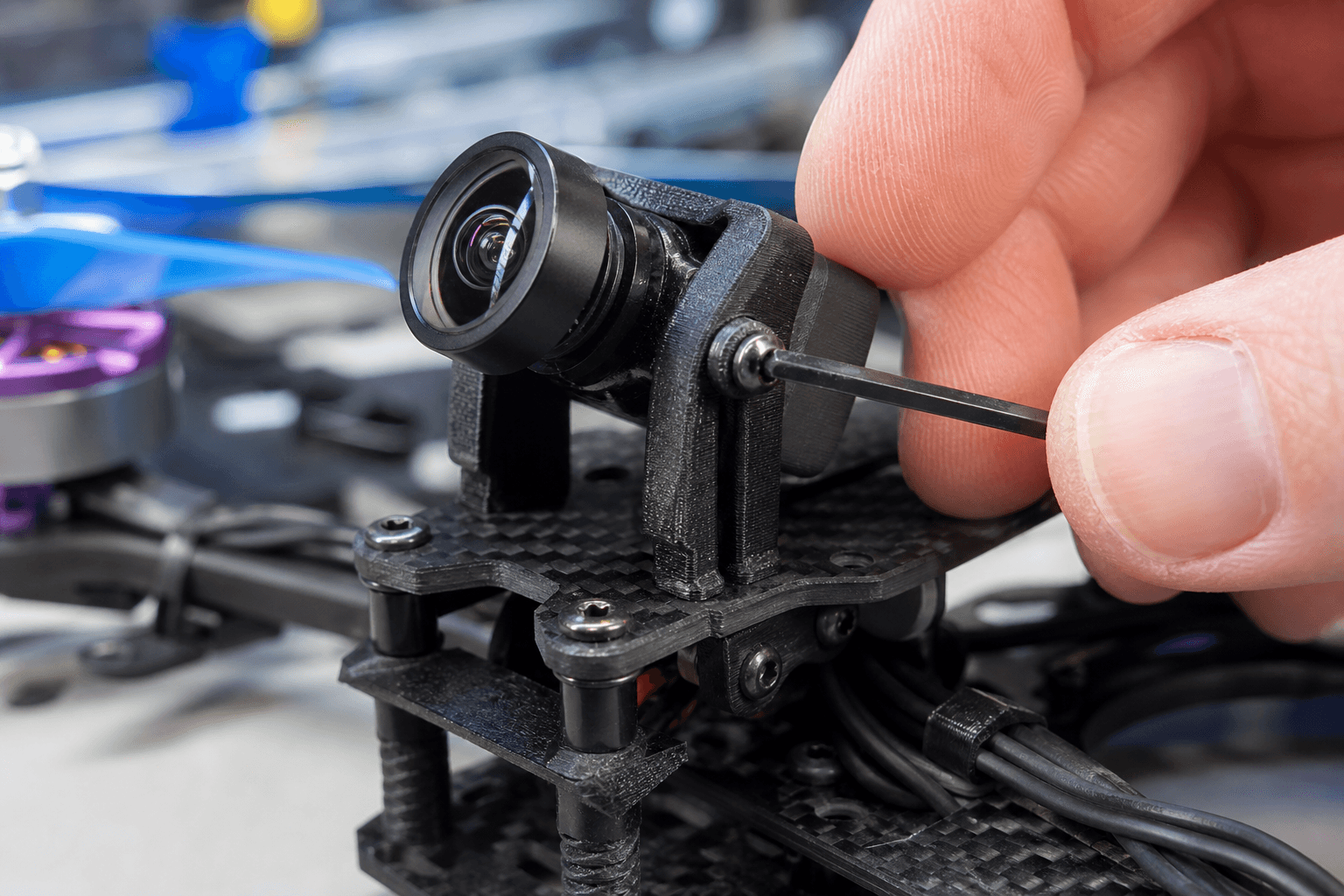
Camera mount install:
1. All screws thread cleanly, no stripped nylon
2. Camera secure in mount, no twist in USB harness
3. Lens protector removed before tuning (yes, really)
4. Mount bolts torqued, not finger-tight
5. No vtx heat pad pressing mount into soft TPU
6. Test shake by hand, camera should move with frame as one unit OR on designed isolators, not both randomly
Not just PID
Before propwash tuning, confirm lens is tight, ND cap off, and mount screws torqued. Software cannot fix a dangling camera pod.
Mechanical video path order
- Props: chipped or bent
- Motors: bent shaft, loose bell
- Prop balance: if idle vibe visible
- Mount hardware: screws, TPU fatigue
- FC soft mount: if gyro noise high, see stack mount guide
- PID / filters: last
Analog vs HD mount differences
Analog cameras are lighter, stiff mounts often work. HD units add mass and cable stiffness; they need mounts designed for that weight. Copying an analog TPU file for an O3 pod without checking clearance is a common print farm mistake. Weigh the assembled pod before trusting a download.
ND filters and exposure
Jello-looking footage is sometimes shutter too slow for vibration frequency, not mount failure. HD cameras need correct ND outdoors. Fix exposure before you chase D-term.
Crash aftermath
Camera mounts absorb impacts. After crash triage, check:
- Cracked TPU arm on mount
- Bent camera bracket
- Loose lens lock ring
- vtx connector stress at the camera board
A mount that survived visually may still be soft, swap TPU periodically on hard-crash quads.
India climate notes
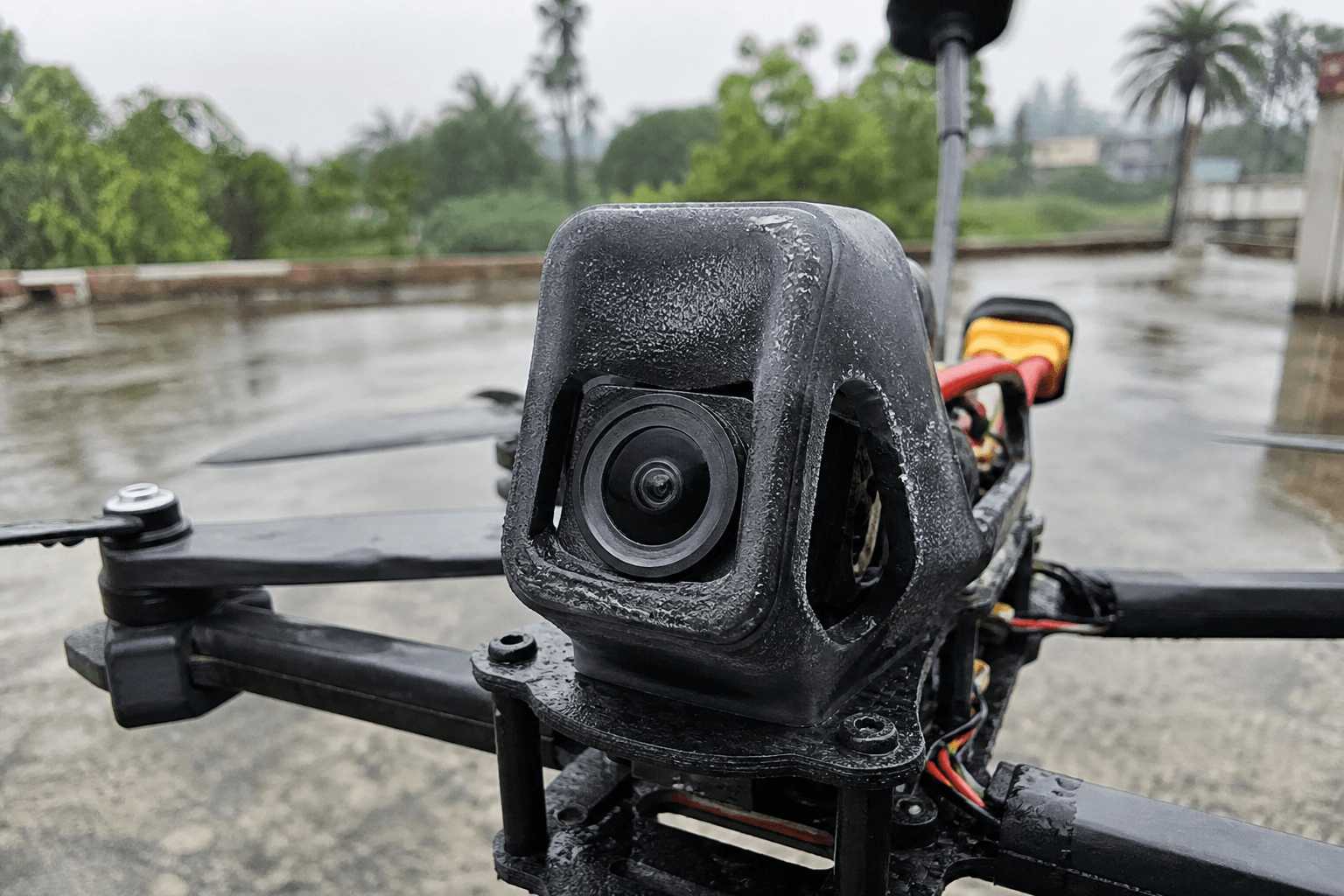
Parked-car heat softens TPU and foam. Cold morning flights stiffen them. If jello appears seasonally, suspect material hardness before retuning. Monsoon storage, moisture swells foam tape adhesives.
TPU print longevity
Printed mounts fatigue in sunlight and heat, common on Indian car dashboards. Reprint after a season or when screw holes oval. A ₹0 mount that sags costs more in jello than a fresh print.
Dual-camera rigs
Some builds carry main FPV and action cam, each mount is a jello source. Isolate action cam on separate dampers; do not bolt both to the same flexy plate unless you accept smear on the heavier camera.
When to stop tuning video
If mount is solid, props fresh, motors true, and jello persists only in DVR at certain throttle points, then tune. If jello shows on bench shake test with props off, it is always mechanical.
Session tilt progression
Tilt ladder (same site, same pack):
Session 1, 20° baseline line
Session 2, 25° same line
Session 3, 30° only if lines feel slow
Stop when hover becomes uncomfortable
Document tilt on tape under the mount. Swapping TPU mounts changes angle slightly, recheck after every mount reprint.
Live goggles vs DVR mismatch
Sometimes live view looks fine and DVR jello is worse, exposure, EIS, or mount resonance at record resolution. Test DVR after mechanical fixes; do not tune PID for a problem that only exists in the file. HD systems need correct ND and shutter; analog jello is almost always mechanical or electrical noise on the camera feed.
Lens and stack clearance
Wide camera pods hit stack screws on some frames. Dry-fit with full tilt range before locking nylon nuts. USB harness tension pulls the sensor, leave service loop slack, not a guitar string to the FC.
Rate and tilt interaction
High tilt with aggressive rates feels faster than your brain expects, jello diagnosis gets harder because stick inputs are sharper. Change one variable per session. If you raise tilt 5° and bump rates the same day, DVR smear might be pilot input, not mount flex.
Bench
- Video / Digital HD, cameras and vtx for clean DVR
- the Bench, mounts and hardware
Discussion
Comments aren't open on this post yet. Share it with your build group, or start a thread on X.