

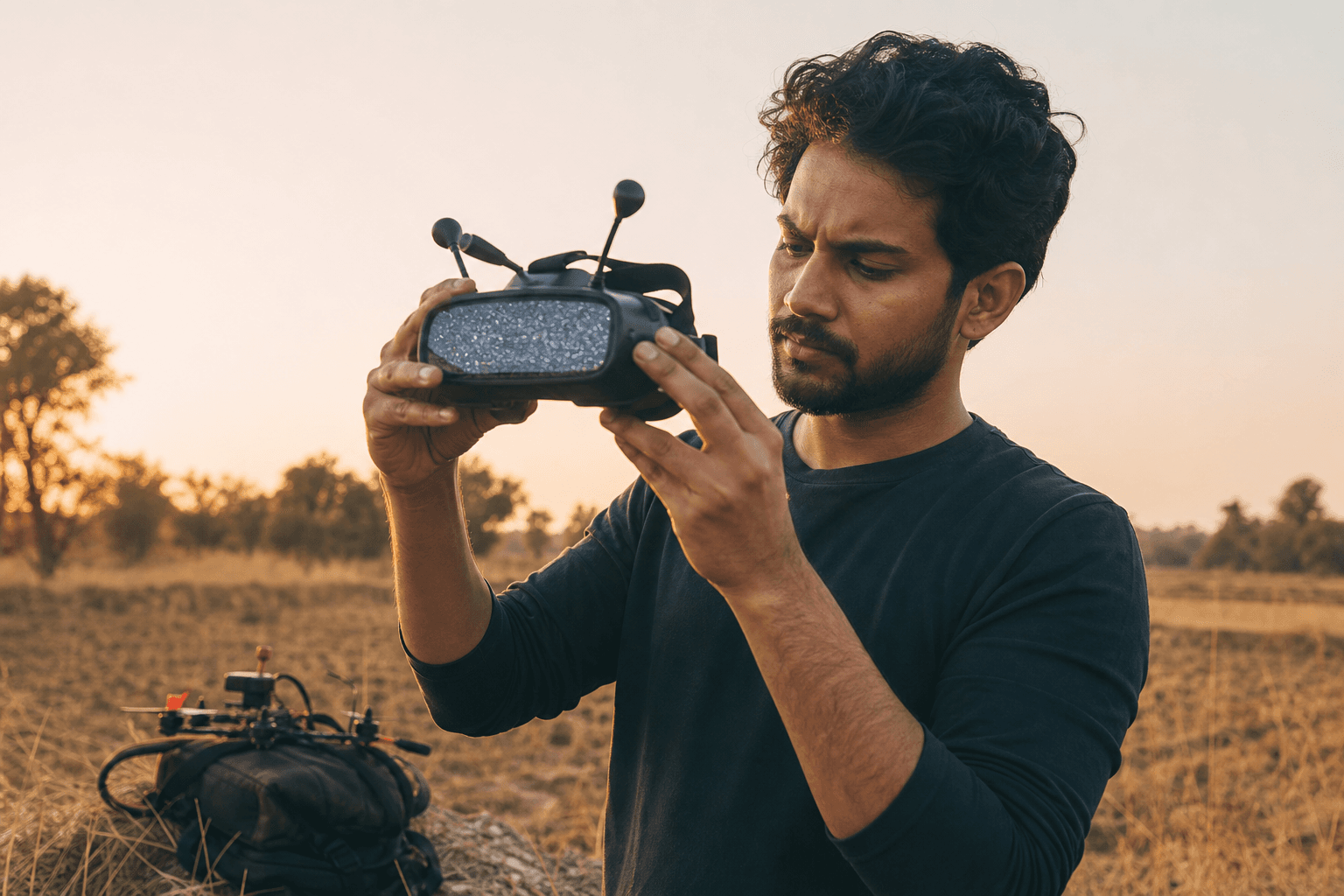
How to fix no picture on FPV goggles

No picture is usually a setup problem, not a dead whoop. Most “black screen” evenings come down to a channel mismatch, a missing antenna, the wrong module, or a VTX that never got power. Work through this checklist top to bottom before you pick up the soldering iron.
Power and antennas first (30 seconds)
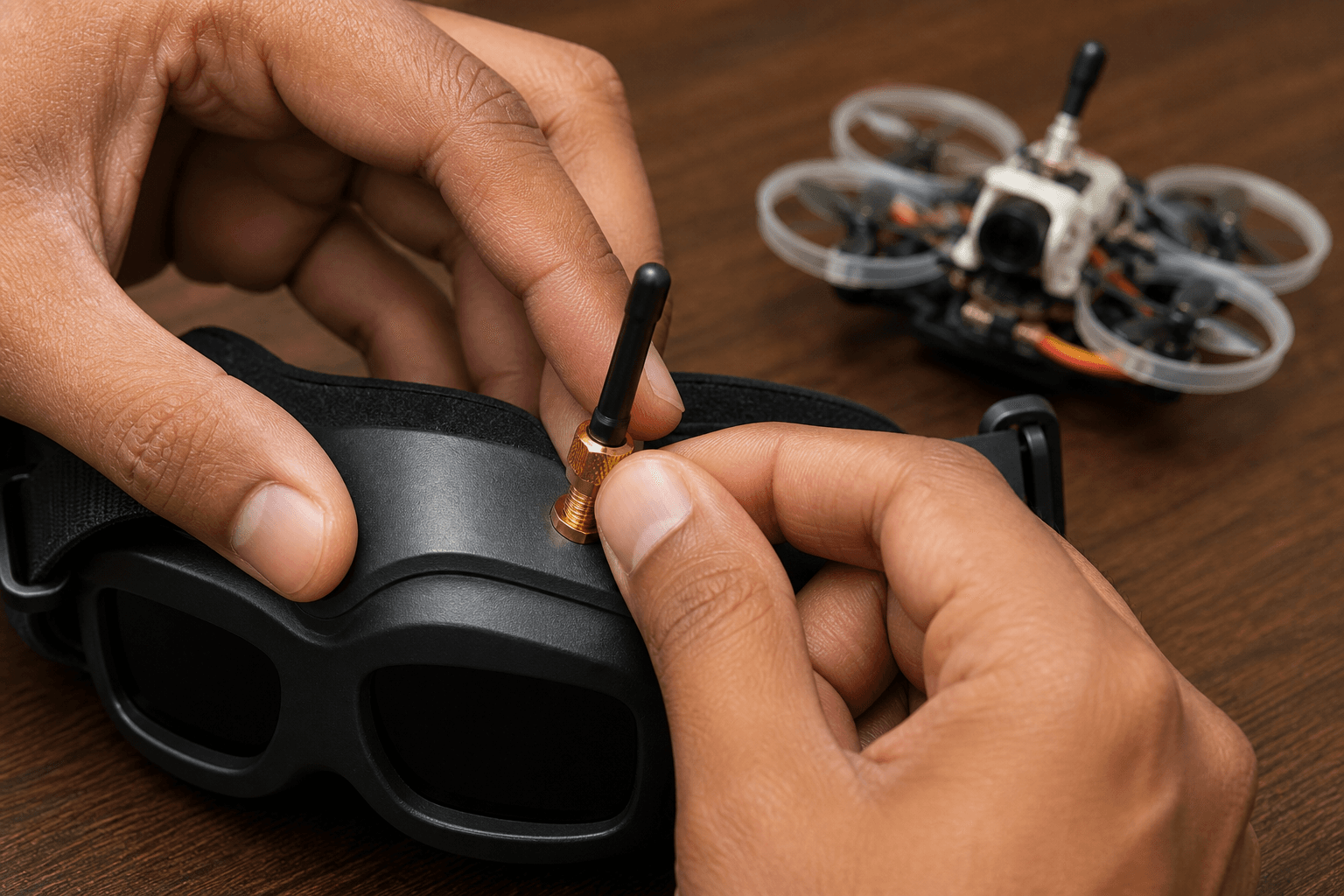
Before you chase firmware:
□ Craft antenna seated (U.FL / SMA connector, lead not torn)
□ Goggle antennas seated (both, if dual)
□ Radio and goggles on before the craft battery
□ Props off or clear - it is easy to arm by accident while debugging
Powering a VTX with no antenna can overheat and damage it. No antennas on the goggles looks like “dead video” at five metres. If either connector is loose, fix it before you start changing channels.
Power order matters: radio and goggles first, so you are not debugging with a live craft on the desk. Full habit: how to power on an FPV drone safely.
Channel and band match
Analog goggles and the VTX must share band + channel. Wrong band looks identical to a dead feed: static, snow, or a clean black OSD with no camera.
| Symptom | Likely cause | Fix |
|---|---|---|
| Snow / static everywhere | Wrong channel or weak RX | Auto-search, then set a known channel |
| Clean black, no cam | Camera unplugged / FC cam pad | Check cam cable and 5V |
| Picture then drop | Antenna / range / power | Seating + VTX power level |
| OSD only, no image | Cam vs VTX path | Cam → FC → VTX wiring |
| Works on one goggle only | Module / diversity RX | Swap module or antenna |
Walk the match procedure in how to connect FPV goggles. For why “channel 1” means different frequencies on different brands, read analog VTX channels and power.
Channel workflow:
1. Set the VTX to a known band/channel (button, or Betaflight via SmartAudio / IRC Tramp)
2. Set the same band/channel on the goggles; do not rely on auto-search alone
3. Confirm with a second pack or a known-good goggle if you have one
4. Only then change VTX power or antennas
Analog vs digital: wrong stack = no picture
HD goggles will not show an analog whoop’s feed, and the reverse is also true (unless the goggles have an analog module). Confirm the system before you desolder anything:
| System | Goggles need | Craft needs |
|---|---|---|
| Analog | Analog RX / module | Analog VTX + cam |
| DJI / HDZero / Walksnail | Matching HD RX | Matching HD VTX |
Beginner overview: analog vs digital FPV. Ready-to-fly kits like the Cetus Pro ship with matched goggles; BNFs like the Mobula6 assume you already own compatible ones.
VTX actually powered?
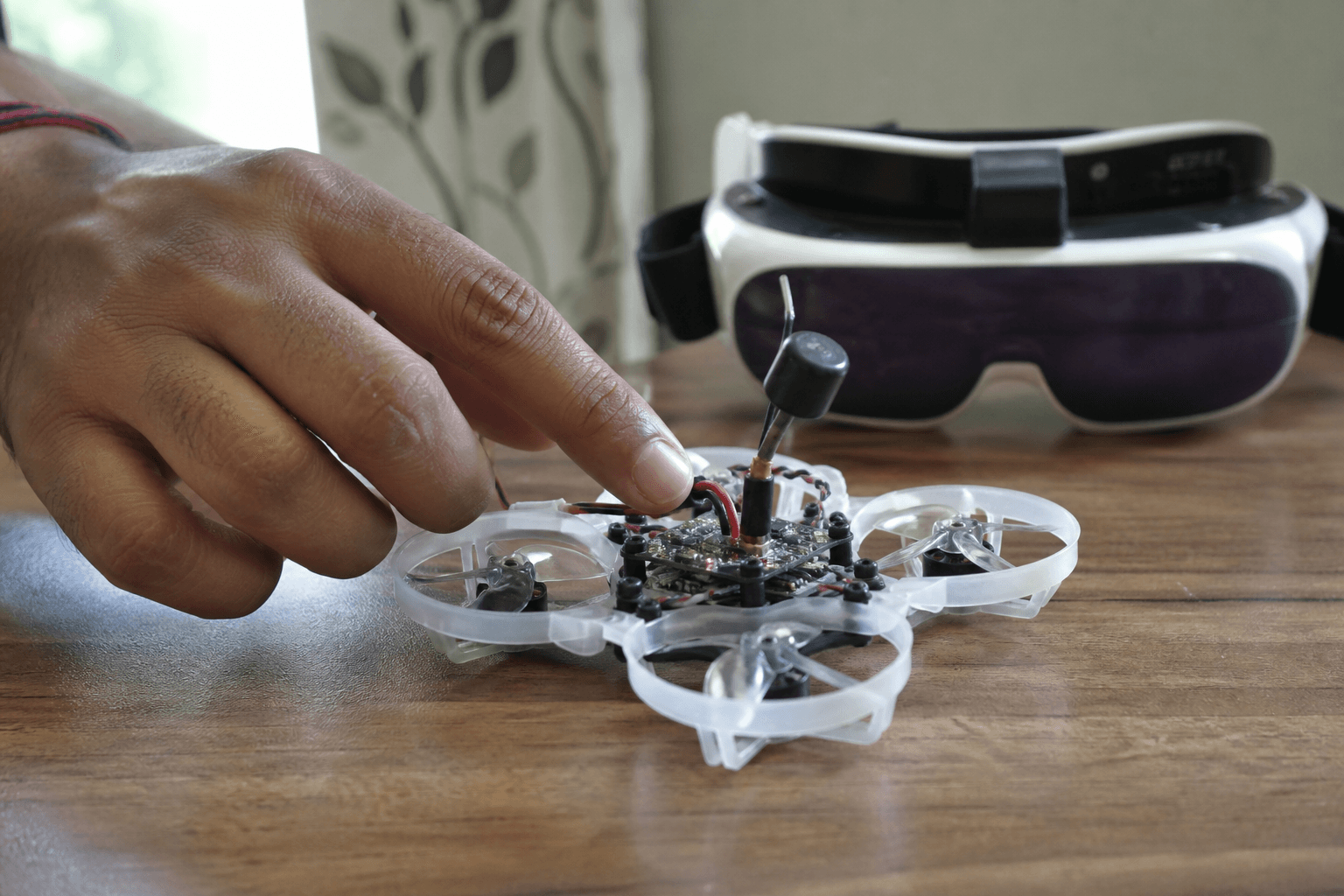
No picture with perfect channels often means the VTX never powered up.
Bench checks (props off):
□ Battery voltage on pack (not a dead 1S)
□ XT30 / PH2.0 / BT2.0 fully seated
□ VTX 5V / VBAT pad has voltage
□ Cam LED / FC LED on (if expected)
□ Harness plug fully in (kit whoops)
Crashes often pull camera and VTX plugs half out. Reseat them before you blame the camera. Soft brush cleanup after crashes: how to clean an FPV drone after a crash.
Module and diversity traps
Fat Shark or Skyzone goggles with bay modules: the wrong module, a module not fully seated, or a module antenna left off all look like a dead receiver. Rapidfire, TrueD and stock modules each have quirks: reseat the module, check the menu shows signal, then swap antennas left and right.
Diversity: one bad antenna can still give a weak picture. Both missing = snow.
Failure modes that waste evenings
| Mistake | Why it hurts |
|---|---|
| Auto-search while walking around | Locks onto someone else’s VTX or noise |
| Raising VTX power first | Masks antenna faults; more heat |
| Debugging with props on | Cuts from an accidental arm |
| Assuming a new kit is matched | Factory channel settings often differ |
| Ignoring cam ribbon | Whoop cams unseat after crashes |
Still blind after the checklist?
- Try a known channel on both ends (write it down).
- Borrow a second goggle, or check whether the VTX LED is on and the VTX is warm (carefully).
- Inspect VTX solder joints and the antenna lead; crashes pop U.FL connectors more often than people expect.
- If the craft flies but video is dead, it is video path - not motors. If nothing boots, fix power first.
Practice stick discipline while parts dry: /sim. When video works again, keep sessions short until antennas and channels are muscle memory.
Bench
Matched kits and BNFs: the Bench. Build or compare whoop stacks in Grind Lab so VTX and goggles type do not fight each other.
Discussion
Comments aren't open on this post yet. Share it with your build group, or start a thread on X.