
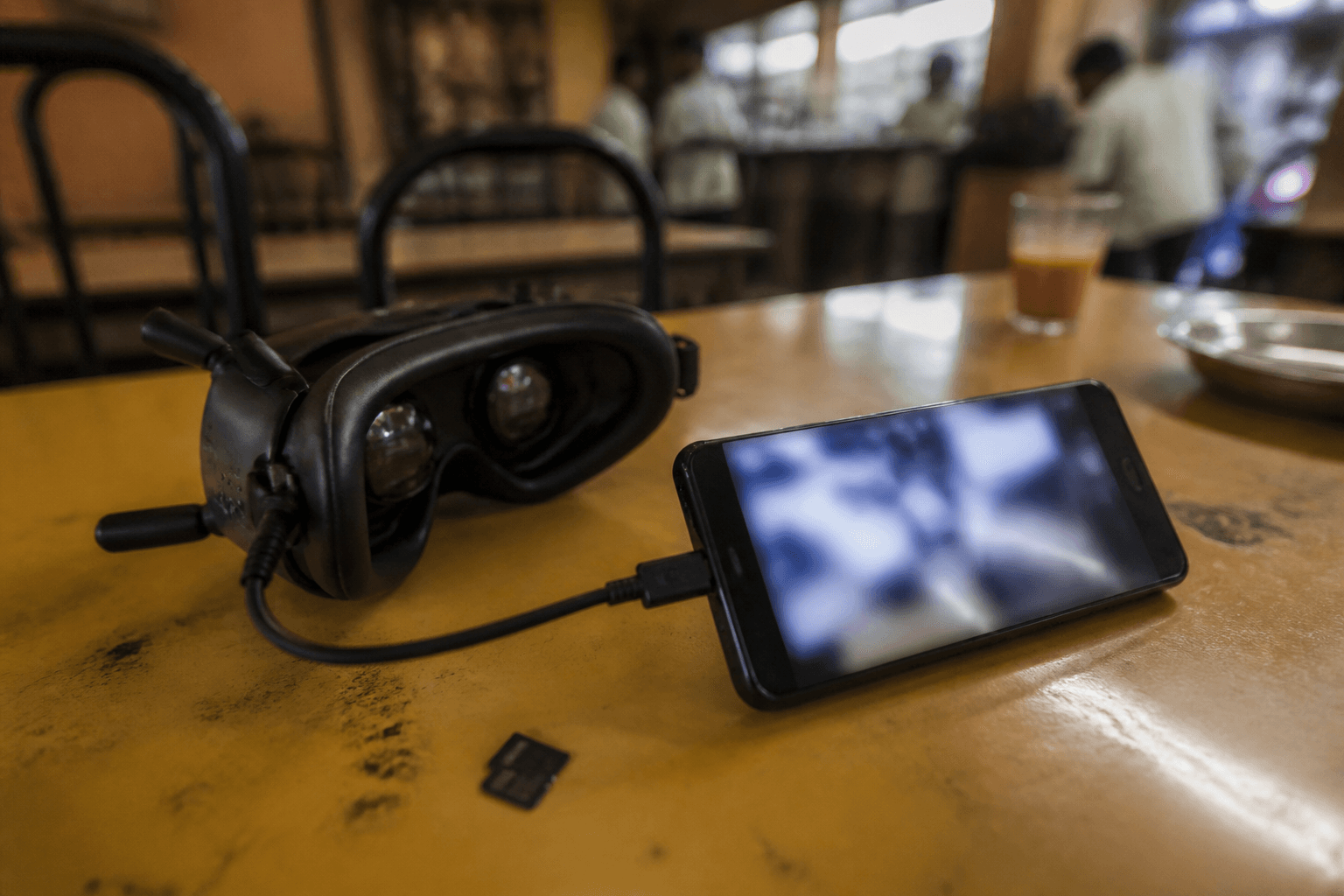
DVR, Wi-Fi download, and sharing footage

DVR in goggles and Wi-Fi vtx download changed post-flight workflow, both can eat time you wanted for flying. A little discipline turns footage into a bonus instead of a tax on every pack.
The goal is not maximum capture. It is keeper flights on disk without frying your phone in April sun or holding up the line while six pilots wait to plug in.
Goggle DVR: setup once
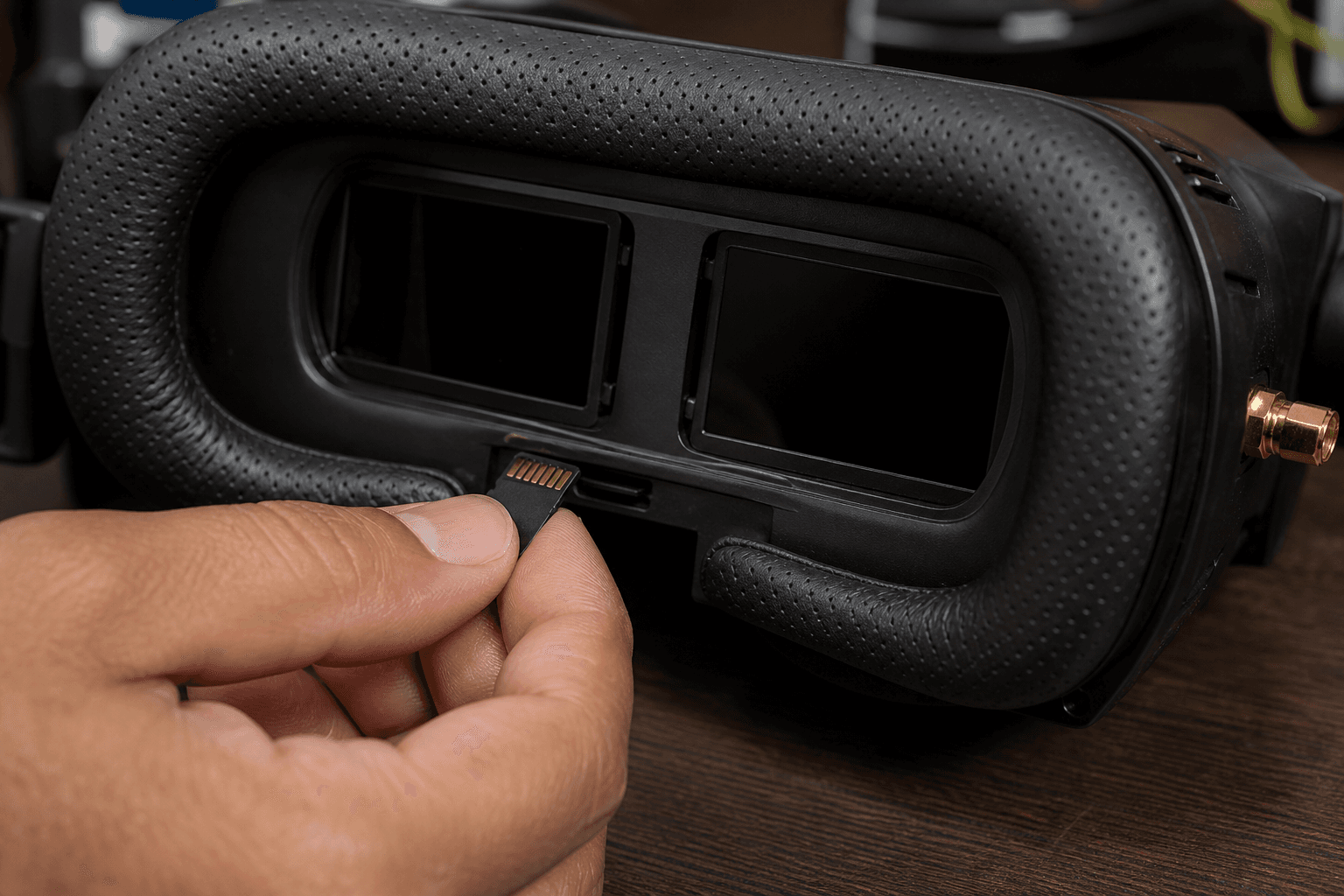
Analog and many HD goggles record what you see in the headset, the pilot's truth, including OSD if configured. See OSD essentials before you record unreadable clutter.
Baseline habits:
- Set resolution and frame rate once at home; verify rolling before first pack of the day
- Format cards at home on a clean desk, not in field dust
- Carry a spare microSD in field kit if DVR is important to your content
- Label cards, "goggle A" vs "backup" prevents overwrite panic
| Setting | Practical note |
|---|---|
| 720p / 60 | Often enough for social clips |
| 1080p | Larger files; slower card pulls |
| OSD in frame | Great for review; crop in edit for reels |
Common mistakes:
- Forgetting to arm DVR, some goggles need explicit record toggle
- Using a slow card, stuttered DVR looks like vtx jello
- Never reviewing until card is full, delete trash on card before transfer
Glasses pilots: Flying with glasses affects eye relief; DVR framing still matters for upload crop, black vignette edges may appear if goggle fit is loose.
Wi-Fi vtx / HD download
DJI O3, Walksnail Avatar vtx, and some HD goggles with Wi-Fi modules offer phone or laptop pull of onboard footage, higher quality than goggle DVR sometimes, slower always. HDZero is often goggle-DVR-first; vtx Wi-Fi download is not the default workflow there.
Workflow discipline:
- Download after session or during lunch, not between every pack
- Phone heat in Indian sun kills transfer speed, use shade and avoid direct dashboard baking
- Keep vtx firmware current per vendor, ecosystem guide for which stack you own
- Airplane mode on phone sometimes helps congested 2.4 GHz fields, know your spot
| When to pull on-site | When to wait |
|---|---|
| Need clip for same-day post | Full day flying ahead |
| vtx storage nearly full | Stable home Wi-Fi available |
| Club asks for incident review | Phone battery below 30% in heat |
Sharing workflow
1. Land, disarm, cool pack, LiPo first, content second
2. Pull only keeper flights, delete obvious trash on card
3. Trim in editor; loud music does not fix jello
4. Credit spot permissions if club asks
5. Back up before format
Review for learning: DVR with OSD helps tune sessions, throttle and voltage on screen beat guessing. Pair with blackbox reading for serious tune days, not every social clip.
Privacy: OSD may show home coordinates if GPS enabled, scrub before public upload if you fly near home.
Storage hygiene
Back up before you format. One drowned phone or corrupted card deletes a season. Cheap habit:
- Copy to laptop or cloud same evening
- Keep two copies until edit is exported
- Monsoon humidity, silica in card case
Analog vs HD content path
| Source | Best for | Friction |
|---|---|---|
| Goggle DVR | Quick shares, pilot POV | Card swap, one cable |
| HD vtx download | Higher quality air recording | App pairing, heat, time |
| Separate action cam | Cinematic b-roll | Not this article, extra gear |
If you chose HD for image, use the path that actually delivers, some pilots never download vtx files and wonder why Instagram looks soft.
Field day time budget
Flying time protected: 90% of session
Content pull: 10%, end of day or lunch block

If pull exceeds 10% regularly → simplify (DVR only, one download)
Fatigue ends flight days, standing in sun managing transfers while packs cool is how hobbies become chores.
Card and file hygiene
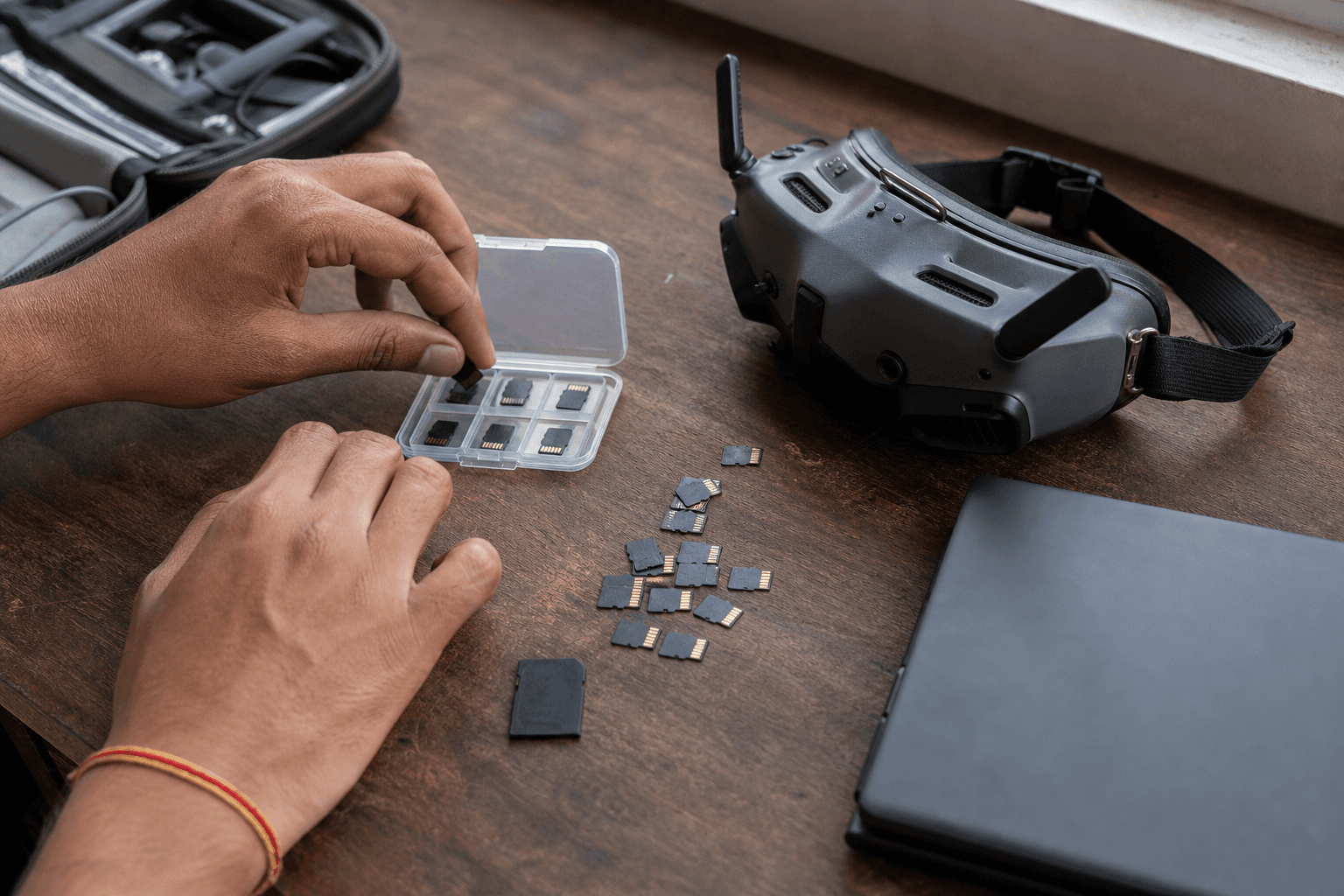
MicroSD cards fail quietly. Rotate between two cards weekly; if DVR stutters, format in-camera/goggle once, then replace card if issue persists. File naming from goggles is often useless, rename keeper clips same evening with spot and date (bando-2026-04-08-pack3) before you forget which flight was which.
For pilots sharing to Instagram or WhatsApp groups, export 1080p max unless you enjoy upload queues on patchy field data. Heavy grading on phone in heat throttles the device, edit at home with a fan on the laptop.
Learning from DVR without blackbox
Not every tune day needs blackbox. DVR with OSD visible shows throttle punches and voltage sag on the same timeline, enough to notice "I hold throttle too long into turns" before touching PIDs. Review one keeper and one crash per month; pattern recognition beats random PID copies from Discord.
Goggle purchase tie-in
Modular goggles with easy DVR access matter if you clip often, FPV goggles buyer's guide for form factor. HD vs analog for whether vtx download is in your future at all.
Analog vtx DVR vs onboard cam
Some analog builds still mount a separate action cam for cinematic b-roll while goggle DVR captures pilot POV. That is two workflows, charge both batteries, check both cards. Do not assume goggle DVR replaces a cam you never wired.
End-of-day transfer workflow
At field (10 min max):
1. Copy keeper clips only, delete obvious trash on card first
2. Phone in shade; airplane mode if 2.4 crowded
3. Note pack number in filename before you forget

At home (same evening):
4. Two copies, laptop + cloud or second drive
5. Trim longest clips; OSD crop for reels if needed
6. Scrub GPS coords if near home, privacy
7. Format card in device only after backup verified| Problem | Likely fix |
|---|---|
| DVR stutter | Faster card or lower resolution |
| Wi-Fi download slow | Shade phone, vtx cool, retry at home |
| Corrupted file | Rotate cards; retire suspect card |
| Huge files, slow upload | Export 1080p; edit on laptop not phone in heat |
| Jello in every clip | Mechanical tune first, not music in edit |
Content without killing flight time
Protect 90% flying / 10% content on crew days. If download habit steals packs, simplify to goggle DVR only until the next tune-focused month. Summer heat makes phone transfers miserable, batch at lunch or drive home.
DVR with OSD beats guessing why a line felt wrong. One keeper review per month builds skill without turning every session into post-production.
Discussion
Comments aren't open on this post yet. Share it with your build group, or start a thread on X.